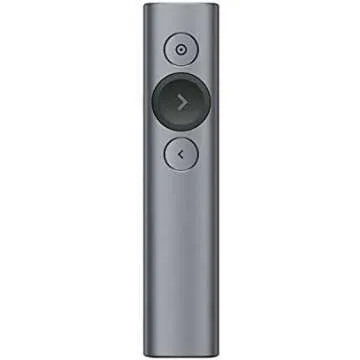
Introducing the revolutionary 2-in-1 USB Type-C
Presentation Clicker, your ultimate companion for
captivating presentations! This innovative device allows you to
take full control of your presentations with unmatched ease,
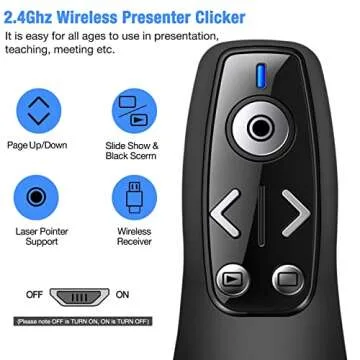
featuring intuitive buttons for volume control, window switching,
and slide navigation. Say goodbye to fumbling behind your laptop or
podium, and embrace a smoother presentation experience that keeps
both you and your audience engaged!
One of the standout features...
Show more Introducing the revolutionary 2-in-1 USB Type-C Presentation Clicker, your ultimate companion for captivating presentations! This innovative device allows you to take full control of your presentations with unmatched ease, featuring intuitive buttons for volume control, window switching, and slide navigation. Say goodbye to fumbling behind your laptop or podium, and embrace a smoother presentation experience that keeps both you and your audience engaged!
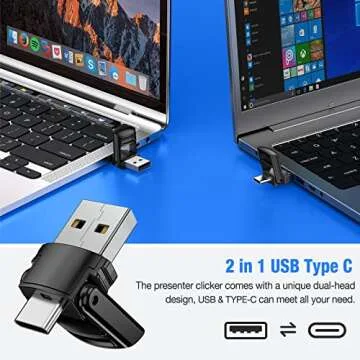
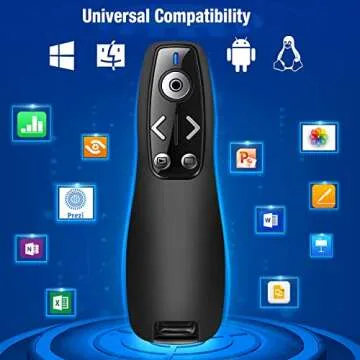
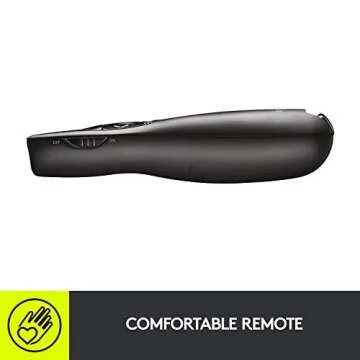
One of the standout features of this presentation pointer is its exceptional dual-head design, accommodating both USB and Type-C connections. This versatility means you can effortlessly switch between multiple devices such as Macs, laptops, and PCs without any hassle. Whether you are a professional, educator, or someone who frequently presents in various settings, this is the ideal tool for you. Plus, with its cleverly designed magnet, the bottom of the clicker ensures your USB dongle stays secure and ready for use whenever you need it!
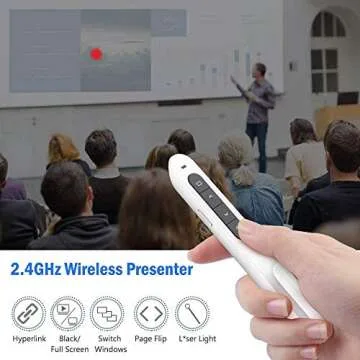
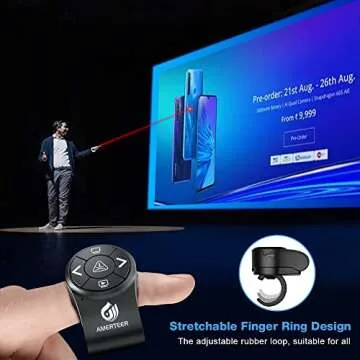
Illuminating your key points has never been easier, thanks to the bright red laser light that accompanies this clicker. No matter the backdrop, whether you're in a brightly lit conference room or a dimly lit classroom, your essential information will never go unnoticed. You'll be able to draw your audience's attention effectively and keep them engaged throughout your presentation!
With a long control range of up to 100 feet, you can finally engage with your audience without being physically tethered to your equipment. Imagine moving freely around the room, making personal connections, and confidently navigating your presentation content seamlessly! It’s all possible with this feature-rich presentation clicker.
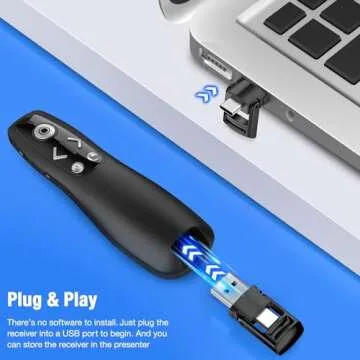
Simplicity is key with this product; just plug the 2.4 GHz receiver into your computer's USB port, and you are ready to begin your presentation. There's no additional setup or software installation required, making it user-friendly for individuals of all ages and tech skills. Designed with functionality in mind, this clicker is perfect for teaching, corporate presentations, or any situation where effective communication is essential.
Once you've wrapped up your presentation, storing the receiver inside the presenter ensures it's secure and ready for your next big event. So why wait? Step up your presentation game and captivate your audience with the 2-in-1 USB Type-C Presentation Clicker today!
Less














 Continue with Google