The Dell Thunderbolt Dock WD19TBS is your
all-in-one connectivity powerhouse that elevates the way you work.
Designed specifically for high-performance devices, this dock is
compatible with a variety of laptops, including the M1
MacBook Pro, Dell XPS, HP, and Lenovo, making it a
versatile addition to any workspace. With its advanced Thunderbolt
technology, you can enjoy fast power delivery of
130W, rapid data transfers, and seamless
audio-video output. This...
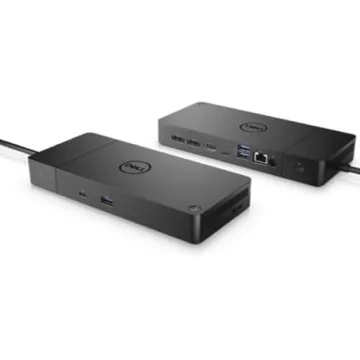
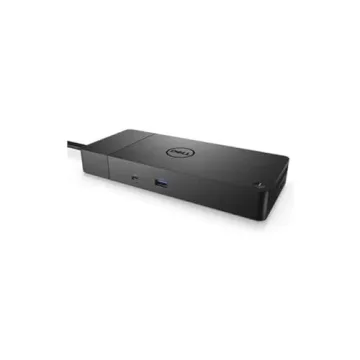
Show more The Dell Thunderbolt Dock WD19TBS is your all-in-one connectivity powerhouse that elevates the way you work. Designed specifically for high-performance devices, this dock is compatible with a variety of laptops, including the M1 MacBook Pro, Dell XPS, HP, and Lenovo, making it a versatile addition to any workspace. With its advanced Thunderbolt technology, you can enjoy fast power delivery of 130W, rapid data transfers, and seamless audio-video output. This ensures a clutter-free workspace that not only boosts productivity but also enhances your overall work experience.
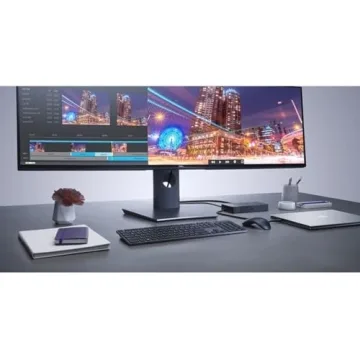
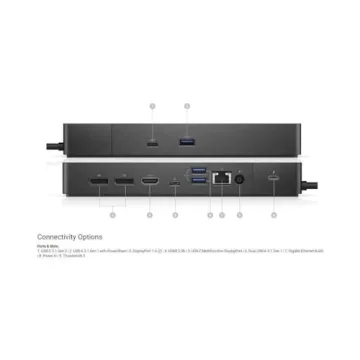
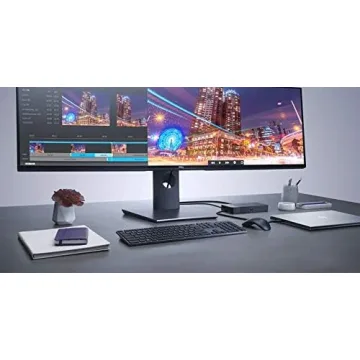
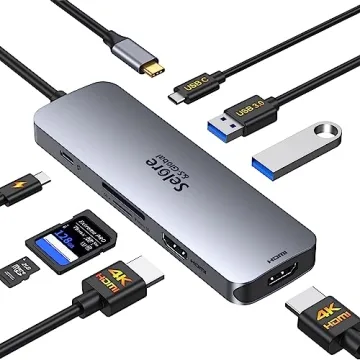
Imagine hooking up to three displays with ease—including the option of a single 5K monitor or dual 4K screens—without compromising performance. The WD19TBS is packed with numerous ports tailored for modern professionals, supporting a variety of peripherals such as mice, keyboards, and storage devices. Additionally, its flexible design allows for behind-monitor or under-desk placement, helping you maintain a clean and organized setup.
Experience enhanced security with features like MAC Address pass-thru, PXE Boot, and Wake-on-LAN options, catering to corporate needs for secure manageability. The Dock’s compatibility with the Dell Client Command Suite and Microsoft System Center Configuration Manager allows for effortless firmware updates, ensuring your device runs at peak performance without the hassle of rebooting.
Built to last, the Dell Thunderbolt Dock WD19TBS not only meets but exceeds the expectations of power users, embodying Dell's commitment to quality and superior performance. Whether you’re working from home or in a professional office environment, this dock is designed to empower your tasks and elevate your productivity.
Less


 Visit Brand Page












 Continue with Google