Introducing the ultimate fusion of convenience and excellence in
home office printing—the latest from Epson. With
its cutting-edge printing technology, this printer guarantees sharp
text and vibrant color graphics, making it perfect for all your
printing needs. Designed for efficiency and
user-friendliness, the printer features a color display that
enables effortless navigation. Setting it up is a breeze, thanks to
the Epson Smart Panel app, which allows...
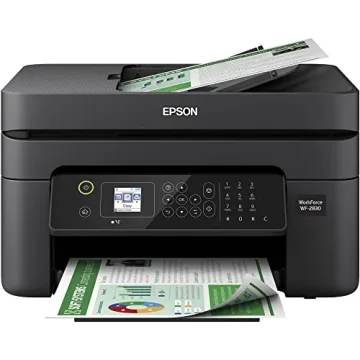
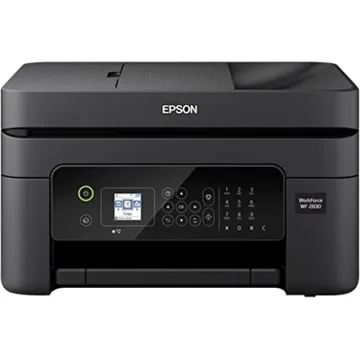
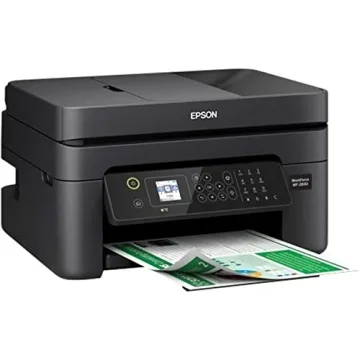
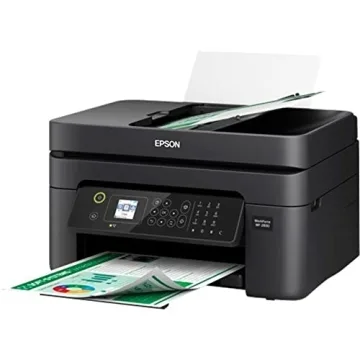
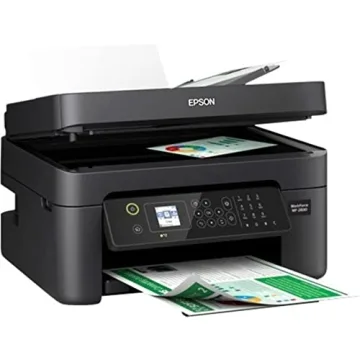
Show more Introducing the ultimate fusion of convenience and excellence in home office printing—the latest from Epson. With its cutting-edge printing technology, this printer guarantees sharp text and vibrant color graphics, making it perfect for all your printing needs. Designed for efficiency and user-friendliness, the printer features a color display that enables effortless navigation. Setting it up is a breeze, thanks to the Epson Smart Panel app, which allows you to install and operate it directly from your smartphone or tablet. You can now enjoy printing from anywhere in your home without the hassle of being tied down to a computer.
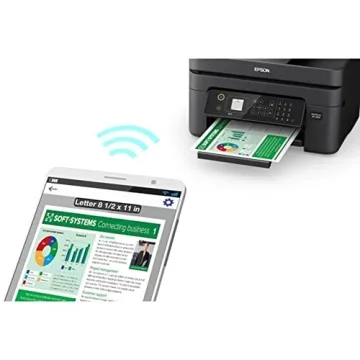
This printer stands out for its reliability, consistently delivering high-quality prints thanks to its innovative heat-free technology and a permanent printhead designed to last throughout the life of the device. With convenient wireless connectivity, it supports seamless printing from both Android and iOS devices, ensuring you can quickly print any document whenever you need it.
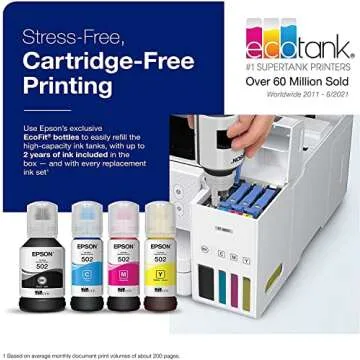
Worried about wasting paper? With its automatic 2-sided printing feature, this printer helps you save paper and reduce waste, which is both economical and eco-friendly. You only need to replace the ink you use, as it employs individual ink cartridges that are affordable and easy to manage, making color printing easy and inexpensive.
But that's not all! This printer offers hands-free, voice-activated printing, so you can submit print jobs using Alexa, Siri, or Google Assistant. The included Epson ScanSmart scanning software allows you to create searchable PDFs and enhances the printer's already versatile functionality. It’s worth noting that this printing system is designed exclusively for use with Epson Genuine Cartridges to maintain print quality and prevent any potential damage from non-genuine inks.
Less










 Continue with Google