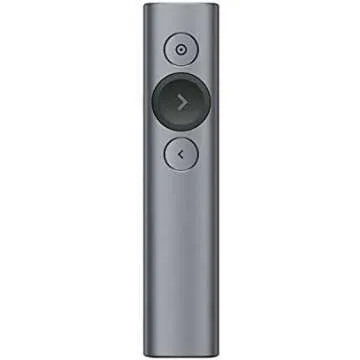
Introducing the Logitech Spotlight Presentation
Remote - your ultimate ally for seamless presentations.
This advanced presentation clicker transcends conventional laser
pointers with its innovative features, allowing you to highlight,
magnify, and engage audiences whether in-person, virtually, or in a
hybrid environment. Designed to enhance your presentations, the
Logitech Spotlight integrates effortlessly with the Logi Options+
App, giving you control that goes beyond simple clicking.
With...
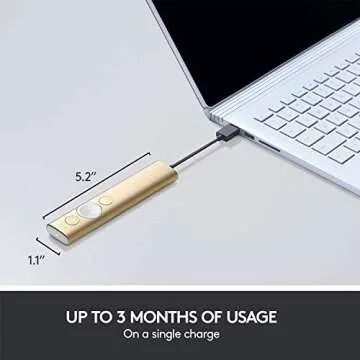
Show more Introducing the Logitech Spotlight Presentation Remote - your ultimate ally for seamless presentations. This advanced presentation clicker transcends conventional laser pointers with its innovative features, allowing you to highlight, magnify, and engage audiences whether in-person, virtually, or in a hybrid environment. Designed to enhance your presentations, the Logitech Spotlight integrates effortlessly with the Logi Options+ App, giving you control that goes beyond simple clicking. With a sleek gold finish, this remote not only looks sophisticated but also offers a range of capabilities to elevate your performance.
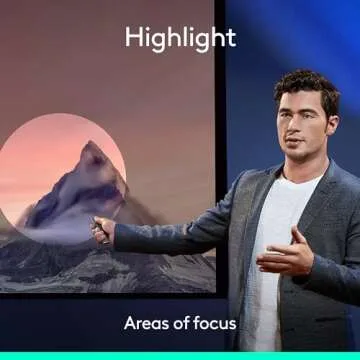
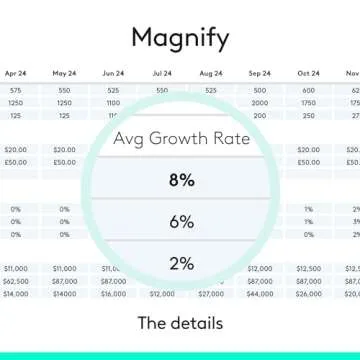
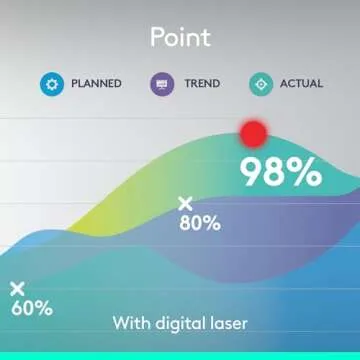
- Highlight And Magnify On Screen: Use dynamic digital highlighting to draw attention to specific areas of your presentation, making complex information easier to digest for your audience.
- Mouse-Like Cursor Control: Take full control of your presentation with mouse-like cursor capability. Play and pause videos, open links, and interact with your content like never before.
- Smart Time Management: Stay on target with customizable timing milestones through the Logi Options+ App. Receive vibration alerts on the remote to remind you when to wrap up your segments.
- Dual Connectivity: Connect via a USB receiver or low energy Bluetooth Smart from up to 30 meters away, allowing for optimal flexibility during your presentation.
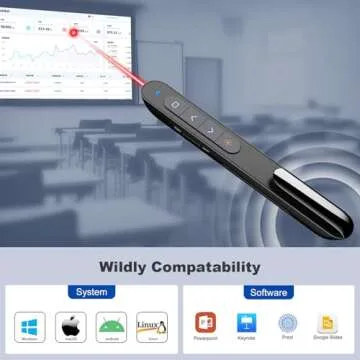
- Universal Compatibility: Works seamlessly with Windows, Mac OS, and popular presentation software including PowerPoint, Keynote, Google Slides, and Prezi.
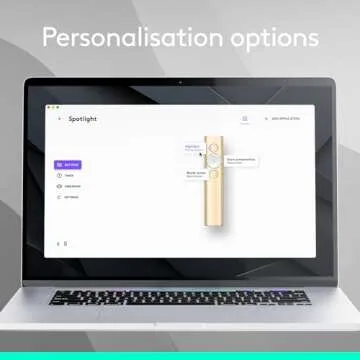
- Personalized Experience: Tailor the settings and effects to best suit your presentation style and needs using the Logi Options+ App.
Less














 Continue with Google