Experience seamless connectivity and optimize your workspace
with the Rosewill USB 2.0 Sharing Switch Box, a
must-have for anyone needing to connect and switch between up to
4 PCs with ease. This innovative device is
engineered to simplify your daily operations, allowing you to
effortlessly share peripherals such as printers, external drives,
and more. With its user-friendly design and
high-speed data transfer rates, this switch box is
tailored...
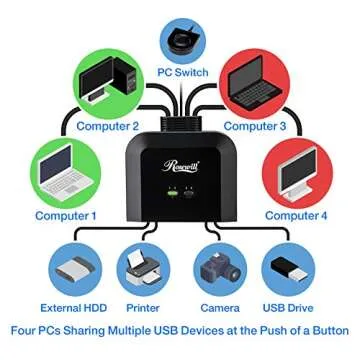
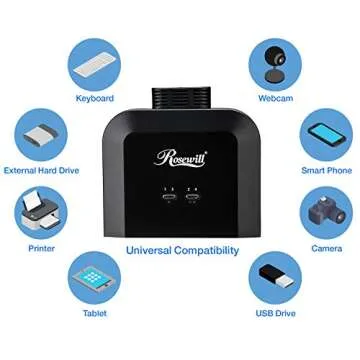
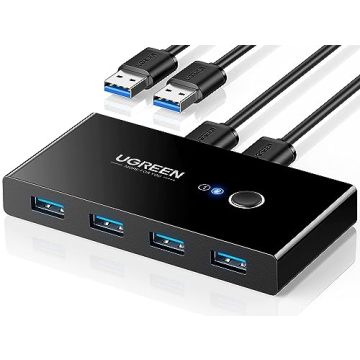
Show more Experience seamless connectivity and optimize your workspace with the Rosewill USB 2.0 Sharing Switch Box, a must-have for anyone needing to connect and switch between up to 4 PCs with ease. This innovative device is engineered to simplify your daily operations, allowing you to effortlessly share peripherals such as printers, external drives, and more. With its user-friendly design and high-speed data transfer rates, this switch box is tailored for both home office setups and busy work environments, providing a streamlined solution for multitaskers and tech enthusiasts alike.
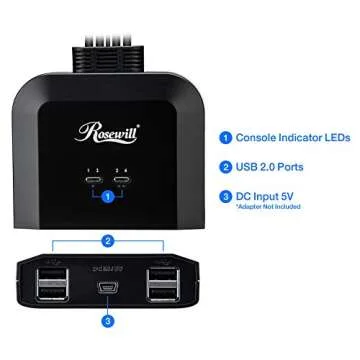
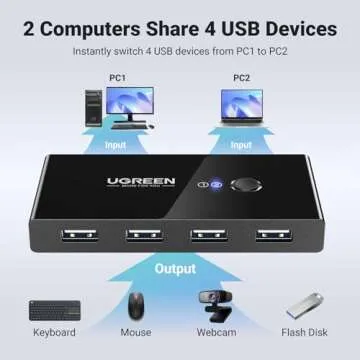
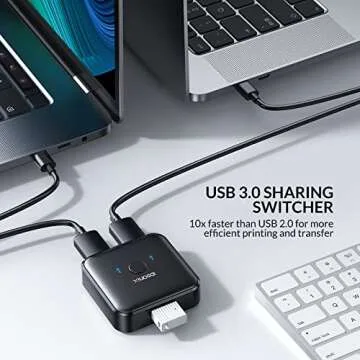
This versatile switch box is equipped with 4 USB 2.0 ports (USB Type-A Female), designed for hassle-free connection of your essential devices. It features corresponding USB 2.0 ports (USB Type-B Female) for up to 4 computers, which means you can manage your devices without the tangles and frustrations of constant cable switching. Thanks to the built-in LED indicator lights, you can easily identify which computer is currently connected, ensuring a seamless transition without the need for unnecessary unplugging and replugging.
Setup is incredibly straightforward with this device; the plug and play functionality requires no additional drivers, making it compatible with various operating systems including Windows (10/8.1/8/7/XP), Mac OS X, Linux, and Chrome OS. The 70-inch cable provides ample length to place the PC Select Controller conveniently on your desk, allowing you to switch between devices with a simple button press. Whether you have a laptop, desktop, or a combination of different computers, the Rosewill USB 2.0 Sharing Switch Box adapts to your needs efficiently.
The Rosewill USB Device Sharing Switch Box not only enhances productivity but also promotes an organized environment, transforming your workspace into a model of efficiency. This essential gadget is perfect for professionals aiming to maximize their working potential, tech enthusiasts who crave simplicity, or anyone looking to streamline their peripheral connections.
Less








 Continue with Google