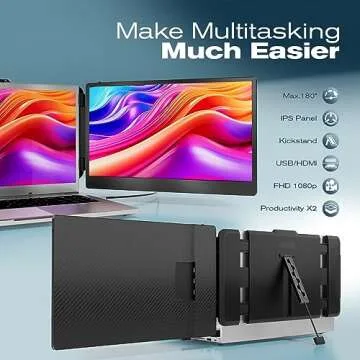
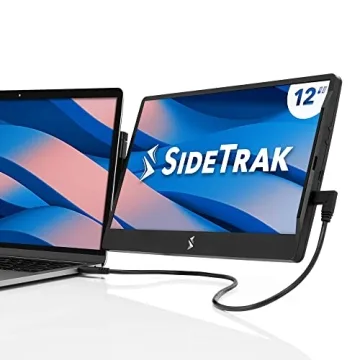
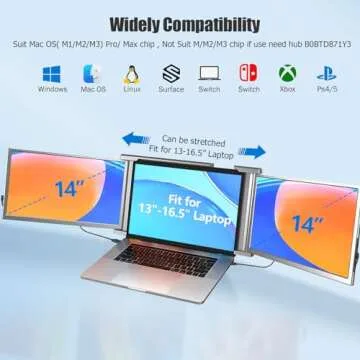
Introducing the SideTrak Solo Pro 13” Touchscreen
Portable Monitor – an innovative solution that
revolutionizes the way you multitask and enhances your productivity
on the go. Designed for those who demand flexibility and
performance, this 1080p LED display is a perfect combination of
style and capability, seamlessly connecting to your laptop via
USB-C or mini-HDMI. At a mere 1.6 lbs and only 0.5 inches thick,
it's one of the lightest and most portable monitors available,
ensuring that...
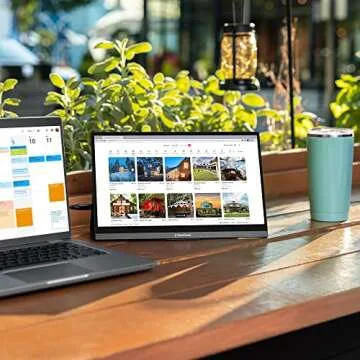
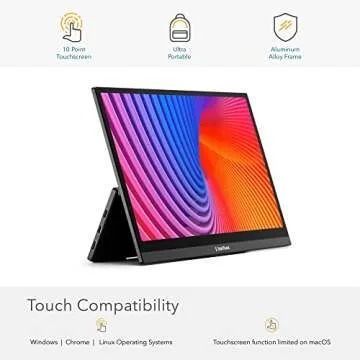
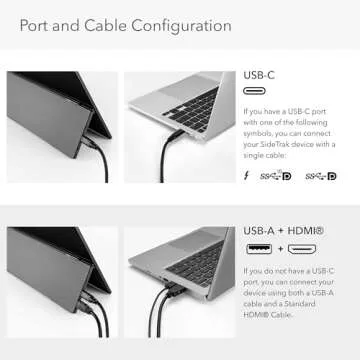
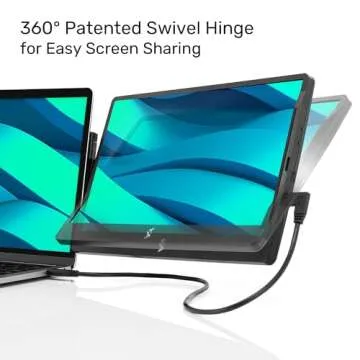
Show more Introducing the SideTrak Solo Pro 13” Touchscreen Portable Monitor – an innovative solution that revolutionizes the way you multitask and enhances your productivity on the go. Designed for those who demand flexibility and performance, this 1080p LED display is a perfect combination of style and capability, seamlessly connecting to your laptop via USB-C or mini-HDMI. At a mere 1.6 lbs and only 0.5 inches thick, it's one of the lightest and most portable monitors available, ensuring that you can take your work wherever life takes you. The added benefits of a touchscreen interface empower you to engage with your applications more dynamically, allowing for a smooth and intuitive user experience, although it’s worth noting that touchscreen functionality may be limited on macOS. Whether you're in a coffee shop or a conference room, the SideTrak Solo Pro is designed to fit your fast-paced lifestyle while delivering high-performance results.
Less








 Continue with Google