


The Best Note-Taking Tablets in 2026: Top Picks for Students, Professionals & Creatives
"Which Note-Taking Tablet is Best for You in 2026?"

With digital note-taking becoming more popular—expected to grow by 15% annually through 2027—choosing the right tablet can make a big difference in productivity. Whether you're a student, professional, or creative, the best note-taking tablets offer smooth handwriting, strong performance, and long battery life.
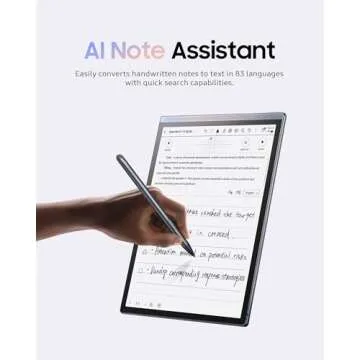
In 2026, tablet manufacturers will have pushed innovation further with better styluses, AI-powered handwriting recognition, and seamless cloud syncing. AI handwriting tools now offer real-time error correction, improved contextual predictions, and even the ability to convert complex handwritten equations into digital text, making note-taking more efficient than ever. But with so many options, which one is the best for you? Let’s break it down.
Best for a Distraction-Free Writing
Experience: reMarkable
Paper Pro
Best for Color E Ink &
Versatility: Boox Note Air3 C
Best for Amazon Ecosystem & Reading (2026): Kindle Scribe
Best for eBooks & Open Ecosystem 2026: Kobo Elipsa 2E
Best Tablet for Note Taking with Stylus (2026): Samsung Galaxy Tab S10+
Best Budget Option 2026: Apple iPad 10.9-inch (2022)
Best Tablet for OneNote (2026): Microsoft Surface Pro 9
Which
Tablet Is Best for You
Top
Brands
Top Note-Taking Tablets of 2026: Key Features & Who They're Best For
Check out our guide to the best styluses for tablets to enhance your note-taking experience.
1. Best for a Distraction-Free Writing Experience: reMarkable Paper Pro
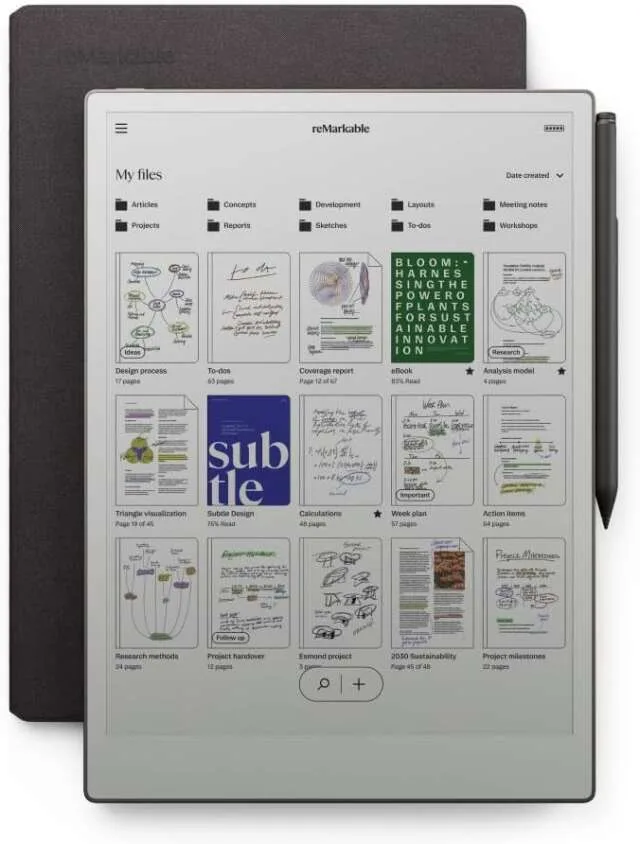
💰 Price: Starts at $599
🖊️ Stylus: reMarkable Marker Plus (sold
separately)
🔋 Battery Life: Up to 2 weeks
📱 OS: reMarkable OS
The reMarkable Paper Pro is a minimalist digital notepad designed for distraction-free note-taking. Its E Ink display mimics real paper, providing an ultra-responsive and natural writing experience with virtually no lag. With cloud sync, you can access your notes across devices, making it ideal for professionals and students who prefer a focused workflow.
✅ Pros:
✔️ Best-in-class paper-like feel
✔️ Ultra-thin, lightweight design
✔️ Long battery life
✔️ No distractions (no apps, no social media)
❌ Cons:
❌ Limited functionality (not a traditional tablet)
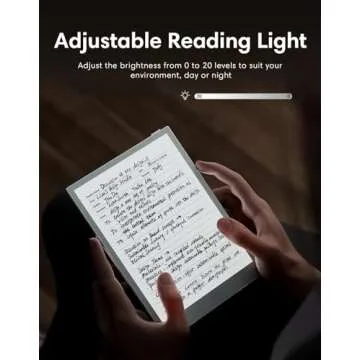
❌ No backlight for nighttime use
❌ Stylus sold separately
👤 Best for: Writers, professionals, and students who want a distraction-free, paper-like digital notebook.
2. Best for Color E Ink & Versatility: Boox Note Air3 C
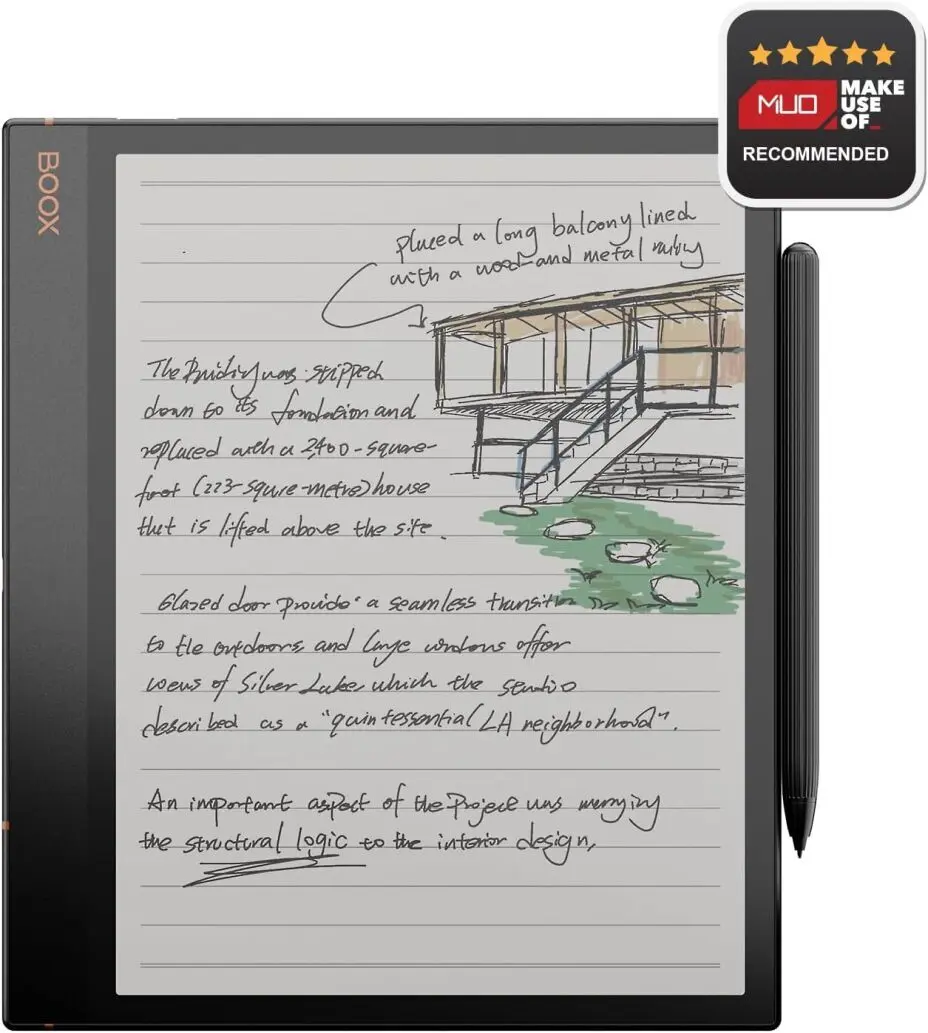
💰 Price: Starts at $499
🖊️ Stylus: BOOX Pen Plus (included)
🔋 Battery Life: Up to 4 weeks
📱 OS: Android 12 (customized for E Ink)
The Boox Note Air3 C is a versatile color E Ink tablet that blends the best of eReaders and digital notebooks. It features a color Kaleido 3 display, making it great for annotations, sketches, and reading comics or PDFs. With full Android app support, it offers flexibility that most e-ink devices lack.
✅ Pros:
✔️ Color E Ink display for richer visuals
✔️ Runs Android apps (Kindle, Evernote, etc.)
✔️ Lightweight yet premium build
✔️ Long battery life
❌ Cons:
❌ Slightly heavier than other e-ink tablets
❌ Color E Ink is not as vibrant as LCD screens
❌ No waterproofing
👤 Best for: Digital artists, students, and professionals who need color annotations and Android app support.
3. Best for Amazon Ecosystem & Reading (2026): Kindle Scribe
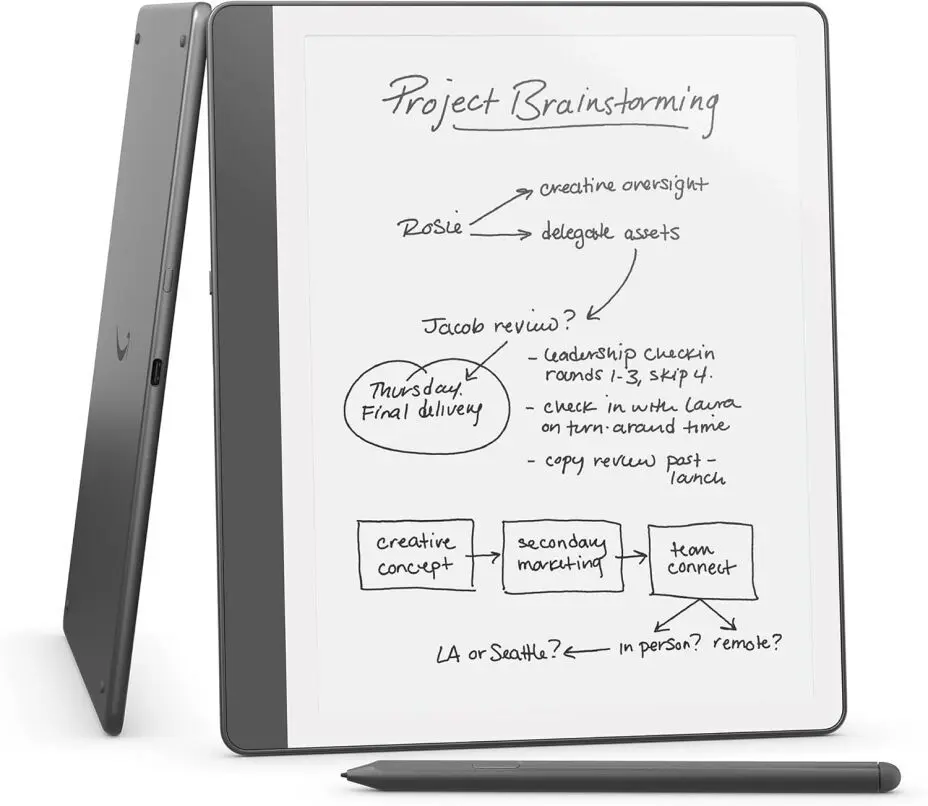
💰 Price: Starts at $339
🖊️ Stylus: Basic Pen (included) or Premium Pen
(with eraser & shortcut button)
🔋 Battery Life: Up to 12 weeks (reading) / 3
weeks (writing)
📱 OS: Kindle OS
The Kindle Scribe (2024) is Amazon’s first eReader with a built-in stylus, allowing users to annotate books, take handwritten notes, and create to-do lists. With a 10.2” Paperwhite display, it offers excellent readability and adjustable warm light for night reading. It’s perfect for those who want a premium reading and note-taking experience in one device.
✅ Pros:
✔️ Excellent battery life
✔️ Sharp 300 PPI Paperwhite display
✔️ Seamless Kindle library integration
✔️ Affordable compared to competitors
❌ Cons:
❌ No handwriting-to-text conversion
❌ Limited writing tools compared to other note-taking
tablets
❌ No app support (only Kindle ecosystem)
👤 Best for: Avid readers and note-takers who want an all-in-one Kindle and notebook experience.
4. Best for eBooks & Open Ecosystem 2026: Kobo Elipsa 2E
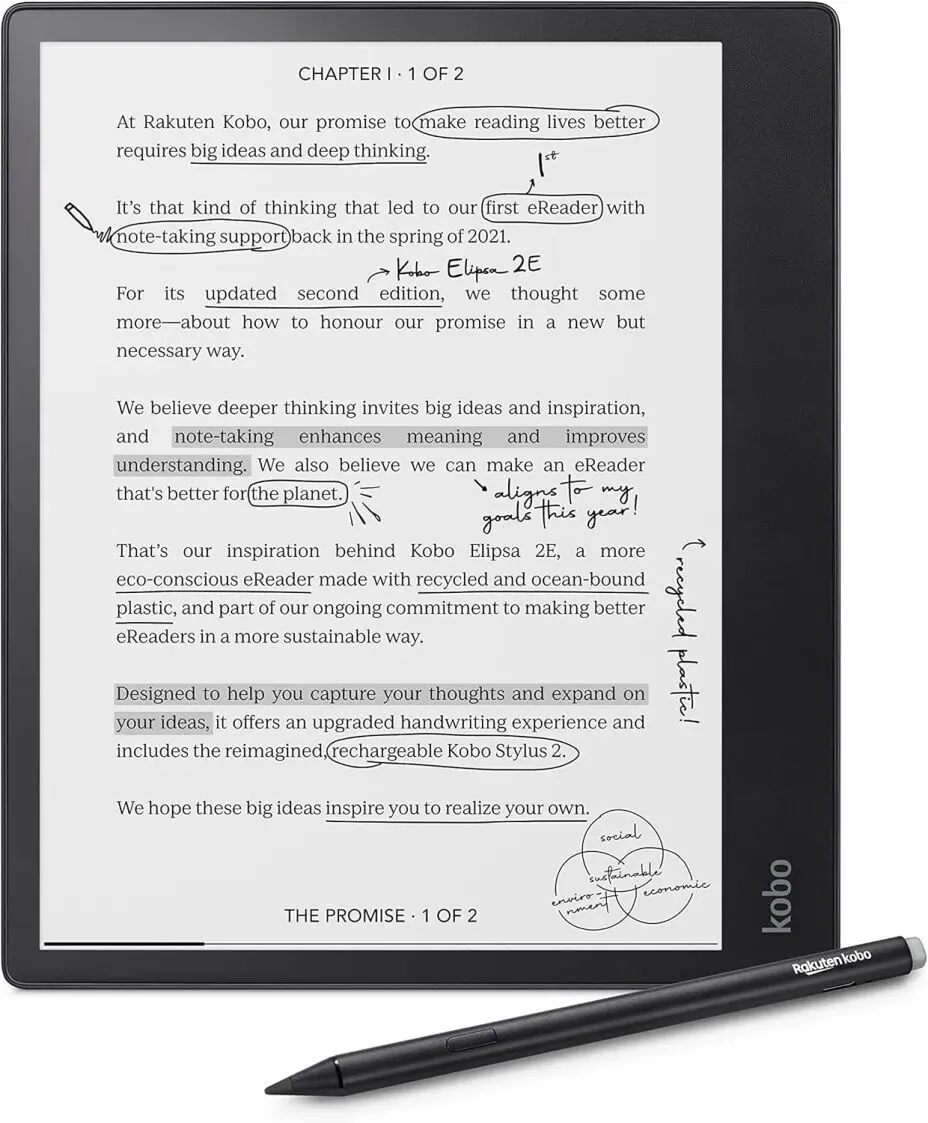
💰 Price: Starts at $399
🖊️ Stylus: Kobo Stylus 2 (included)
🔋 Battery Life: Up to 3 weeks
📱 OS: Kobo OS
The Kobo Elipsa 2E is a feature-packed eReader and note-taking device designed for those who want an open ecosystem with support for ePub, PDFs, and OverDrive library borrowing. Its 10.3” glare-free touchscreen and ComfortLight PRO technology ensure a comfortable reading experience in any lighting.
✅ Pros:
✔️ No restrictions—supports multiple eBook formats
✔️ Library-friendly (OverDrive integration)
✔️ Handwriting-to-text conversion
✔️ Includes stylus
❌ Cons:
❌ Less responsive than iPad or LCD tablets
❌ Not ideal for heavy PDF annotation
❌ Slower refresh rate compared to LCD screens
👤 Best for: Readers who want more flexibility than Kindle and need a solid note-taking experience with an included stylus.
5. Best Tablet for Note Taking with Stylus (2026): Samsung Galaxy Tab S10+
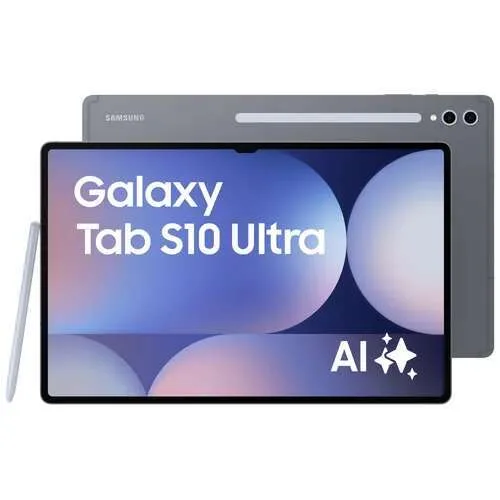
💰 Price: Starts at $1,199
🖊️ Stylus: S Pen (included)
🔋 Battery Life: Up to 14 hours
📱 OS: Android 14 (One UI)
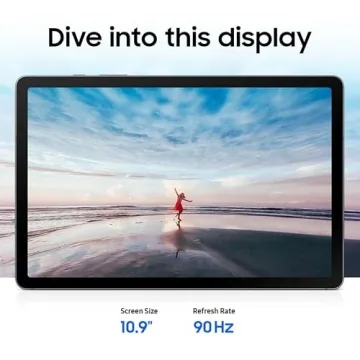
The Samsung Galaxy Tab S10+ is a powerhouse Android tablet with an OLED display, making it perfect for note-taking, sketching, and multitasking. The S Pen is included, offering ultra-low latency and a real pen-on-paper feel. With Samsung Notes, OneNote, and full Android app support, it’s a top-tier option for students and professionals alike.
✅ Pros:
✔️ Stunning OLED display with 120Hz refresh rate
✔️ Included S Pen with ultra-low latency
✔️ Multitasking-friendly (DeX mode)
✔️ Powerful Snapdragon chip for smooth performance
❌ Cons:
❌ Expensive
❌ Android tablets have fewer optimized apps than iPads
❌ Battery life drains faster with heavy use
👤 Best for: students, professionals, and creatives looking for the best Android note-taking and productivity experience.
6. Best Budget Option 2026: Apple iPad 10.9-inch (2022)
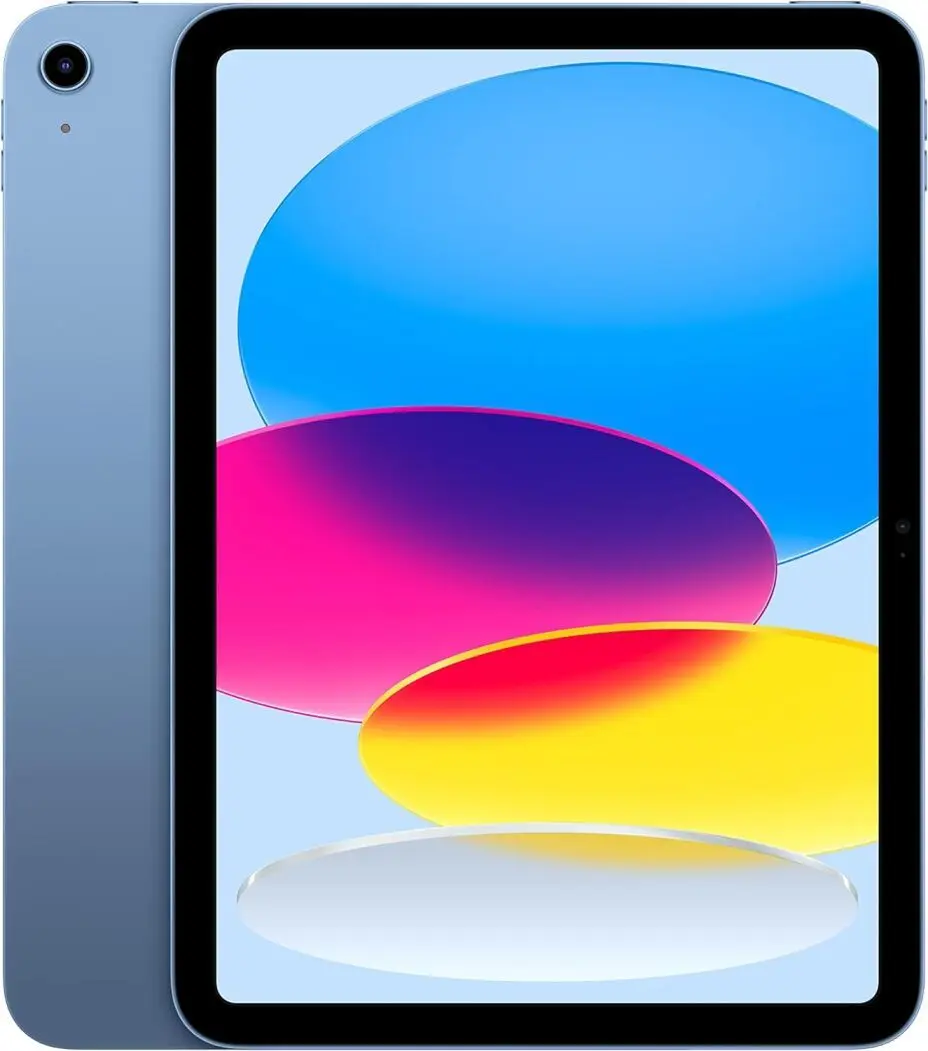
💰 Price: Starts at $449
🖊️ Stylus: Apple Pencil (1st Gen, sold
separately)
🔋 Battery Life: Up to 10 hours
📱 OS: iPadOS
The iPad 10.9-inch (2022) is the best budget-friendly tablet for Apple users who want solid performance without the premium price tag. With its A14 Bionic chip, vibrant Liquid Retina display, and iPadOS features, it’s perfect for students, casual users, and light productivity tasks. Whether you're streaming, browsing, or taking notes, this iPad delivers a smooth experience at an affordable price.
✅ Pros:
✔️ Great value for the price
✔️ Large 10.9-inch Liquid Retina display
✔️ iPadOS support for multitasking and Apple ecosystem
integration
✔️ Reliable A14 Bionic chip performance
❌ Cons:
❌ First-gen Apple Pencil requires an adapter to charge
❌ No ProMotion (refresh rate locked at 60Hz)
❌ Limited storage options
👤 Best for: students, casual users, and budget-conscious buyers looking for a reliable Apple tablet.
Best Tablet for OneNote (2026)
When it comes to using OneNote, having the right tablet can significantly enhance your experience. OneNote is a powerful note-taking app that syncs across devices, making it ideal for students and professionals who need to organize ideas and share them seamlessly. The best tablet for OneNote will provide a smooth writing experience, robust app support, and seamless integration with Microsoft’s ecosystem.
Microsoft Surface Pro 9
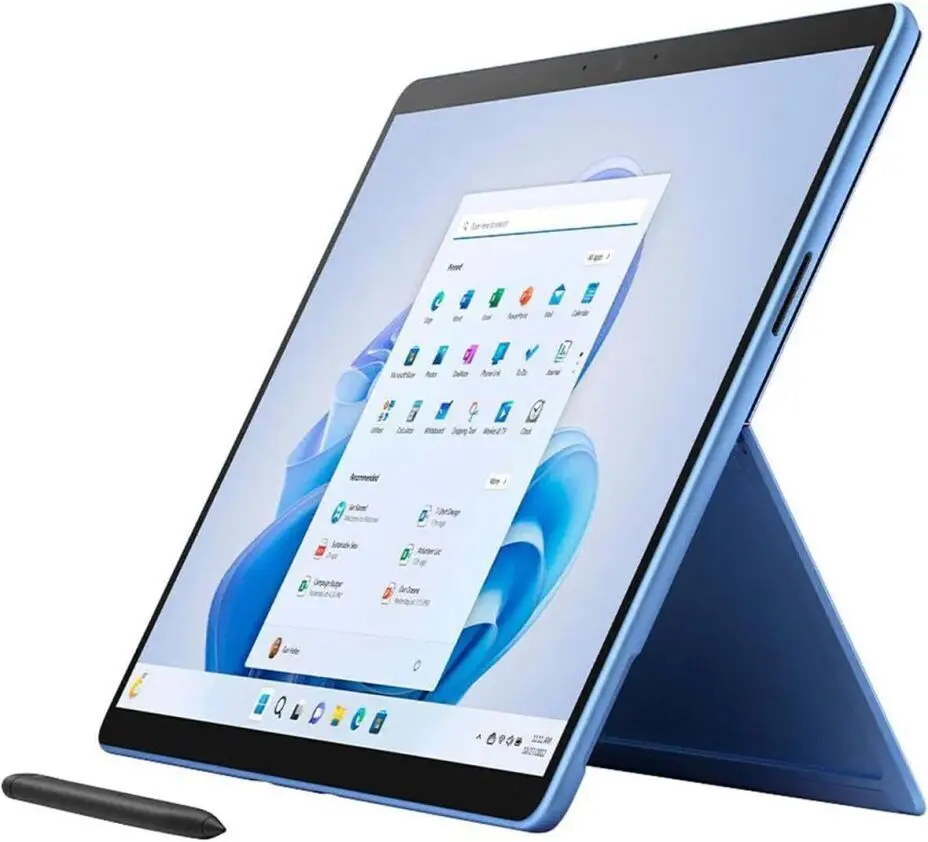
💰 Price: Starts at $999
🖊️ Stylus: Surface Slim Pen 2 (sold
separately)
🔋 Battery Life: Up to 10.5 hours
📱 OS: Windows 11
The Microsoft Surface Pro 9 is a versatile 2-in-1 device that combines the power of a laptop with the convenience of a tablet. With its 12th Gen Intel Core processors, high-resolution PixelSense Flow display, and Windows 11, it’s designed for professionals, students, and creatives who need a reliable and portable device. Whether you're working on projects, streaming content, or drawing on the go, the Surface Pro 9 offers solid performance and flexibility.
✅ Pros:
✔️ Excellent performance with 12th Gen Intel Core
processors
✔️ Stunning 13-inch PixelSense Flow display with 120Hz refresh
rate
✔️ Lightweight and portable design
✔️ Multiple connectivity options including Thunderbolt 4
❌ Cons:
❌ Price can get high with upgraded configurations
❌ Surface Pen and keyboard sold separately
❌ Limited ports (only 2 USB-C)
👤 Best for: Professionals, students, and creatives who need a powerful and portable 2-in-1 device for work, school, or entertainment.
Which Tablet Is Right for You?
| Tablet | Best For | Price | Stylus Included? | Battery Life | OS |
|---|---|---|---|---|---|
| reMarkable Paper Pro | Distraction-free writing | $599+ | ❌ No (Marker Plus sold separately) | Up to 2 weeks | reMarkable OS |
| Boox Note Air3 C | Color E Ink & versatility | $499+ | ✅ Yes (BOOX Pen Plus included) | Up to 4 weeks | Android 12 |
| Kindle Scribe (2024) | Amazon ecosystem & reading | $339+ | ✅ Yes (Basic Pen included) | Up to 12 weeks (reading) / 3 weeks (writing) | Kindle OS |
| Kobo Elipsa 2E | eBooks & open ecosystem | $399+ | ✅ Yes (Kobo Stylus 2 included) | Up to 3 weeks | Kobo OS |
| Samsung Galaxy Tab S10+ | Power & productivity | $1,199+ | ✅ Yes (S Pen included) | Up to 14 hours | Android 14 |
| Apple iPad 10.9-inch (2022) | Budget-friendly Apple option | $449+ | ❌ No (Apple Pencil 1st Gen sold separately) | Up to 10 hours | iPadOS |
What Makes the Best Note-Taking Tablet?
Key Features of the Best Note-Taking Tablets
The best note-taking tablets in 2026 have several key features to enhance the note-taking experience:
- Responsive Stylus Support – Look for tablets with stylus support offering low-latency and precision.
- High-Quality Display – A 120Hz refresh rate and OLED or E Ink displays provide smooth writing and excellent visibility.
- App Compatibility – Ensure compatibility with popular note-taking apps like OneNote, Evernote, or Notion.
- Battery Life – A long-lasting battery is essential, with many top models lasting up to 12 hours or more.
- Portability – Lightweight and slim designs make the tablets easier to carry and use throughout the day.
Top Brands for Note-Taking Tablets
Apple offers premium tablets with a smooth stylus experience, powerful performance, and seamless app integration, ideal for students and professionals.
Samsung provides high-quality S Pen support, responsive displays, and multitasking features, making its Android tablets great for flexibility and creativity.
reMarkable focuses on distraction-free, paper-like writing with an E Ink display, perfect for users who prefer a minimalist, app-free note-taking experience.
Each brand caters to different needs, from high-performance multitasking to focused, paper-like writing.
Final Verdict: The Best Note-Taking Tablet for You
- If you want distraction-free writing: reMarkable Paper Pro
- If you need color E Ink & versatility: Boox Note Air3 C
- If you're an avid reader & note-taker: Kindle Scribe (2024)
- If you want an open eBook ecosystem: Kobo Elipsa 2E
- If you need power & productivity: Samsung Galaxy Tab S10+
- If you're on a budget: Apple iPad 10.9-inch (2022)
Each tablet offers something unique, so your choice depends on your needs, ecosystem, and budget.
🚀 Which one sounds like the perfect fit for your note-taking
needs? Let me know in the comments! Share your experiences and
preferences to help others make the best choice.
FAQ
❓ Which is the best tablet for note-taking in 2026?
❓ What’s the best budget note-taking tablet?
❓ Which tablet feels most like writing on paper?
❓ Can I use OneNote or Evernote on these tablets?
❓ Which tablet is best for reading and annotating eBooks?
❓ What is the best tablet for students?
❓ Which tablet has the longest battery life for note-taking?
❓ Do all tablets come with a stylus?
❓ Which is better for digital artists: iPad or Boox Note Air3 C?
❓ What’s the best all-around note-taking tablet in 2026?







 Continue with Google
Reviews