


Best Tablets for Reading in 2026: Which is the Best Tablet for Reading Books?
"Tablet is Best for Reading in 2026?"

In 2026, the best tablets for reading go beyond just e-ink displays—they offer immersive reading experiences with advanced features like ultra-long battery life, color e-ink displays, and AI-driven recommendations. If you’ve been wondering which is the best tablet for reading books, we’ve got you covered. In this article, we’ll explore the top reading tablets to help you make the perfect choice for your needs.
Now, let's break down the best tablets for reading in 2026, showcasing the top options that provide the most comfortable and immersive reading experience., whether you're a casual reader, a student, or a professional.
Quick Picks
Best for Amazon Ecosystem Users : Amazon Kindle Scribe
Best Tablet for Reading PDFs: Onyx Boox Tab Ultra C
Best Tablet for Reading Books: Kobo Libra Colour
Best Tablet for Audio Books: Apple iPad Mini
Best Tablets for Reading in 2026: Top Picks
Here are the top devices that offer the best reading experience, categorized by who they're best for and their standout features.
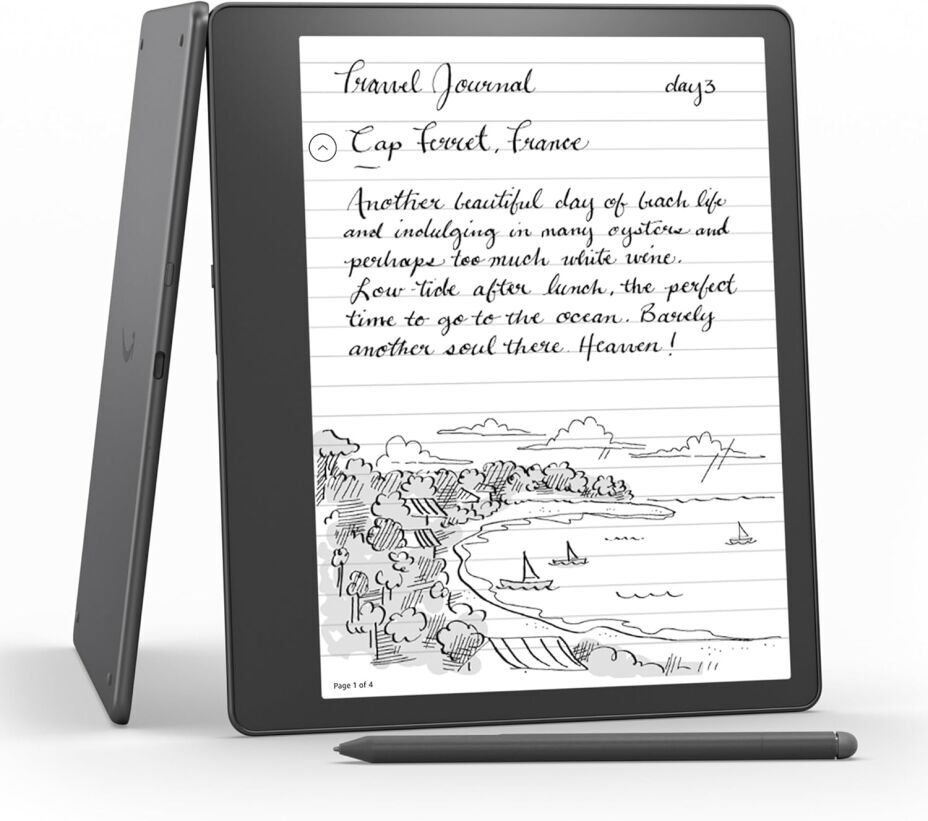
1. Best for Amazon Ecosystem Users: Amazon Kindle Scribe
✅ Ideal for: Kindle lovers, Amazon Prime
subscribers, note-takers
💰 Price Range: $350-$400
📚 Key Features:
- 10.2-inch e-ink display (Paperwhite Plus tech for ultra-clear text)
- Built-in stylus for note-taking
- Seamless Amazon integration (Kindle Store, Audible)
- Battery life: up to 3 months on a single charge
Why it’s great: The Kindle Scribe 2 brings paper-like writing and reading in one package. If you're deep in Amazon’s ecosystem and love Kindle Unlimited or Audible, this is a no-brainer.
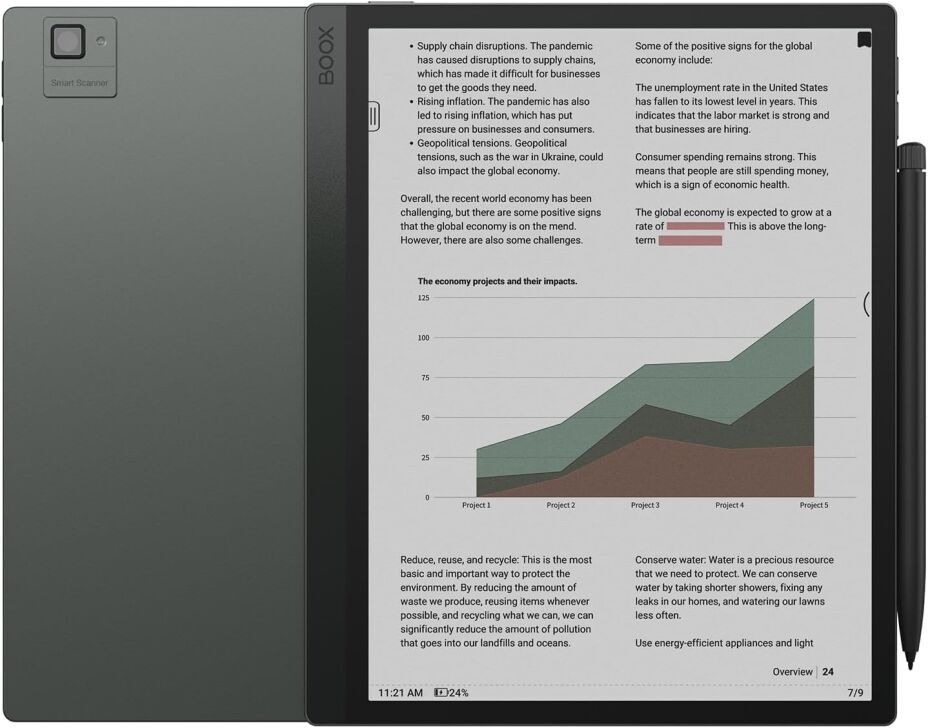
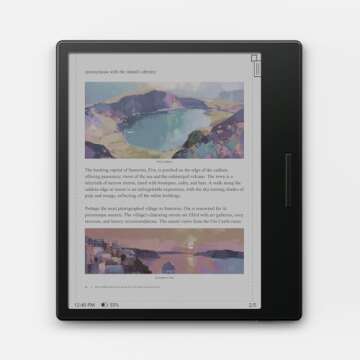
2. Best Tablets for Reading PDFs and E-Books in 2026: Onyx Boox Tab Ultra C
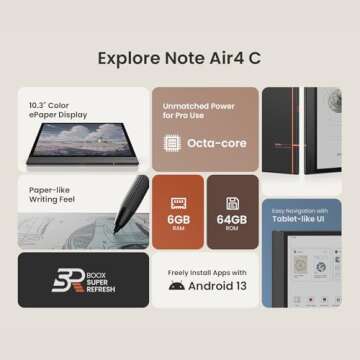
If you're an avid reader of PDFs, you'll want a tablet with a larger screen and high resolution to accommodate detailed layouts. Tablets like the Onyx Boox Tab Ultra C stand out for reading PDFs, offering a large 10.3-inch display with great resolution, fast refresh rates, and full Android OS for added functionality. This makes it the perfect option for professionals and students who need to work with documents on the go.
✅ Ideal for: Professionals, researchers, color
readers
💰 Price Range: $600 – $700
📚 Key Features:
- 10.3-inch color e-ink display (great for PDFs, magazines, and comics)
- Full Android OS with Google Play
- Fast refresh rates for smoother scrolling
- Stylus support for handwritten notes and sketches
Why it’s great: If you need a reading tablet that also works as a productivity tool, this one’s for you. It’s one of the few e-ink devices that runs full Android, letting you use apps like Kindle, Kobo, and Evernote.
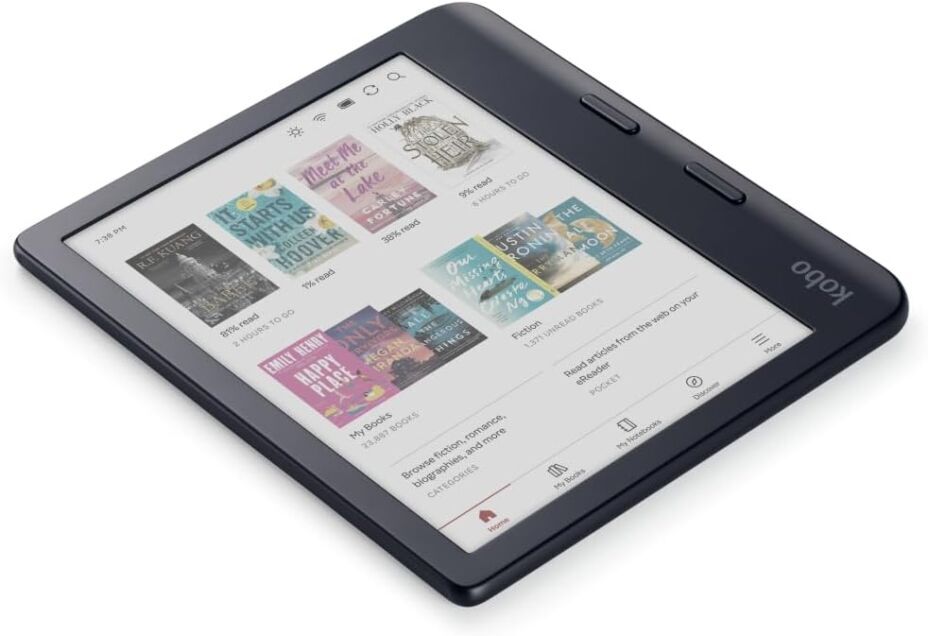
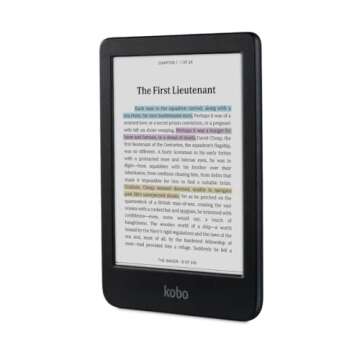
3. What Is the Best Tablet for Reading Books in 2026? Kobo Libra Colour
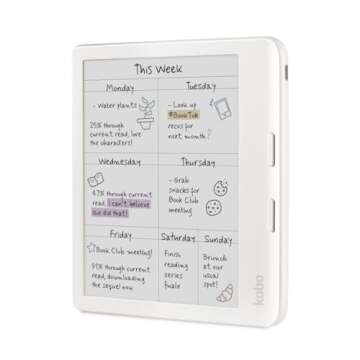
When choosing the best tablet for reading books, consider the display type. Tablets with e-ink screens, like the Kindle Scribe, provide a paper-like reading experience that reduces eye strain, making them perfect for long reading sessions. If you enjoy colorful graphics or comics, consider tablets with color e-ink displays, like the Kobo Libra Colour, which enhances visual content while still providing that comfortable, paper-like reading feel.
✅ Ideal for: Library users, color magazine
readers
💰 Price Range: $250-$300
📚 Key Features:
- 7-inch color e-ink display (great for graphic novels)
- OverDrive support for borrowing e-books from libraries
- Water-resistant IPX8 rating (perfect for reading in the bath)
- Page-turn buttons for easy one-handed use
Why it’s great: Unlike Kindle, Kobo lets you borrow free e-books from public libraries. The new color display makes it even better for reading illustrated books, manga, and PDFs.
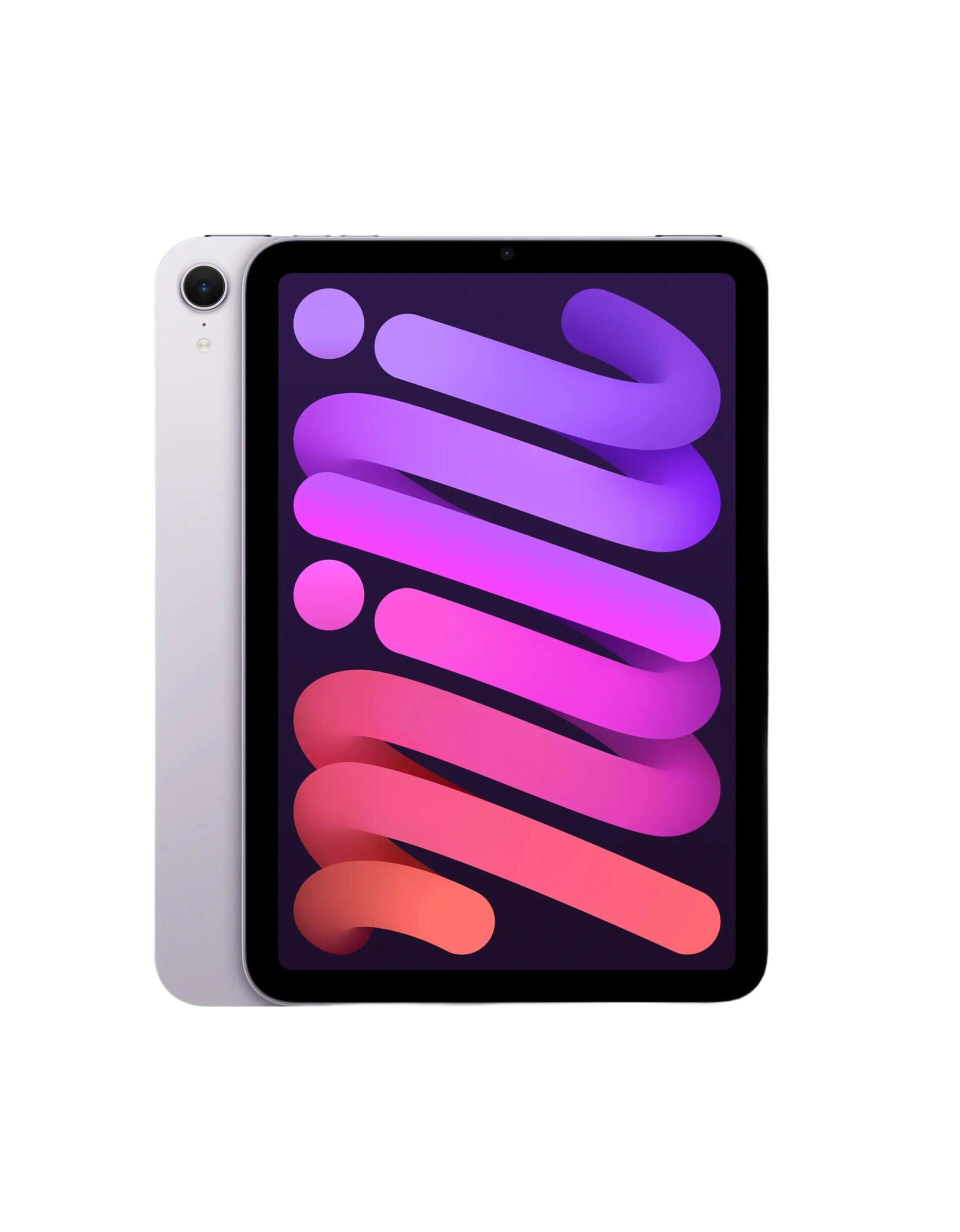
4. Best Tablets for Audio Books: Seamless Experience for Listening and Reading: Apple iPad Mini
For those who love audiobooks, a tablet with excellent Bluetooth support and high-quality speakers is essential. The Apple iPad Mini 7 is an excellent choice, as it offers seamless integration with Apple Books and Audible, providing high-quality sound and pairing perfectly with AirPods. It's not just for reading—its multitasking capabilities also make it a great device for entertainment and productivity.
✅ Ideal for: Those who want a compact yet powerful tablet for reading, productivity, and entertainment.
💰 Price Range: $499–$799
📚 Key Features:
- 8.3-inch Liquid Retina Display for sharp, vibrant visuals
- Supports Apple Books, Kindle, and audiobooks (great with AirPods)
- A15 Bionic Chip for smooth multitasking
- Apple Pencil (2nd Gen) support for note-taking and drawing
Why it’s great: More than an e-reader, the iPad Mini is perfect for reading, emails, video, and gaming—all in a portable size.
If you’re buying for students, also see: Best tablets for note-taking and studying
Need accessories for reading comfort? Best tablet stands and reading lights
How to Choose the Best Tablet for Reading in 2026
Best Tablets for Reading PDFs
If you frequently read PDFs, you'll want a tablet with a large screen, high resolution, and fast refresh rates to handle complex layouts. Models like the Onyx Boox Tab Ultra C are perfect for this purpose.
Best E-Readers for Audiobooks
If audiobooks are a priority, go for a tablet with excellent Bluetooth support and high-quality speakers. The Apple iPad Mini 7 is ideal for audiobook lovers, as it pairs seamlessly with Apple Books and Audible.
Best Tablets for Comics and Magazines
For readers who enjoy graphic novels and color-rich content, a color e-ink display is a must. The Kobo Libra Colour and Onyx Boox Tab Ultra C provide stunning color accuracy for vibrant reading experiences.
Best Tablets for Note-Taking and Research
Students and researchers need a tablet with stylus support and handwriting recognition. The Kindle Scribe 2 and Remarkable 3 offer the best paper-like writing experience, making them great for digital note-taking. Not sure which one to get? Here are the key things to consider:
1. Screen Type (E-ink vs. LCD)
- E-ink (like Kindle, Kobo, Onyx) → Best for long reading sessions, paper-like feel, zero eye strain.
- LCD (like iPad Mini) → Best for versatility, full-color experience, but harsher on the eyes.
2. Color vs. Black & White
- Black & white e-ink → Great for novels, distraction-free reading.
- Color e-ink → Great for comics, magazines, and illustrations.
3. Battery Life
- E-ink readers last weeks to months.
- LCD tablets like iPads last 1-2 days.
4. Ecosystem & Apps
- Amazon Kindle → Best for Amazon users.
- Kobo → Best for library e-book borrowing.
- Onyx Boox & Remarkable → Best for PDFs, note-taking, and Android apps.
Comparison Table: Best Reading Tablets of 2026
| Tablet | Screen | Color? | Battery Life | Notable Features | Price |
|---|---|---|---|---|---|
| Kindle Scribe 2 | 10.2” e-ink | No | Up to 3 months | Best for Kindle, note-taking | $350 – $400 |
| Onyx Boox Tab Ultra C | 10.3” e-ink | Yes | 2+ weeks | Android OS, stylus support | $600 – $700 |
| Kobo Libra Colour | 7” e-ink | Yes | Up to 2 months | Library borrowing, water-resistant | $250 – $300 |
| iPad Mini 7 | 8.3” LCD | Yes | 1-2 days | Best for audiobooks, multitasking | $500 – $600 |
Final Thoughts
No matter what kind of reader you are, there’s a perfect
reading tablet for you in 2026. Which one are you
considering? Let me know!
FAQ
❓ Which tablet is best for reading PDFs?
❓ What is the best tablet for audiobooks?
❓ Are color e-ink tablets worth it?








 Continue with Google
Reviews