


Top 5 Tablets for Students 2026: Best 5 Picks & Features
"Which Tablet Is Best for Your Studies in 2026?"

Tablets have become essential tools for students, offering the perfect blend of portability, performance, and versatility. In 2026, student-friendly tablets are more powerful than ever, featuring longer battery life, enhanced stylus support, AI-powered study tools, and seamless integration with cloud services. Whether you need a tablet for note-taking, digital art, coding, or general productivity, there’s a model suited for you. Affordable Tablets for Students Of 2026
Best Overall
: Apple iPad Air (M2)
Best Bigger
Screen, More Power :
Samsung Galaxy Tab S9 FE+
Best for College &
Productivity : Microsoft
Surface Pro 10
Best for Power Users &
Portability : Apple iPad
Pro (11-Inch, M4)
Best Budget Tablet for
Students : Lenovo Tab
P12
How to Choose the Best Tablet
Top Tablets for Students in 2026
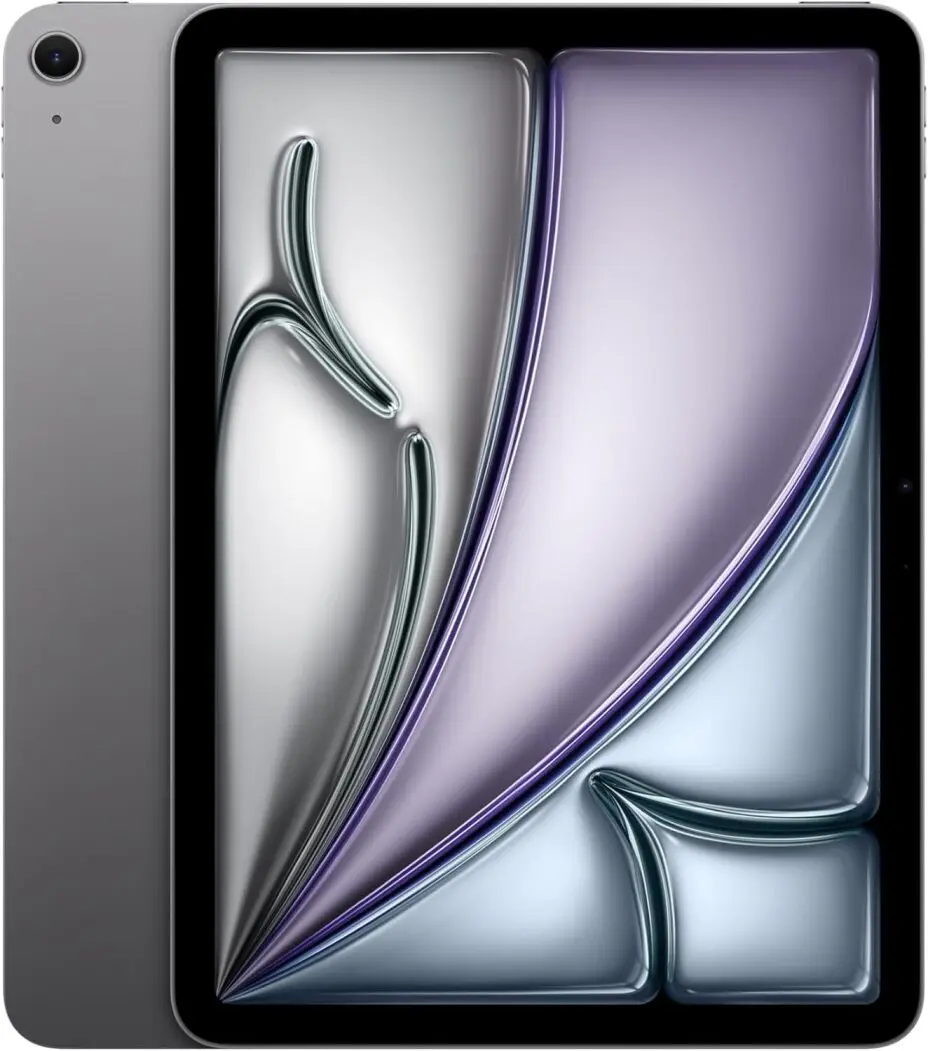
1. Best Overall: Apple iPad Air (M2)
⭐ Ideal for: Most students, especially those in creative
fields
💰 Price Range: $599 - $749
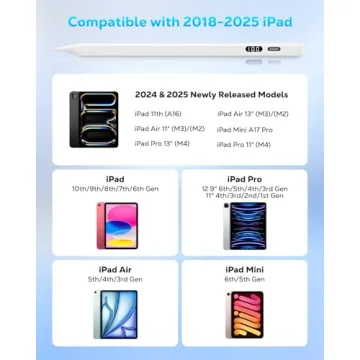
The iPad Air M2 strikes the perfect balance between affordability and performance. Equipped with Apple’s powerful M2 chip, it handles multitasking, note-taking, and even light video editing effortlessly. The Apple Pencil 2 and Magic Keyboard make it a fantastic alternative to a laptop.
✅ Pros:
- M2 chip for excellent performance
- Compatible with Apple Pencil 2 & Magic Keyboard
- Lightweight and portable
- iPadOS 18 with AI-powered study tools
❌ Cons:
- Accessories sold separately
- No ProMotion (limited to 60Hz refresh rate)
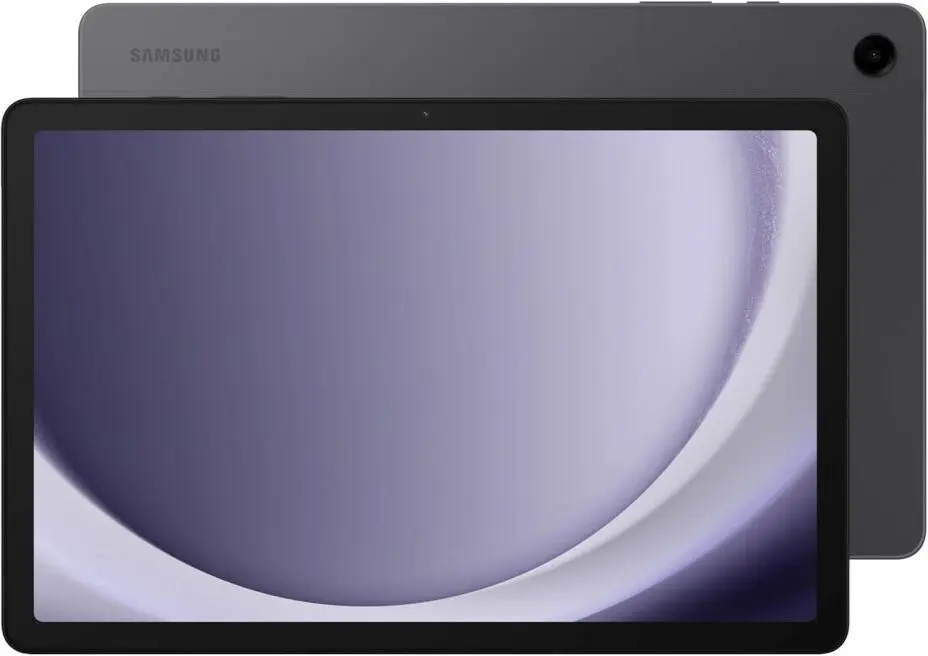
2.The Best Bigger Screen, More Power Samsung Galaxy Tab S9 FE+
⭐ Ideal for: Students & professionals who
need a larger display and smooth multitasking
💰 Price Range: $550 - $700
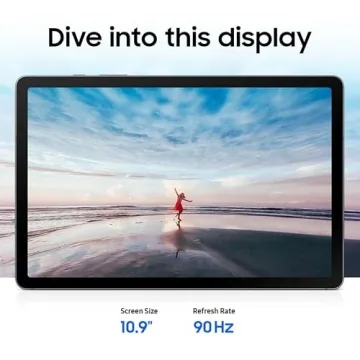
The Samsung Galaxy Tab S9 FE+ features a 12.4-inch LCD display, a powerful Exynos 1380 processor, and dual speakers tuned by AKG, making it perfect for entertainment, productivity, and creative tasks. The included S Pen ensures seamless note-taking, while Samsung DeX provides a desktop-like experience.
✅Pros:
- Bigger 12.4” display for immersive visuals
- S Pen included for free (great for notes & sketches)
- DeX mode for a laptop-like workflow
- IP68 water & dust resistance (rare in tablets)
- Long battery life (10+ hours)
❌Cons:
- LCD instead of AMOLED
- No fingerprint sensor (only face unlock)
- Mid-tier Exynos chip (not as fast as flagship models)
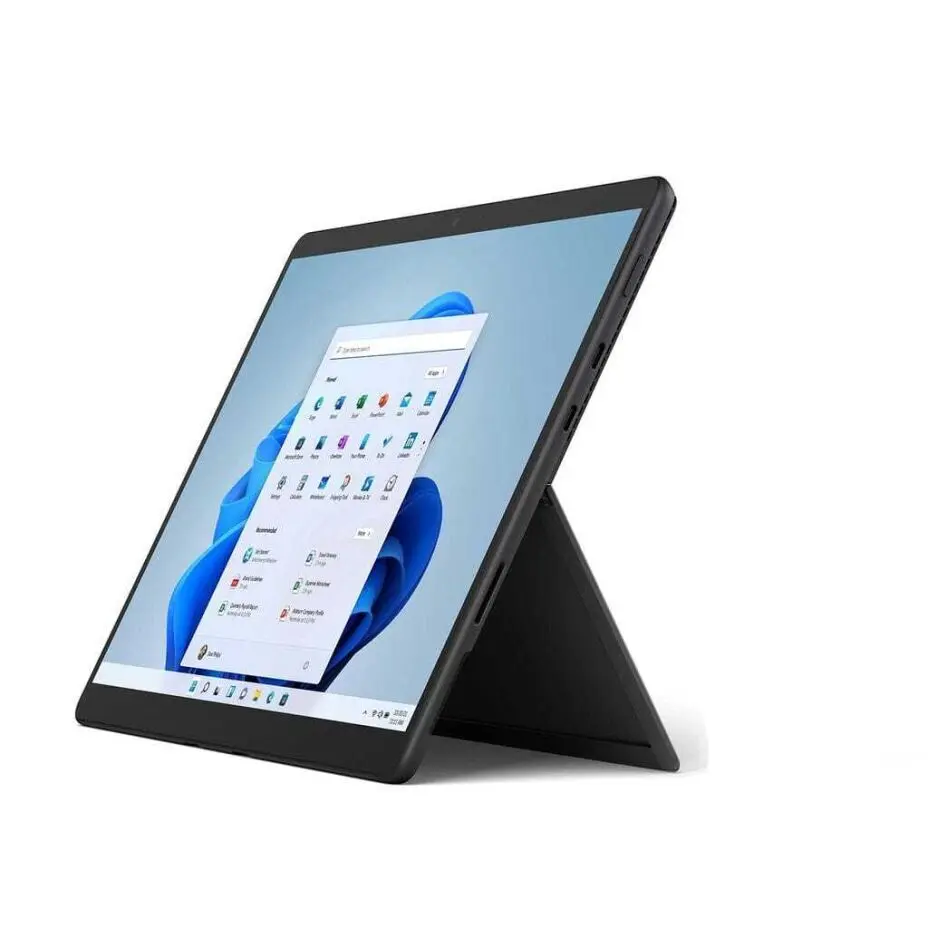
3. Best for College & Productivity: Microsoft Surface Pro 10
⭐ Ideal for: Students who need a full PC
replacement
💰 Price Range: $999 - $1,500
If you want a tablet that doubles as a full-fledged laptop, the Surface Pro 10 is your best bet. Running Windows 11, it supports full desktop applications like Microsoft Office, MATLAB, and Adobe Creative Suite. It’s a solid pick for engineering, business, and design students.
✅ Pros:
- Runs full Windows 11
- Powerful Intel Core Ultra processors
- Large 13-inch touchscreen with 120Hz refresh rate
- Perfect for professional software
❌ Cons:
- Expensive (keyboard and stylus sold separately)
- Battery life could be better under heavy use
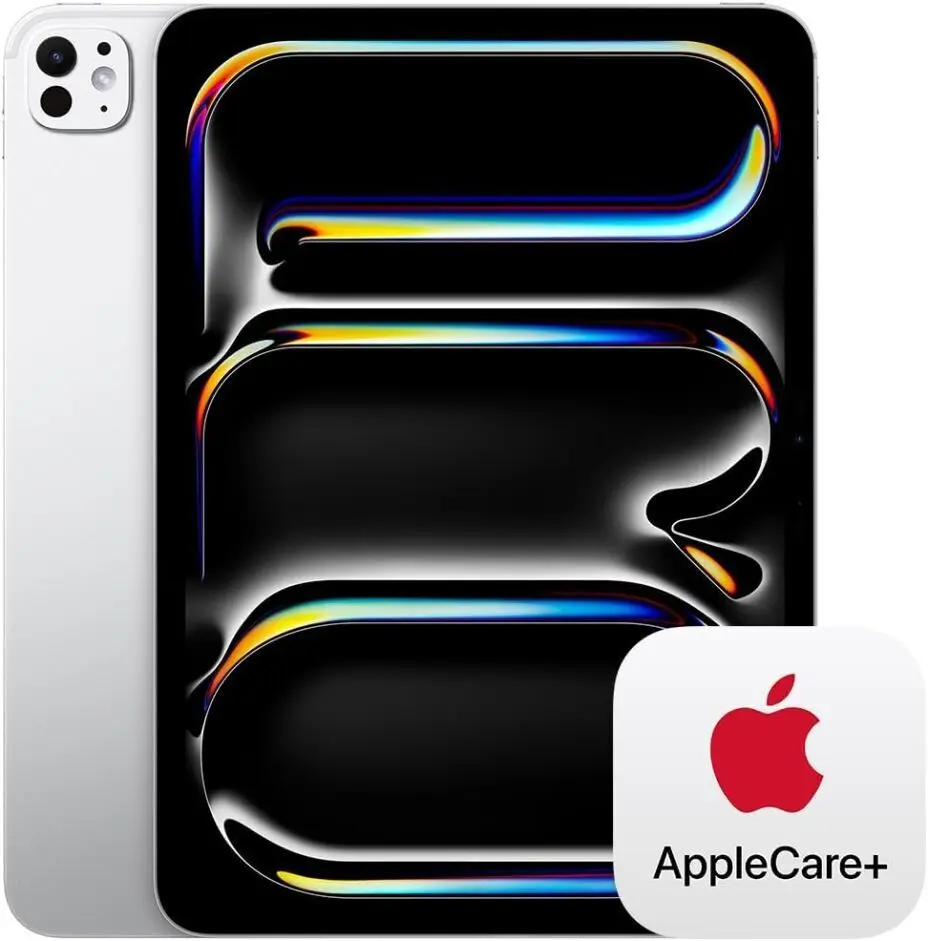
4. Best for Power Users & Portability: Apple iPad Pro (11-Inch, M4)
⭐ Ideal for: Professionals on the go, students,
and multitaskers seeking top-tier performance in a portable
package
💰 Price Range: $899 - $1,099
The Apple iPad Pro 11-Inch (M4) takes portability and power to the next level with Apple's lightning-fast M4 chip, advanced Liquid Retina display, and ultra-smooth 120Hz ProMotion technology. Perfect for handling demanding tasks like photo editing, 3D rendering, note-taking, or multitasking with split-screen apps.
✅ Pros:
- M4 chip – unmatched speed and efficiency for pro-level tasks
- Liquid Retina Display with 120Hz ProMotion – smooth, vibrant visuals
- 5G connectivity option – stay connected anywhere
- Compact and lightweight – ultra-portable design
- Best-in-class stylus experience with Apple Pencil (2nd gen)
❌ Cons:
- Expensive for casual users
- Still runs iPadOS (some prefer macOS flexibility)
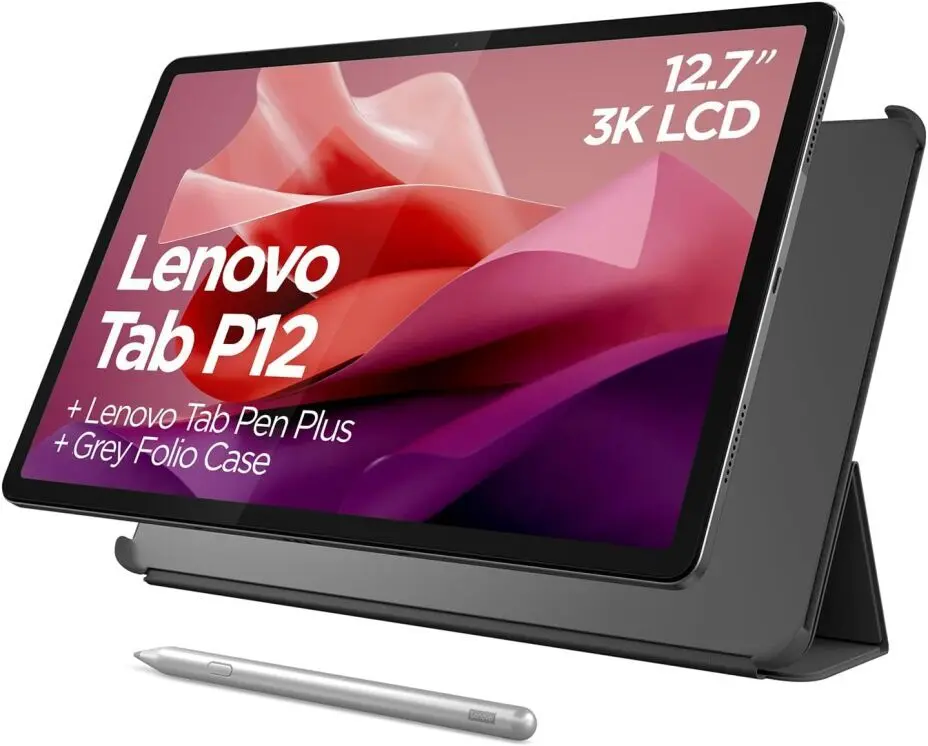
5. Best Budget Tablet for Students: Lenovo Tab P12
⭐ Ideal for: Students on a budget
💰 Price Range: $300 - $400
For those who need a reliable tablet without breaking the bank, the Lenovo Tab P12 offers great value. It comes with a large 12-inch display, long battery life, and even includes a stylus. It’s perfect for reading, note-taking, and basic tasks.
✅ Pros:
- Affordable without sacrificing performance
- Large 12-inch display
- Stylus included
- Great battery life (10+ hours)
❌ Cons:
- Not ideal for heavy multitasking
- Limited performance for gaming or creative software
How to Choose the Best Tablet for Your Needs
✅ Key Factors to Consider
- Performance: Choose an M-series iPad or a Surface Pro if you need a powerful tablet.
- Stylus Support: If note-taking or drawing is a priority, get a tablet with a high-quality stylus (iPad Air/Pro, Galaxy Tab S9, Surface Pro).
- Software Compatibility: Need Windows? Go for a Surface Pro. Prefer iPadOS or Android? Apple and Samsung are great choices.
- Budget: Stick with Lenovo or Samsung FE models for affordability.
- Battery Life: If you need all-day power, pick an iPad Air, Galaxy Tab S9 FE, or Lenovo Tab P12.
Comparison Table: Best Tablets for Students in 2026
| Tablet | Best For | Starting Price | OS | Stylus Support | Battery Life |
|---|---|---|---|---|---|
| iPad Air M2 | Best Overall | $599 | iPadOS 18 | Yes (Apple Pencil) | 10+ hours |
| Galaxy Tab S9 FE | Best Android Option | $450 | Android 14 | Yes (S Pen incl.) | 10+ hours |
| Surface Pro 10 | Best for College & Productivity | $999 | Windows 11 | Yes (Surface Pen) | 7-9 hours |
| iPad Pro M3 | Best for Creatives | $1,099 | iPadOS 18 | Yes (Apple Pencil) | 10+ hours |
| Lenovo Tab P12 | Best Budget Option | $300 | Android 14 | Yes (Incl.) | 10+ hours |
Which Tablet Is Best for You?
- For all-around use & best value: ✅ iPad Air M2
- For Android users & note-taking: ✅ Galaxy Tab S9 FE
- For students needing a full laptop replacement: ✅ Surface Pro 10
- For artists & creatives: ✅ iPad Pro M3
- For budget-conscious students: ✅ Lenovo Tab P12
Final Thoughts
The best tablet for students in 2026 depends on your specific needs, budget, and software preferences. If you're looking for an affordable and reliable option, the Lenovo Tab P12 is a great entry-level choice. But if you need powerful performance and versatility, the iPad Air M2 or Surface Pro 10 are top picks.
🔎 Which tablet do you think fits your needs best? Let us
know in the comments!
FAQ
❓ Which tablet is best for note-taking?
❓ Are budget tablets good for online classes?
❓ What’s the difference between an iPad Air and iPad Pro?









 Continue with Google
Reviews