



iPad Magic Keyboard vs. Logitech Combo Touch (2025)
"Which iPad keyboard case is better in 2025: Magic Keyboard or Logitech Combo Touch?"
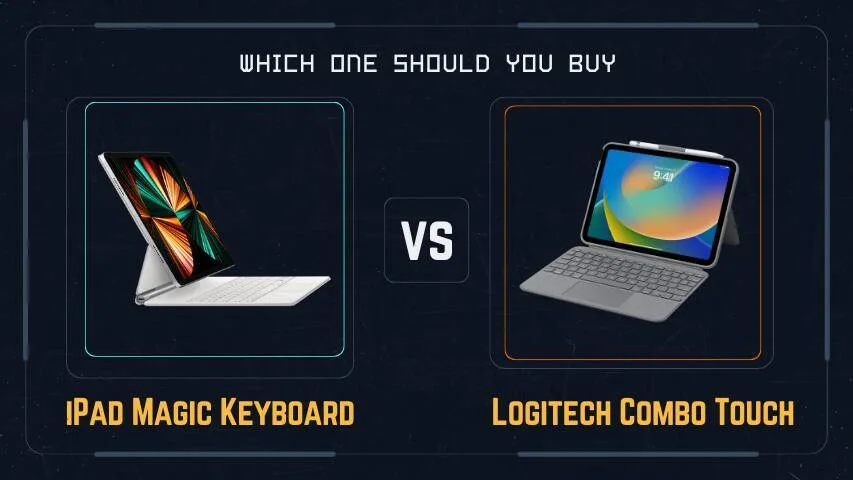
If you're looking for the best iPad keyboard case in
2025 to enhance your iPad experience, two top contenders
dominate the market:
Apple’s Magic
Keyboard and
Logitech’s Combo
Touch. Both offer a laptop-like feel,
trackpad support, and a protective case, but they differ in
design, functionality, and price. Let’s break down which one is
best for you.
Design & Build Quality
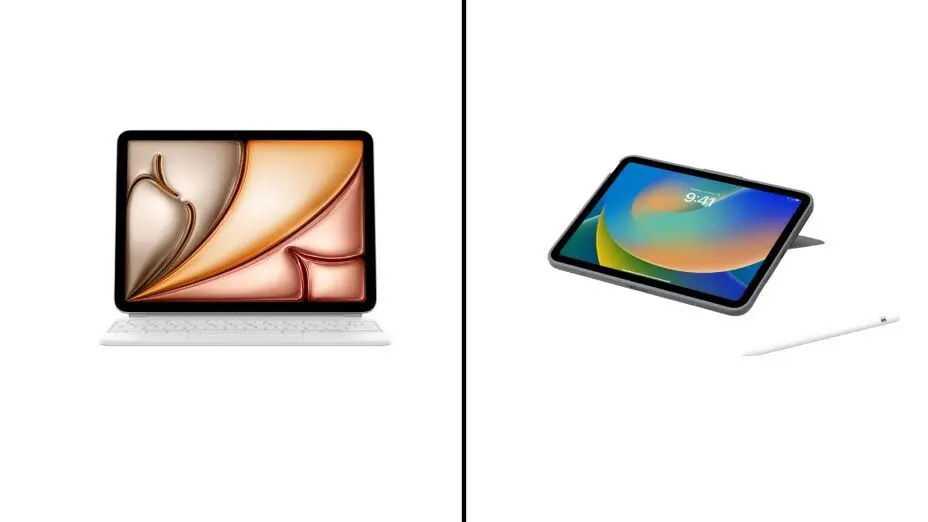
Magic Keyboard: Sleek & Premium
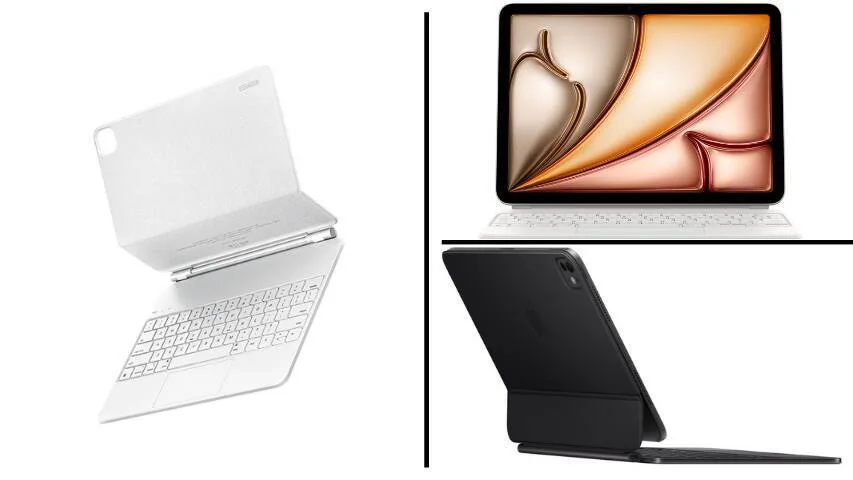
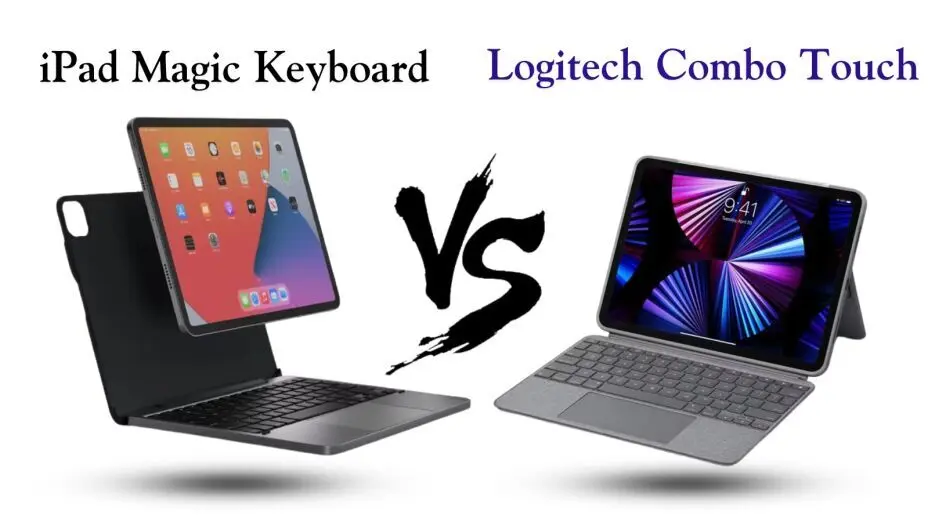
- Floating Design: The iPad magnetically attaches to the keyboard, giving it a unique "floating" appearance.
- Aluminum & Soft-Touch Finish: Feels premium and durable.
- Adjustability: Offers a limited range of tilt angles.
- Colors: Available in Black and White.
Combo Touch: Protective & Versatile
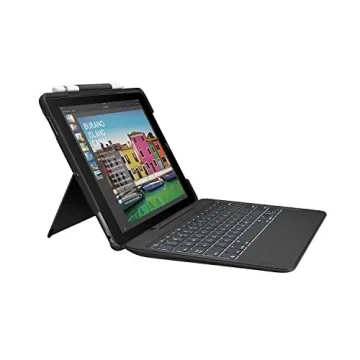
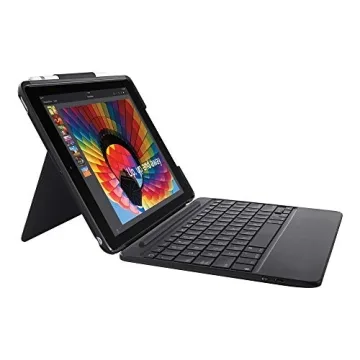
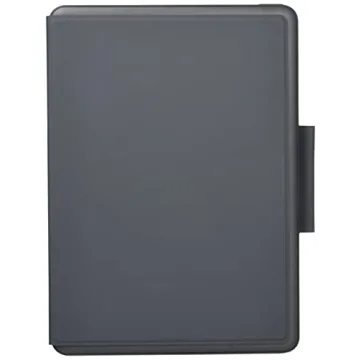
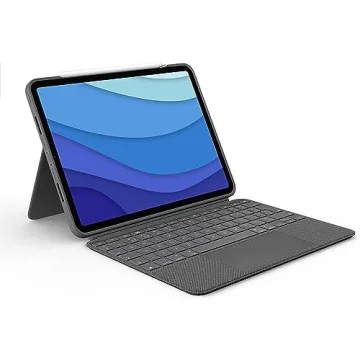
- Traditional Folio Style: The iPad sits in a protective case with a kickstand.
- Fabric Exterior: Soft-textured and grippy, but less premium than Apple's offering.
- Adjustability: The kickstand offers a wider range of angles.
- Colors: Comes in graphite and sand (varies by model).
🏆 Winner: Tie—Magic: Keyboard looks sleeker, but Combo Touch is more versatile.
Keyboard & Typing Experience
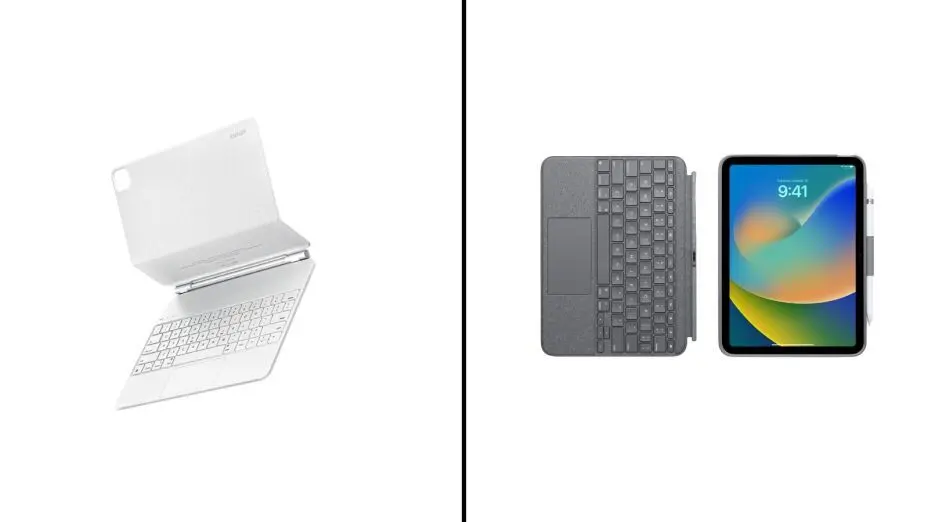
Magic Keyboard: Laptop-Like Feel
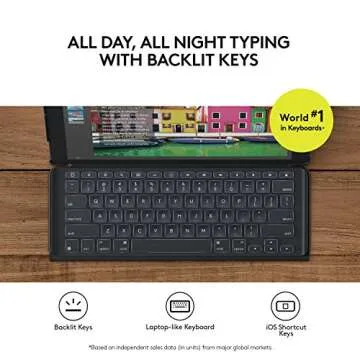
- Backlit Keys: Bright and well-spaced.
- Key Travel: Excellent, similar to a MacBook.
- No Function Row: Missing media and shortcut keys.
Combo Touch: More Functional
- Backlit keys: adjustable brightness.
- Function Row: Includes media controls, volume, and brightness keys.
- Key travel: slightly less refined than Apple’s but still comfortable.
🏆 Winner: Logitech Combo Touch — The function row adds extra convenience, especially for professionals and students who frequently use shortcuts for brightness, volume, and media controls. This added functionality enhances productivity by reducing the need to navigate through on-screen menus, making workflow smoother and more efficient.
Trackpad Performance
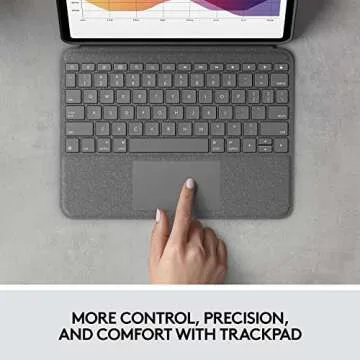
Both keyboards feature a built-in trackpad with gesture support, but Apple’s trackpad is noticeably smoother.
- Magic Keyboard: larger, more responsive, and comparable to a MacBook.
- Combo Touch: slightly smaller and less smooth, but still reliable.
🏆 Winner: Magic Keyboard: The better trackpad experience makes a difference.
Portability & Weight
- Magic Keyboard: Heavier, making the iPad more like a laptop.
- Combo Touch: Lighter, and you can detach the keyboard when not in use.
🏆 Winner: Logitech Combo Touch: The detachable design makes it more portable.
Compatibility & Connectivity
- Magic Keyboard: Uses the Smart Connector; no need for Bluetooth or charging.
- Combo Touch: Uses the Smart Connector; also doesn’t need charging or Bluetooth.
🏆 Winner: Tie Both offer seamless connectivity.
Price & Value
- Magic Keyboard: $299–$349 (expensive for what it offers).
- Combo Touch: $159–$229 (almost half the price and includes a protective case).
🏆 Winner: Logitech Combo Touch: more affordable and includes a protective case.
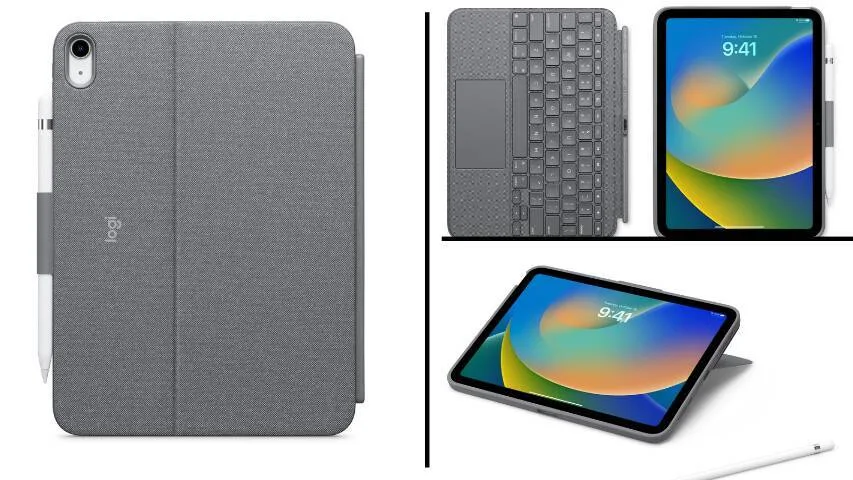
Final Verdict: Which One Should You Buy?
After comparing design, typing experience, trackpad performance, portability, and price, it’s clear that each keyboard caters to different user needs. The Magic Keyboard shines with its sleek, premium build and exceptional trackpad, making it ideal for users who prioritize a laptop-like experience. Meanwhile, the Combo Touch offers greater versatility with its function row, detachable design, and lower price, making it a fantastic all-around choice.
| Feature | Magic Keyboard | Logitech Combo Touch |
|---|---|---|
| Design | Sleek, premium | Versatile, protective |
| Keyboard | Great typing, no function row | Good typing, function row |
| Trackpad | Larger & smoother | Functional but smaller |
| Adjustability | Limited angles | Kickstand for multiple angles |
| Portability | Heavy | Lighter & detachable |
| Connectivity | Smart Connector | Smart Connector |
| Price | Expensive ($299+) | More affordable ($159+) |
- Buy the Magic Keyboard if you want the most premium experience, best trackpad, and a sleek design.
- Buy the Combo Touch if you need better protection, function keys, versatility, and a lower price.
Overall Winner: Logitech Combo Touch
While the Magic Keyboard is beautiful and premium, the Combo Touch offers more value, better flexibility, and extra functionality at a much lower price.
What do you think? Which one fits your needs better? Let us know in the comments! Also, check out the latest prices and deals using the links below to make the best purchase decision.
FAQ
Q1: Is the Logitech Combo Touch better than the Magic
Keyboard?
A1: It depends on your needs. The Combo Touch is
more affordable, versatile, and includes a function row, while
the Magic Keyboard offers a premium build and a better trackpad.
Q2: Does the Magic Keyboard protect the iPad
well?
A2: The Magic Keyboard provides minimal
protection since it doesn’t cover the edges fully. If you need
extra durability, the Combo Touch is a better option.
Q3: Can I detach the keyboard from the Logitech Combo
Touch?
A3: Yes! The Combo Touch has a detachable
keyboard, making it more flexible for tablet use compared to the
Magic Keyboard.










 Continue with Google
Reviews