












Precision with Color Calibration Charts
Understanding Color Calibration Charts
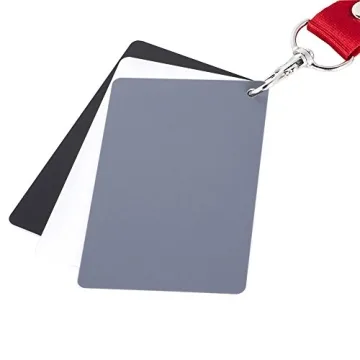
Color calibration charts are essential tools for anyone involved in the visual arts, photography, or video production. These charts help ensure color accuracy and consistency across different devices, allowing creators to trust that the colors they see during editing will be reflected in the final output. Discrepancies in color can lead to significant challenges, especially when delivering projects to clients or presenting work publicly.
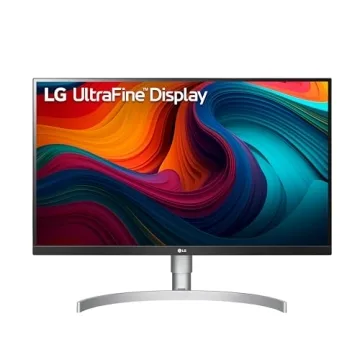
To understand the importance of these calibration charts, it's crucial to recognize how colors can vary from monitor to monitor or from one printer to another. These variations can occur due to different manufacturing processes, settings in software applications, or even ambient lighting conditions in the workspace. By regularly using color calibration charts, users can establish a baseline for their devices, ensuring that colors remain true to life and accurate.
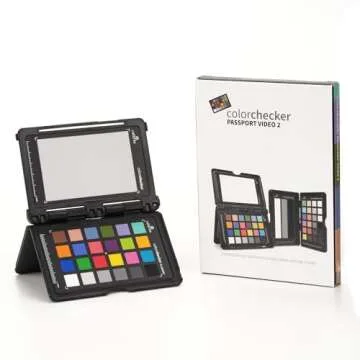
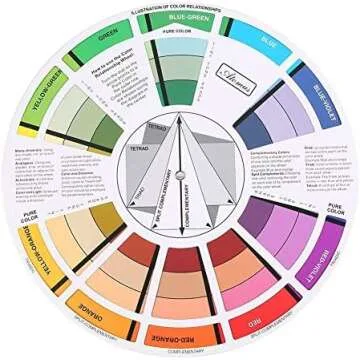
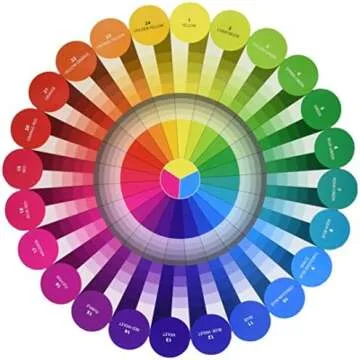
Typically, color calibration charts feature a range of colors in various shades and hues, accompanied by numerical indicators that correspond to color profiles. Users can perform visual checks against these charts to adjust settings on their monitors or cameras, calibrating the display’s output to align with industry standards. This practice is invaluable for professionals who thrive on delivering precise color work, ensuring both satisfaction and professionalism.
Popular Brands and Their Unique Features
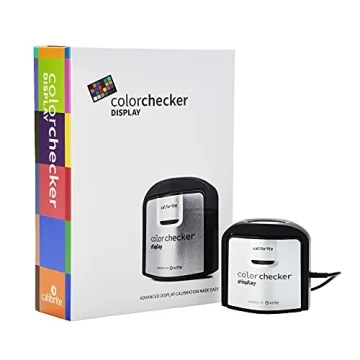
When selecting color calibration charts, numerous brands are known for their quality and effectiveness. Popular brands such as X-Rite, Datacolor, and Spyder offer an array of products suited for different needs. For example, X-Rite's ColorChecker charts are famous for their versatility and high-quality materials, enabling accurate comparisons between the captured image and real-world colors. The ColorChecker Passport also stands out for its compact size and user-friendly application in various settings.
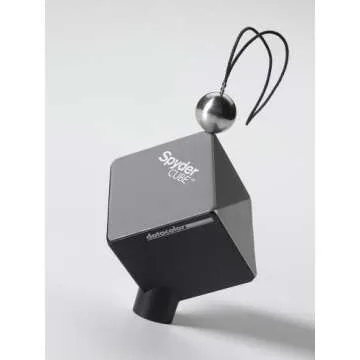
Datacolor, on the other hand, presents its Spyder series, which combines color calibration charts with sophisticated software applications, making the calibration process simple and straightforward even for beginners. These tools often come with step-by-step guides, allowing users to perform color calibration in just a few minutes.
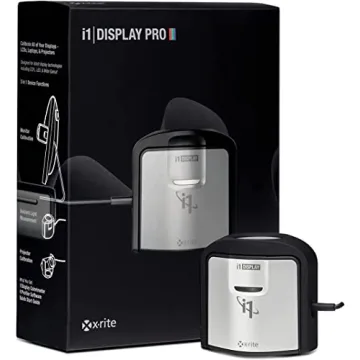
Spyder's products are designed for users who want quick and reliable calibration for both monitors and projectors. They often include features like ambient light monitoring and custom color correction options, giving users total control over their display environments, ensuring accurate hues regardless of lighting conditions.
Selecting a calibration chart that suits your needs is critical, whether you’re a graphic designer, photographer, or video editor. It's vital to consider factors like the intended use, level of expertise, and budget when selecting the right product.
Benefits of Buying on Giftpals.com
Giftpals.com empowers customers by providing a plethora of thoughtful gift options, including high-quality color calibration charts from trusted brands. The platform is designed with user experience in mind, making the selection process straightforward and enjoyable. Visitors can easily navigate through various categories to find precisely what they’re looking for, ensuring they find the perfect calibration chart suited to their professional needs.
Moreover, Giftpals.com often features the latest reviews and ratings for each product, helping customers make informed decisions before purchasing. With competitive pricing and exclusive discounts, shoppers can also enjoy the benefits of buying high-caliber products without breaking the bank. Plus, the site aligns with transparent shopping principles, ensuring satisfaction with every experience.
In conclusion, whether it’s for professional use or personal projects, investing in a color calibration chart is invaluable. By choosing to purchase on Giftpals.com, individuals can ensure they receive quality products that meet their specific needs while enjoying an excellent shopping experience.



 Continue with Google