






Essential Computer Components for Tech Enthusiasts
Understanding the Basics of Computer Components
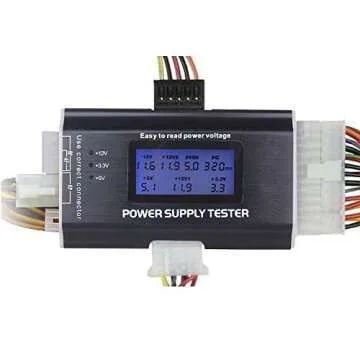
When embarking on the journey of building a computer or upgrading your current setup, understanding the various computer components you can choose from is crucial. Each part plays a significant role in determining the overall performance, efficiency, and capability of your system. The main components of a computer include the central processing unit (CPU), motherboard, random-access memory (RAM), storage devices, graphics processing unit (GPU), and power supply unit (PSU). Each of these elements contributes to the machine's capabilities in different ways.
The CPU, often described as the brain of the computer, handles instructions and processes data. Pairing it with an appropriate motherboard ensures compatibility and maximizes performance. Meanwhile, sufficient RAM is necessary for multitasking and running demanding applications without lag. Storage devices, such as SSDs and HDDs, are crucial for file storage and system boot speed, while the GPU enhances graphics performance, making it essential for gamers and professionals in graphics design. Finally, an adequate PSU is vital for ensuring all components receive the proper power.
Popular Brands and Their Unique Features
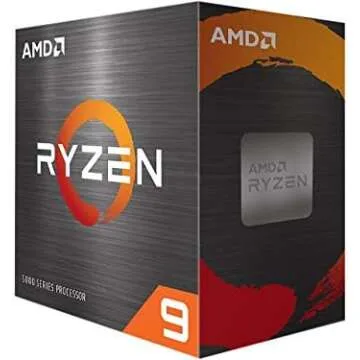
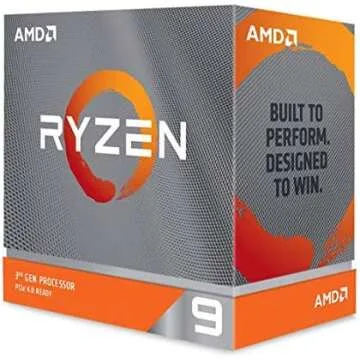
There are several reputable brands known for producing high-quality computer components, each offering unique features that cater to various needs. Intel and AMD are at the forefront of CPU manufacturing, with Intel providing reliable performance and thermal efficiency, while AMD often excels in offering more cores for multitasking. When it comes to graphics cards, NVIDIA and AMD are dominant players. NVIDIA’s GeForce line is known for its superior ray tracing capabilities, while AMD’s Radeon offers excellent performance at competitive prices.
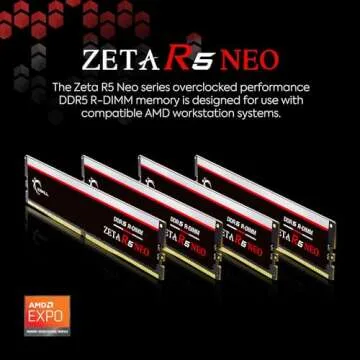
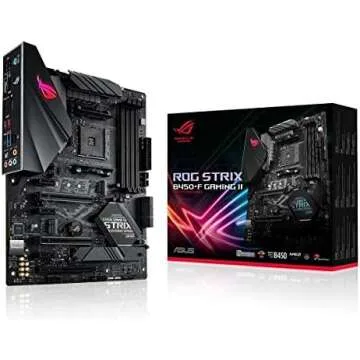
In the realm of motherboards, ASUS and MSI stand out, providing an extensive range of features from customizable RGB lighting to robust overclocking options. For RAM, Corsair and G.Skill are key players, known for their fast speeds and stylish designs. And for storage, Samsung is a leader in SSD technology, boasting some of the highest read/write speeds available, while Western Digital continues to offer reliable HDD solutions with ample storage capacity. Choosing well-known brands often translates to quality assurance, warranty backup, and ongoing support for users.
Tips for Selecting the Right Components
Selecting the right computer components can be overwhelming, especially with the plethora of options available in today’s market. Start by defining your primary use case—are you gaming, creating content, or simply browsing? This will guide your choices. Next, ensure that all components are compatible with each other. Websites like PCPartPicker can help prevent mismatches between parts.
Budget considerations also play a critical role in component selection. Establish a budget for each part based on your needs and look for products that offer the best balance of price and performance. Read online reviews and comparisons to make informed decisions. Don’t forget about future upgrades; investing in a slightly pricier motherboard can provide additional features and expandability for subsequent upgrades.
Moreover, consider thermal management and airflow—good cooling solutions can extend the lifespan of your components and improve performance. Lastly, always check for warranties and customer support from the manufacturers to safeguard your investment.
Buying components from Giftpals.com not only simplifies your shopping experience but also ensures access to a curated selection of high-quality items. With expert insights and thoughtful descriptions, you'll find exactly what you need for your computer build or upgrade in no time. Take advantage of tips and recommendations from fellow tech enthusiasts to make your decision-making process enjoyable and rewarding.



 Continue with Google