





Keyboards, Mice & Accessories
Choosing the Right Keyboard for Your Needs
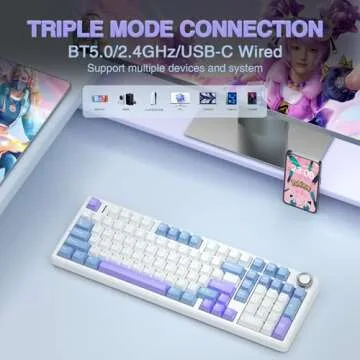
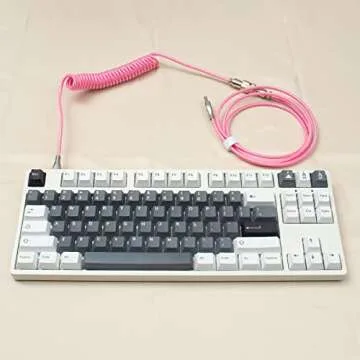
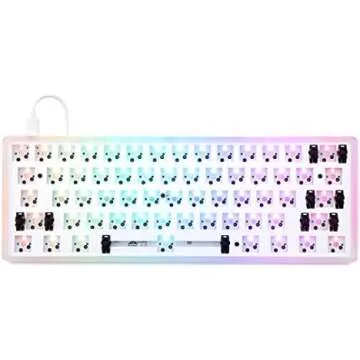
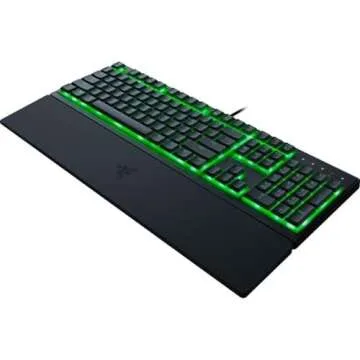
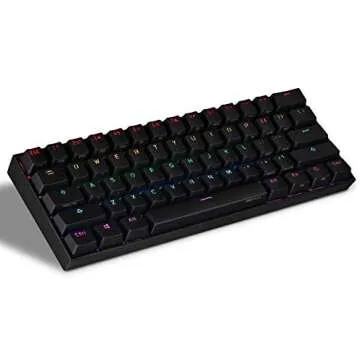
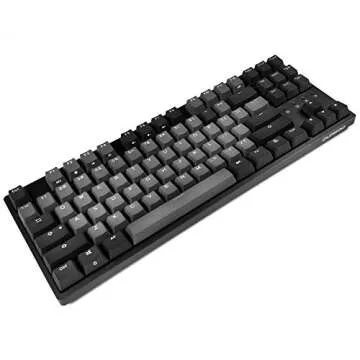
When it comes to selecting a keyboard, your needs play a crucial role in determining the best fit. There are various types to choose from including mechanical, membrane, and ergonomic keyboards. Mechanical keyboards are favored for their tactile feedback and durability, making them ideal for gamers and typists alike. On the other hand, membrane keyboards offer a quieter typing experience, which is preferable in shared environments.
Ergonomic keyboards are designed to reduce strain on your wrists, making them perfect for those who spend long hours typing. It’s important to consider factors like key travel, layout, and backlighting when selecting a keyboard that suits your style and requirements. Taking the time to evaluate these aspects can lead to a more satisfying and productive experience.
Additionally, compatibility with your device is essential. Most keyboards connect via USB, while some offer Bluetooth functionality for a wireless setup. Brands like Logitech, Corsair, and Razer provide a wide range of keyboards that cater to different preferences and budgets. With their unique features such as customizable backlighting, programmable keys, and robust construction, they stand as notable options in the market.
Finding the Perfect Mouse and Accessories
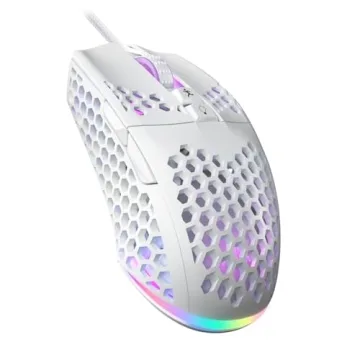
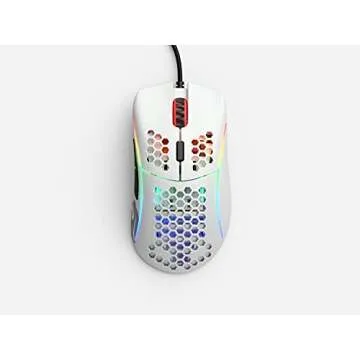
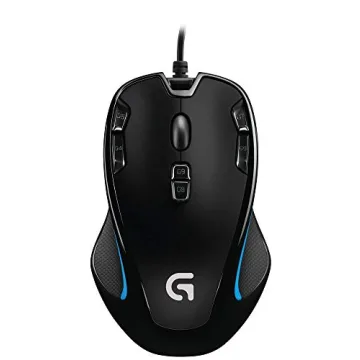
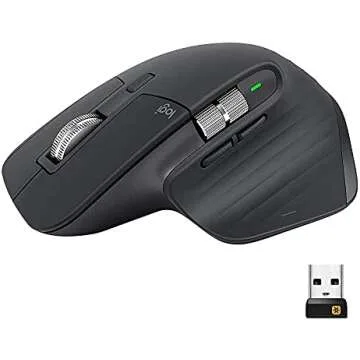
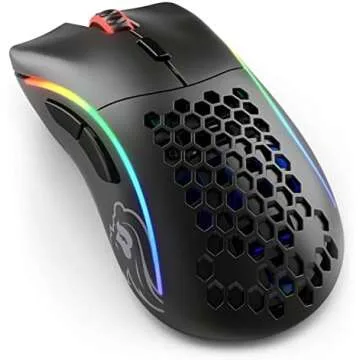
Your choice of mouse is equally as vital as your keyboard, impacting both comfort and efficiency. When selecting a mouse, consider whether you prefer a wired or wireless option. Wireless mice offer flexibility and a clutter-free workspace but make sure to factor in battery longevity. Popular brands such as Microsoft and SteelSeries offer ergonomic designs that reduce wrist fatigue, suitable for prolonged use.
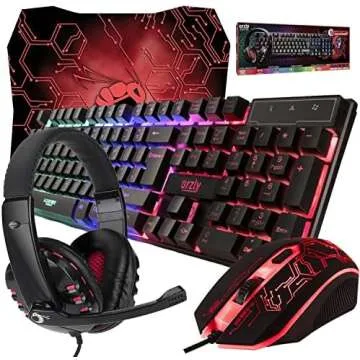
Look for mice that feature adjustable DPI settings, allowing for sensitivity adjustments based on your activities—whether precision is required in design work or quick actions in gaming. Additional accessories such as mouse pads can further enhance your setup. Opt for smooth and durable surfaces that facilitate easy movement and provide the right amount of resistance.
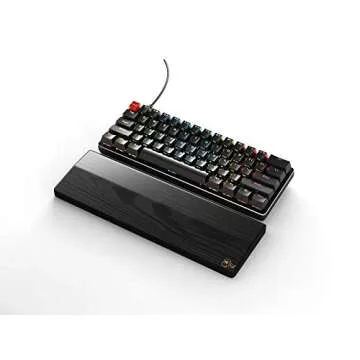
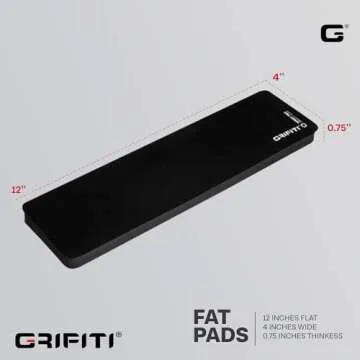
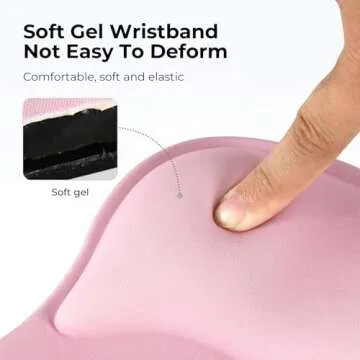
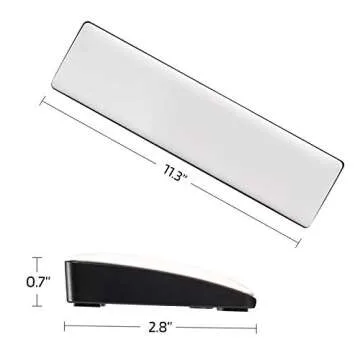
Aside from the basic keyboard and mouse, consider investing in other accessories that can improve your workspace. Wrist rests provide support and help maintain a neutral wrist position to alleviate stress, while cable management tools can help keep your area organized. Whether you are a gamer, professional, or casual user, having the right accessories can make a significant difference in your overall comfort and productivity.
Enhancing Your Setup with Quality Brands
Investing in quality keyboards, mice, and accessories is crucial for optimizing your workspace. Some renowned brands in this category include Logitech, Razer, Corsair, and HyperX, which are known for their innovation and reliability. These brands offer products that not only meet performance demands but also boast unique features such as customizable RGB lighting and responsive software integration.
Each brand provides a range of features tailored to specific needs—be it gaming, professional tasks, or casual daily use. For instance, Logitech's innovative Flow technology allows users to seamlessly control multiple devices with one mouse, streamlining workflow for multitaskers. Alternatively, Razer experiences specialized design geared toward gamers, ensuring precision and comfort during intense gaming sessions.
Before making a purchase, it’s beneficial to read reviews and compare models to find the ideal combination of quality, performance, and price. Think about which features enhance your daily activities, and don’t shy away from premium options if they offer substantial advantages to your setup. In the end, investing in high-quality products can lead to improved comfort and efficiency.
Shopping for these items on Giftpals.com can provide you with a broad selection to explore, detailed descriptions, and user reviews to make informed decisions. Plus, with curated categories, you can easily find what you need, making the gift selection process both enjoyable and practical.



 Continue with Google