


Affordable Tablets for Students Of 2026
"Which Tablet Will Help You Excel in Your Studies in 2026?"
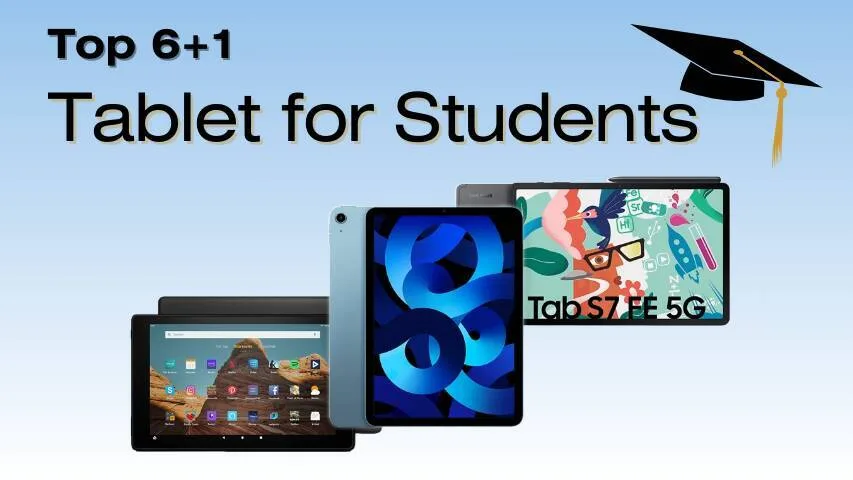
Whether you're looking for a budget-friendly option, a high-performance device for creative tasks, or a lightweight tablet for on-the-go studies, we've got you covered. Let's break down the best tablets for students in 2026!
Whether you're looking for a budget-friendly option, a high-performance device for creative tasks, or a lightweight tablet for on-the-go studies, we've got you covered. Let's break down the best tablets for students in 2026!
Let’s dive into the Top 5 Tablets for Students 2026: Best 5 Picks & Features, comparing budget options and high-performance picks to help you find the best device for your academic journey! 🚀💻
Top Picks
Best Overall : iPad Air (2024)
Best Android Tablet : Samsung Galaxy Tab S9 FE
Best 2-in-1 Tablet for Productivity : Microsoft Surface Pro 10
Best for Creatives & Power : iPad Pro M4 (2025)
Best Budget Tablet : Lenovo Tab P12
Best for Basic Study Needs : Amazon Fire Max 11
Best for Battery Life : OnePlus Pad
Which Tablet Should You Choose
Top Brands
1. Apple: Apple tablets are known for high performance, seamless integration with its ecosystem, and excellent stylus support, making them ideal for students seeking reliability and productivity.
2. Samsung: Samsung offers affordable tablets with vibrant displays and Android OS, featuring stylus support and strong multitasking capabilities, perfect for value-conscious students.
3. Microsoft: Microsoft tablets double as laptops with Windows OS, offering powerful software support for heavy academic tasks and multitasking, ideal for students who need both productivity and versatility.
Top 7 Tablets for Students in 2026
We’ve compared the best tablets for students based on performance, battery life, display quality, stylus support, and affordability.
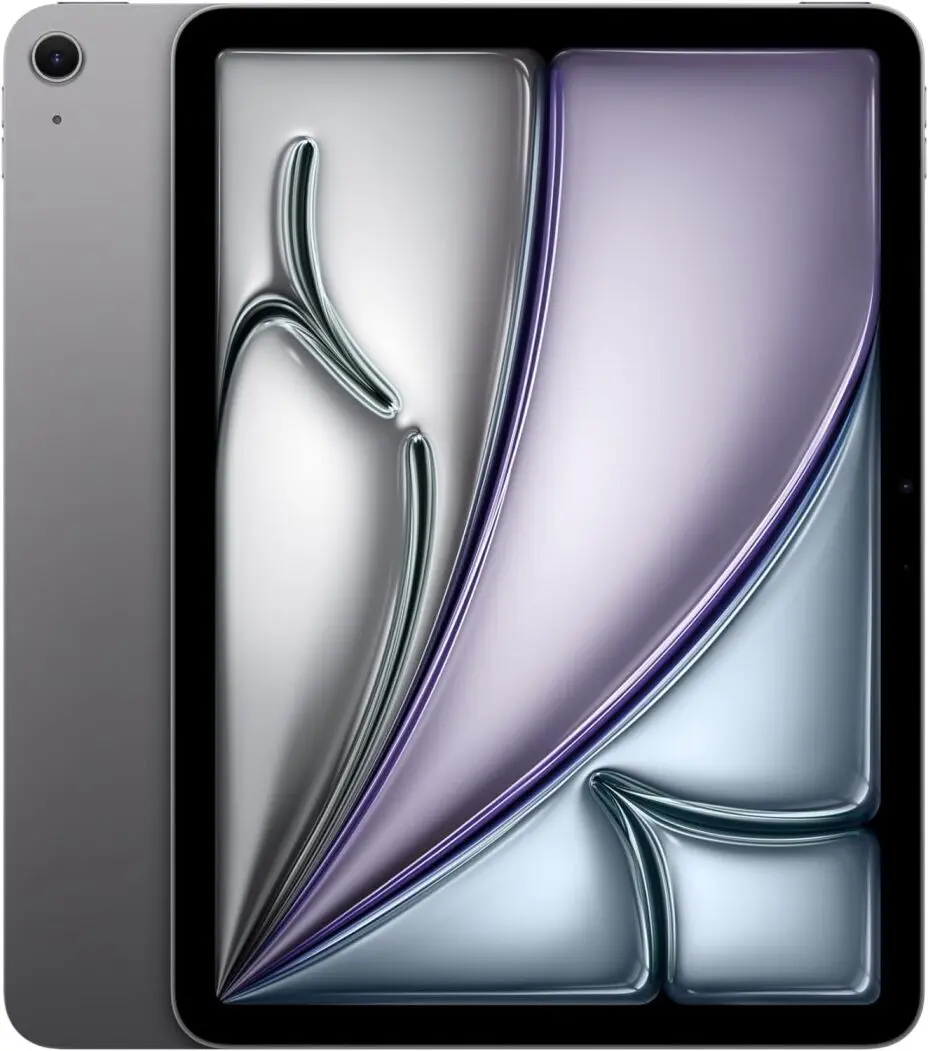
1. Best Overall for Students: iPad Air (2024)
💡 A perfect balance of performance, price, and portability.
- Processor: Apple M2 Chip
- Display: 11-inch Liquid Retina
- Battery Life: Up to 12 hours
- Storage: 128GB, 256GB, 512GB
- Stylus Support: Apple Pencil 2 & Apple Pencil Pro
- Price: Starting at $599
Why it’s great for students:
The iPad Air (2024) offers a powerful M2 chip, making
multitasking smooth. With Apple Pencil Pro support, students can
take handwritten notes, annotate PDFs, and sketch with precision.
It’s lightweight yet powerful, making it ideal for students who
need a reliable device for studying, entertainment, and
occasional creative work.
📌 Best for: College students who need a powerful tablet for taking notes, studying, and casual media consumption.
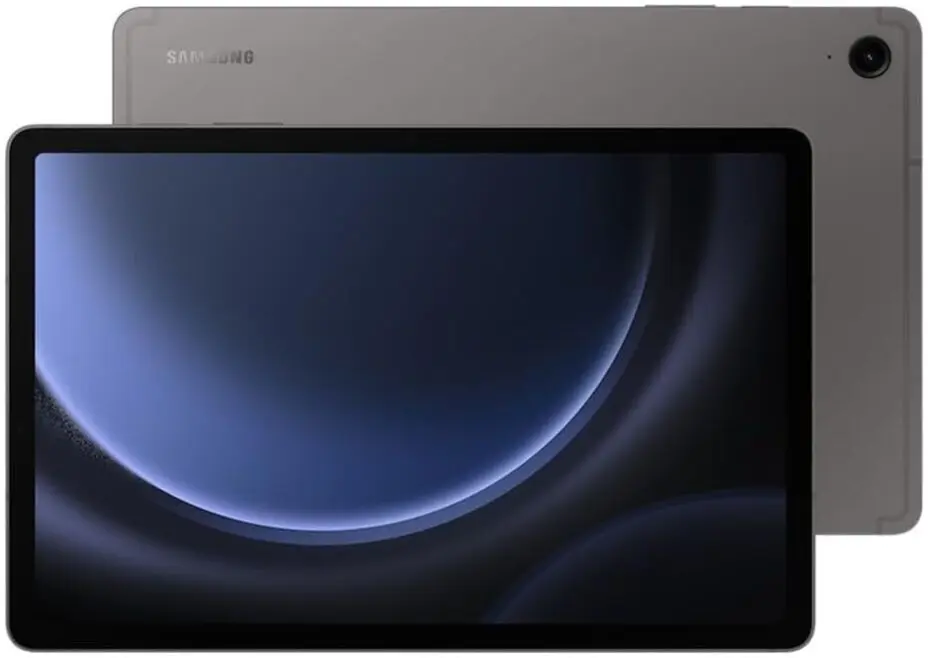
2. Best Android Tablet for Students: Samsung Galaxy Tab S9 FE
💡 A budget-friendly alternative to the iPad with excellent features.
- Processor: Exynos 1380
- Display: 10.9-inch LCD (120Hz)
- Battery Life: 13+ hours
- Storage: 128GB, 256GB
- Stylus Support: S Pen included
- Price: Starting at $329.50
Why it’s great for students:
Samsung's Galaxy Tab S9 FE is a fantastic Android alternative to
the iPad Air. It comes with an S Pen included, making it great
for note-taking and drawing. With Samsung DeX mode, it can even
work like a mini laptop, boosting productivity.
📌 Best for: Students who prefer Android over iOS and want a budget-friendly, stylus-supported tablet.
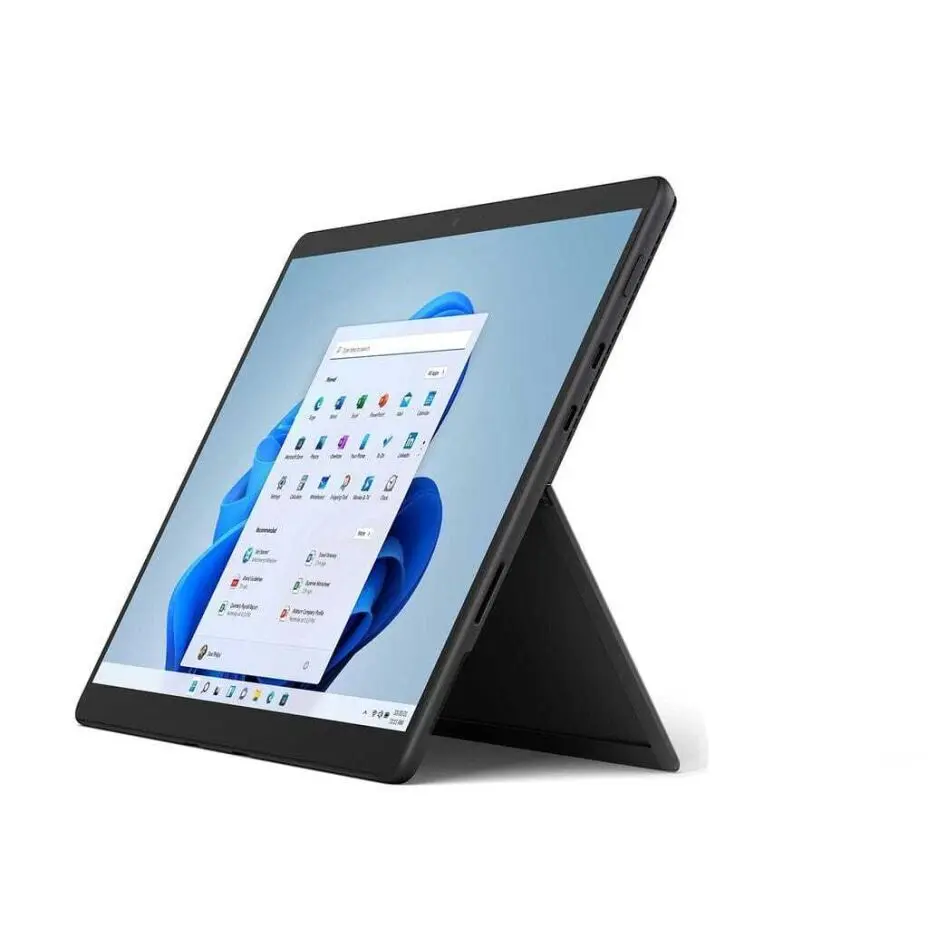
3. Best 2-in-1 Tablet for Productivity: Microsoft Surface Pro 10
💡 A powerful Windows tablet that doubles as a laptop.
- Processor: Intel Core Ultra 5 / Ultra 7
- Display: 13-inch PixelSense Touch
- Battery Life: Up to 15 hours
- Storage: 256GB, 512GB, 1TB SSD
- Stylus Support: Surface Slim Pen 2
- Price: Starting at $999
Why it’s great for students:
If you need a tablet that can fully replace a laptop, the Surface
Pro 10 is the best option. It runs full Windows 11, allowing you
to use all software applications, including Microsoft Office,
MATLAB, and coding tools.
📌 Best for: Students who need a tablet for heavy productivity tasks like programming, research, and report writing.

4. Best for Creatives & Power Users: iPad Pro M4 (2025)
💡 The most powerful tablet on the market, perfect for art and video editing.
- Processor: Apple M4 Chip
- Display: 12.9-inch Mini-LED XDR
- Battery Life: 10+ hours
- Storage: 256GB, 512GB, 1TB, 2TB
- Stylus Support: Apple Pencil Pro
- Price: Starting at $1,147
Why it’s great for students:
The iPad Pro M4 is a powerhouse, perfect for students in creative
fields like graphic design, animation, and video editing. The
Mini-LED XDR display ensures vibrant colors, while the M4 chip
delivers ultra-fast performance.
📌 Best for: Art students, designers, and those who need a high-performance tablet.
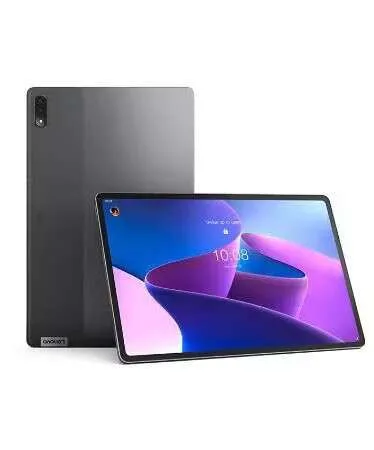
5. Best Budget Tablet for Students: Lenovo Tab P12
💡 A great budget tablet with a large screen and stylus support.
- Processor: MediaTek Dimensity 7050
- Display: 12.7-inch LCD (3K resolution)
- Battery Life: 14 hours
- Storage: 128GB, 256GB
- Stylus Support: Lenovo Precision Pen 3
- Price: Starting at $289.99
Why it’s great for students:
For students on a budget, the Lenovo Tab P12 offers great value.
It has a large display, long battery life, and stylus support for
note-taking and studying.
📌 Best for: Students looking for an affordable, large-screen tablet for reading, note-taking, and casual browsing.
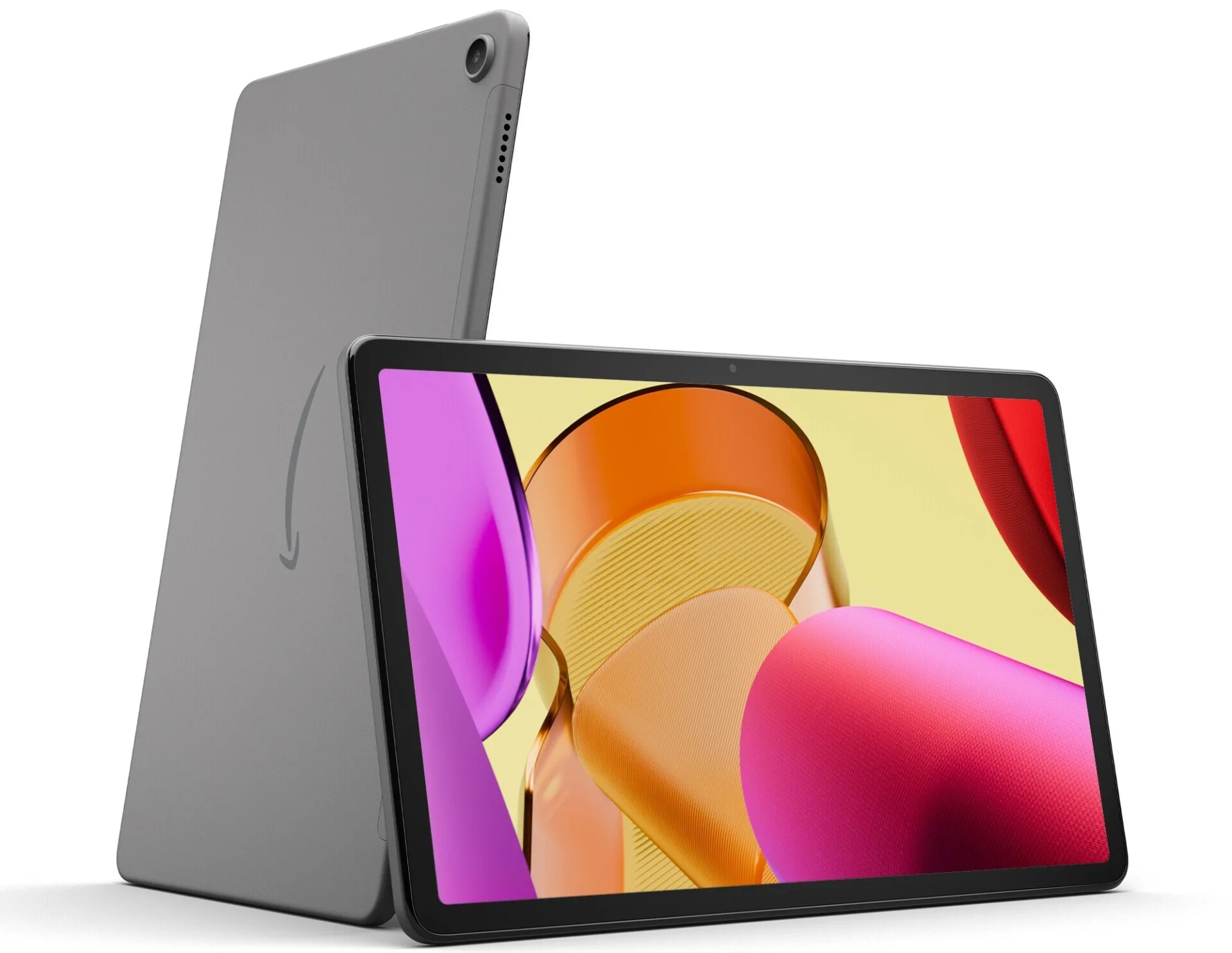
6. Best for Basic Study Needs: Amazon Fire Max 11
💡 A low-cost tablet for reading and basic study tasks.
- Processor: MediaTek MT8188J
- Display: 11-inch LCD
- Battery Life: Up to 14 hours
- Storage: 64GB, 128GB
- Stylus Support: Yes (sold separately)
- Price: Starting at $229
Why it’s great for students:
The Fire Max 11 is perfect for students who just need a basic
tablet for reading, browsing, and video calls. While it lacks
high-end features, it’s unbeatable for budget-conscious students.
📌 Best for: Students who need an affordable tablet for reading e-books, PDFs, and light web browsing.
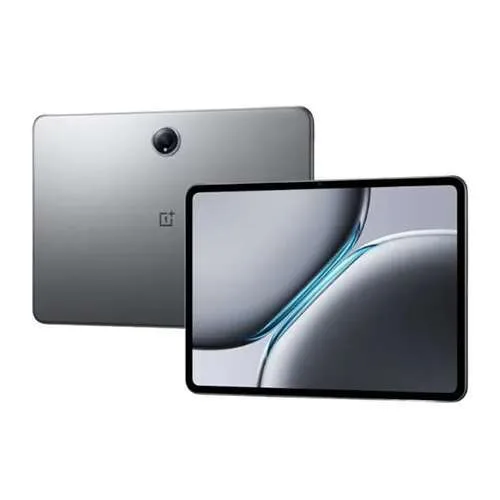
7. Best for Battery Life: OnePlus Pad
💡 A premium Android tablet with incredible battery life.
- Processor: MediaTek Dimensity 9000
- Display: 11.6-inch LCD (144Hz)
- Battery Life: Up to 17 hours
- Storage: 128GB, 256GB
- Stylus Support: OnePlus Stylo
- Price: Starting at $479
Why it’s great for students:
With its long-lasting battery and 144Hz display, the OnePlus Pad
is a great pick for students who need a device that lasts all day
without charging.
📌 Best for: Students who need a long-lasting, high-performance tablet for entertainment and studies.
How to Choose the Right Tablet for Students?
Choosing the right tablet for students depends on several key factors that align with their academic needs, budget, and personal preferences. Here’s how to make the right decision:
1. Performance: Look for a tablet with a fast processor and enough RAM to handle multitasking, especially if you plan to run apps like note-taking software, e-books, or productivity tools. Tablets with higher-end chips, such as Apple’s M1 or M2, or Intel’s Core processors, offer smooth performance.
2. Stylus Support: If you’re into handwritten notes, sketching, or annotating PDFs, choose a tablet that supports a stylus. Apple’s Pencil, Samsung’s S Pen, and Microsoft’s Surface Pen are top options that enhance productivity and creativity.
3. Battery Life: Long battery life is crucial for students who need to use their tablet throughout the day. Look for tablets offering 10+ hours of battery life to ensure they can last through long study sessions and lectures.
4. Operating System: Choose between iOS (Apple), Android (Samsung), or Windows (Microsoft) based on your preference. Apple offers smooth performance and a robust app ecosystem, while Android provides flexibility, and Windows excels in productivity and compatibility with desktop software.
5. Budget: Finally, balance your budget with your needs. There are great tablets available at all price points, from budget-friendly models to premium devices that offer more features.
Comparison Table: Best Tablets for Students in 2026
| Tablet | OS | Display | Battery Life | Stylus Support | Best For | Price |
|---|---|---|---|---|---|---|
| iPad Air (2024) | iPadOS | 11" Liquid Retina | 12 hrs | Apple Pencil Pro | Best Overall | $699 |
| Galaxy Tab S9 FE | Android | 10.9" LCD | 13 hrs | S Pen (Included) | Best Android | $499 |
| Surface Pro 10 | Windows 11 | 13" PixelSense | 15 hrs | Surface Slim Pen 2 | Best 2-in-1 | $999 |
| iPad Pro M4 | iPadOS | 12.9" Mini-LED | 10 hrs | Apple Pencil Pro | Best for Creatives | $1,099 |
| Lenovo Tab P12 | Android | 12.7" LCD | 14 hrs | Lenovo Precision Pen | Best Budget | $399 |
| Fire Max 11 | Fire OS | 11" LCD | 14 hrs | Yes (Sold Separately) | Best Basic Tablet | $229 |
| OnePlus Pad | Android | 11.6" LCD | 17 hrs | OnePlus Stylo | Best Battery Life | $479 |
Final Thoughts: Which Tablet Should You Choose?
- Need an all-rounder? → iPad Air (2024)
- Prefer Android? → Samsung Galaxy Tab S9 FE
- Want a 2-in-1? → Microsoft Surface Pro 10
- Creative student? → iPad Pro M4
- On a budget? → Lenovo Tab P12
FAQ
❓ Which tablet is best for note-taking?
- A tablet with stylus support, such as the iPad Air (2024) or Samsung Galaxy Tab S9 FE, is great for handwritten notes.
❓ Can a tablet replace a laptop for students?
- Yes, if you need a full laptop experience, the Microsoft Surface Pro 10 offers Windows 11 and powerful productivity tools.
❓ What is the best budget tablet for students?
- The Lenovo Tab P12 and Samsung Galaxy Tab S9 FE offer great performance at a lower price point.









 Continue with Google
Reviews