


Best Ways to Share Your GiftPals Wish List with Friends & Family
"share-your-wish-list"
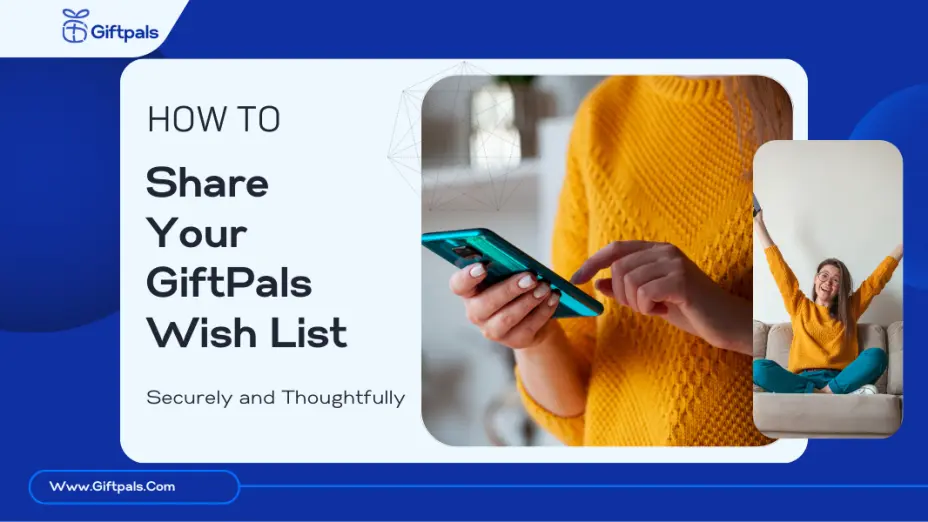
When it comes to gift-giving, clarity matters. That’s why GiftPals makes it easy to create a personalized wish list and share it with the right people. Whether it’s for your birthday, wedding, holiday, or a just-because moment, you can invite others to view—and even reserve—items privately.
In this article, you’ll learn the best ways to share your wish list, how to keep it private or public, and a few etiquette tips to make sure the gifting experience feels smooth and thoughtful.
Ways to Share Your GiftPals Wish List
GiftPals offers multiple ways to share your list, depending on your audience and privacy preferences.
1. Share via Private Link
Every wish list on GiftPals generates a unique private URL. You can copy and share this link directly with specific people—perfect for small circles like family, your partner, or close friends.
✅ No account required for viewers
✅ Link-only access (not searchable)
✅ Best for semi-private occasions
Tip: Use the link in group chats or family threads to avoid duplicate gifts or confusion.
2. Send via Email
Want a more formal or trackable way to share your list? Email is your friend. GiftPals lets you email your wish list directly from the platform.
✅ Ideal for wedding or baby registries
✅ Looks polished and professional
✅ Easy for older relatives
Include a short message so it feels personal, not transactional.
3. Post on Social Media
For birthdays, holidays, or public gift drives, you can share your list on platforms like Facebook, Instagram, TikTok or X.
✅ Broad visibility
✅ Great for charity drives, classrooms, or team gifting
✅ Control visibility with platform settings
If privacy is a concern, double-check who can view your post.
Controlling Access and Privacy
GiftPals understands that some lists are personal. Here’s how to manage access:
- Public Lists: Visible to anyone with the link or on your profile (if you enable sharing).
- Private Lists: Only accessible via direct link. Not indexed by search engines.
- Reservation Visibility: Buyers can reserve items privately, so recipients won’t see who picked what.
🎯 Use private mode for birthdays and smaller events. Use public for group gifting or events with broad invitations.
Wish List Sharing Etiquette
Here are a few quick tips to keep sharing smooth, respectful, and appreciated:
- ✅ Always personalize the message if sending via email or DM.
- ✅ Include a note about the event (“Here’s my birthday wish list if you’re planning to get me something 🎉”).
- ❌ Don’t assume everyone has to buy you a gift—position it as optional.
- ✅ Update your list regularly so friends don’t see outdated items.
- ✅ Say thank you—GiftPals lets you track reserved gifts, so you can follow up.
Share. Celebrate. Avoid Duplicate Gifts.
Sharing your GiftPals wish list doesn’t just simplify things for you—it makes gift-giving easier, more personal, and less wasteful for everyone. With private links, email options, and social sharing, you’re always in control.
📌 Ready to share your list?
👉 Create your Wish List Now







 Continue with Google
Reviews