


The Best Tablets for Video Editing in 2025 – Top Picks
"Which Tablet Is Best for Video Editing in 2025?"
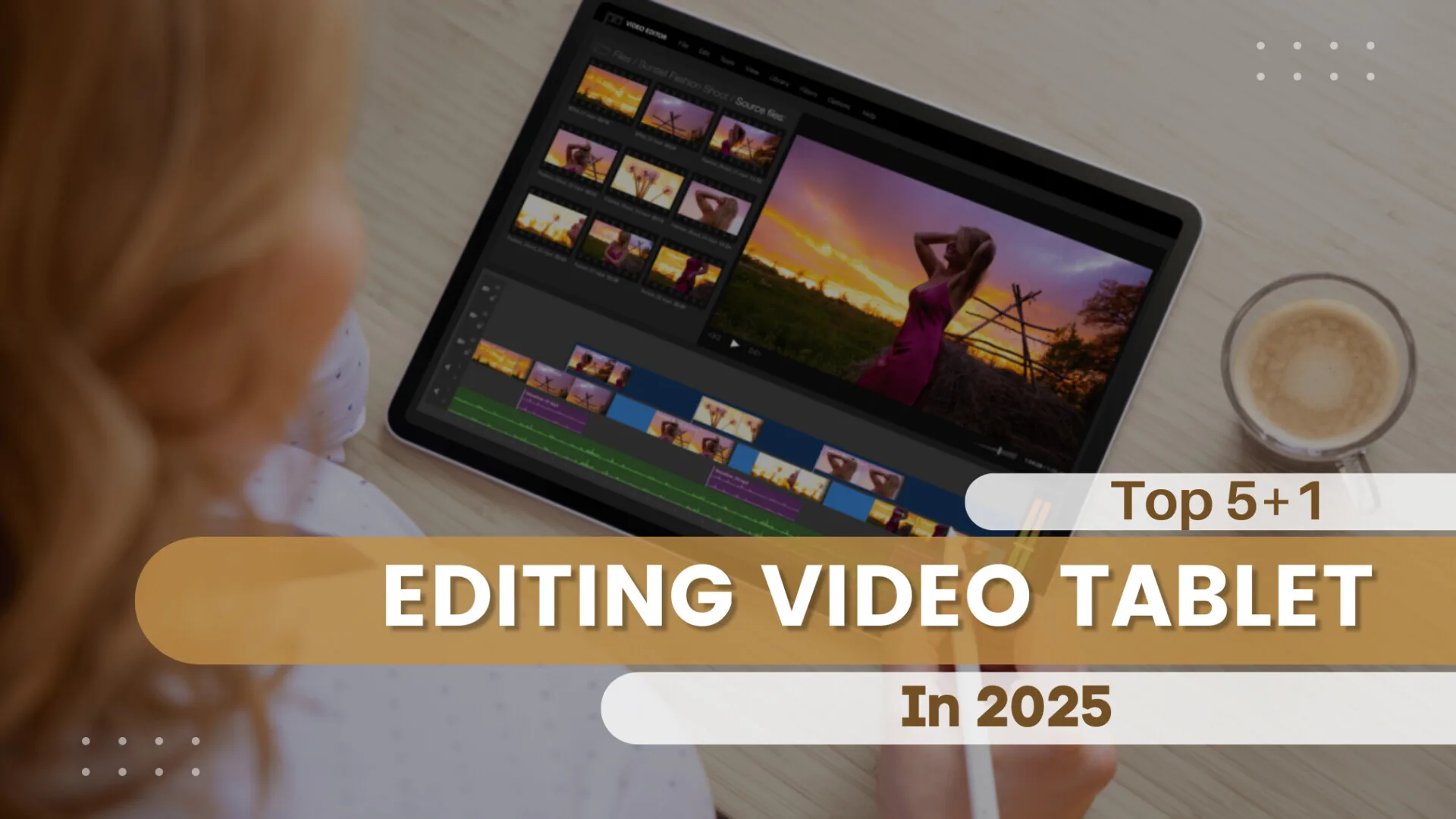
Video editing on tablets has come a long way, and in 2025, we’re
seeing powerful devices that rival laptops in performance. The
global tablet market has seen 12%
year-over-year growth, with a 35%
increase in creators using tablets for video editing.
Thanks to advancements in AI-assisted editing, mini-LED
displays, and desktop-grade chipsets, tablets now offer
a seamless editing experience on the go. Thanks to advancements
in AI-assisted editing, mini-LED displays, and
desktop-grade chipsets, tablets now offer a seamless
editing experience on the go. Brands like Apple,
Samsung,
and Microsoft
continue to push boundaries, making it easier than ever to create
high-quality content from anywhere.
So, whether you're a professional video editor, a content creator, or just someone who loves making high-quality videos, tablets have become a go-to solution due to their portability, touch-screen controls, and increasingly powerful hardware. With the ability to run professional-grade editing software, they provide an efficient way to edit videos on the go. Let's dive into the best tablets for video editing in 2025 and find the right fit for you.
Top Tablets for Video Editing in 2025
Below, we compare the best options based on performance, display quality, software compatibility, and price. These factors are crucial because video editing demands powerful processors for smooth rendering, high-resolution displays for accurate color grading, and software compatibility to ensure access to professional editing tools.
1. Best Overall: Apple iPad Pro M4 (2024)
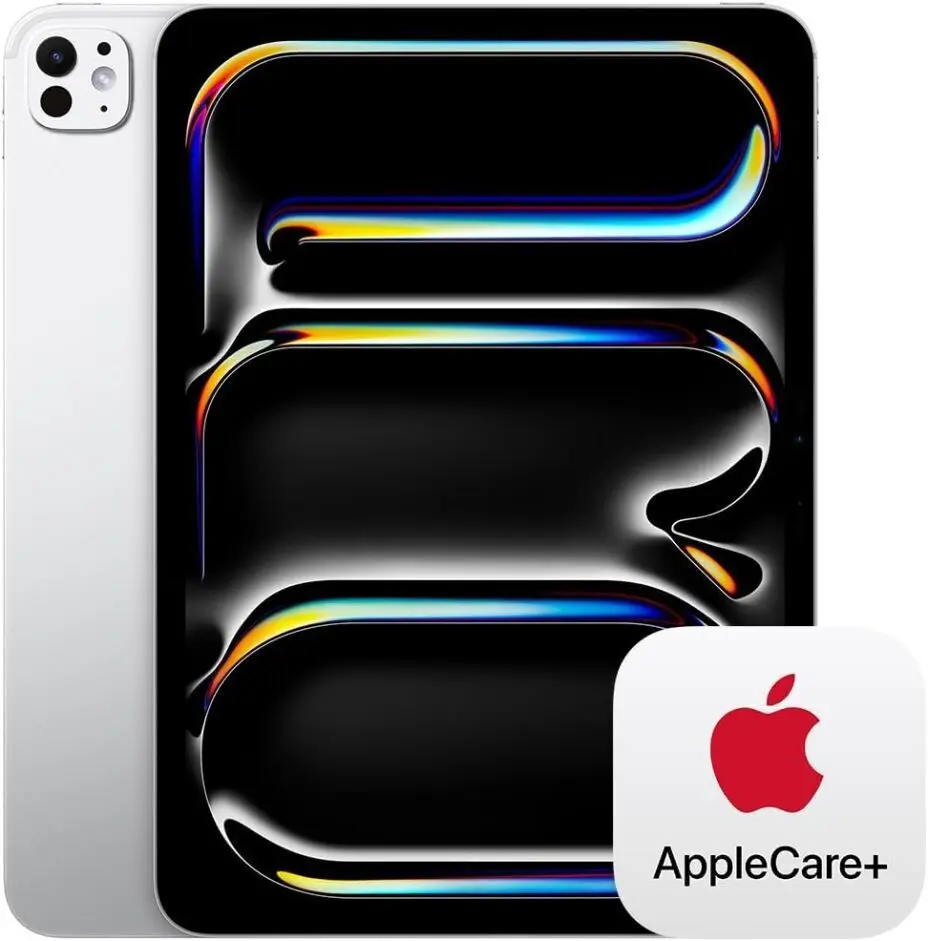
💡 Why It Stands Out: The iPad Pro remains the king of video editing tablets with its M3 chip, XDR display, and optimized Final Cut Pro support.
- Chipset: Apple M4
- Display: 11-13-inch Liquid Retina XDR, 120Hz ProMotion
- Software Support: Final Cut Pro, LumaFusion, DaVinci Resolve
- Battery Life: Up to 12 hours
- Ideal For: Professionals looking for a desktop-class editing experience with a tablet.
- Price: Starts at $1,299
👉 Verdict: If you're an Apple user and need the best performance, this is the ultimate tablet for video editing.
2. Best for Android Users: Samsung Galaxy Tab S10 Ultra
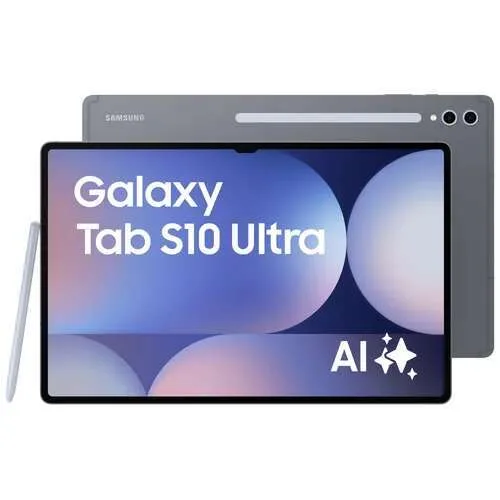
💡 Why It Stands Out: A powerhouse for Android lovers, featuring Snapdragon 8 Gen 3, a 14.6-inch AMOLED display, and S Pen precision.
- Chipset: Qualcomm Snapdragon 8 Gen 3
- Display: 14.6-inch Dynamic AMOLED, 120Hz
- Software Support: Adobe Premiere Rush, Kinemaster, LumaFusion (Android version)
- Battery Life: 10+ hours
- Ideal For: Android users who want a large display and pen-based editing precision.
- Price: Starts at $1,199
👉 Verdict: If you're deep into the Samsung ecosystem or prefer Android-based software, this is your best bet.
3. Best for Windows Editors: Microsoft Surface Pro 10
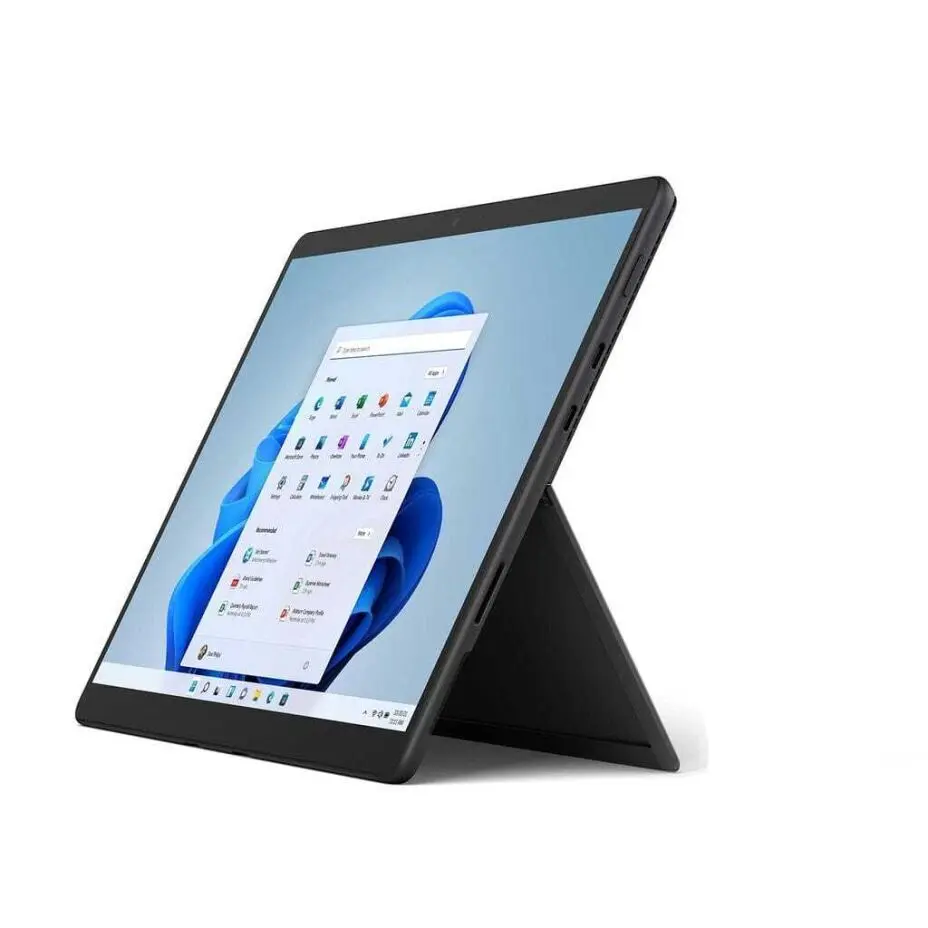
💡 Why It Stands Out: The closest thing to a laptop in tablet form, the Surface Pro 10 runs full Windows software like Adobe Premiere Pro.
- Chipset: Intel Core Ultra 7
- Display: 13-inch PixelSense Flow, 120Hz
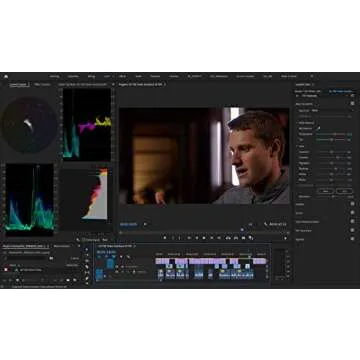
- Software Support: Adobe Premiere Pro, DaVinci Resolve, After Effects
- Battery Life: 9-10 hours
- Ideal for: Editors who prefer Windows-based programs but need portability.
- Price: Starts at $1,399
👉 Verdict: If you use Adobe Premiere Pro or DaVinci Resolve on a Windows machine, this is the best tablet alternative to a laptop.
4. Best Budget Option: Lenovo Tab P12
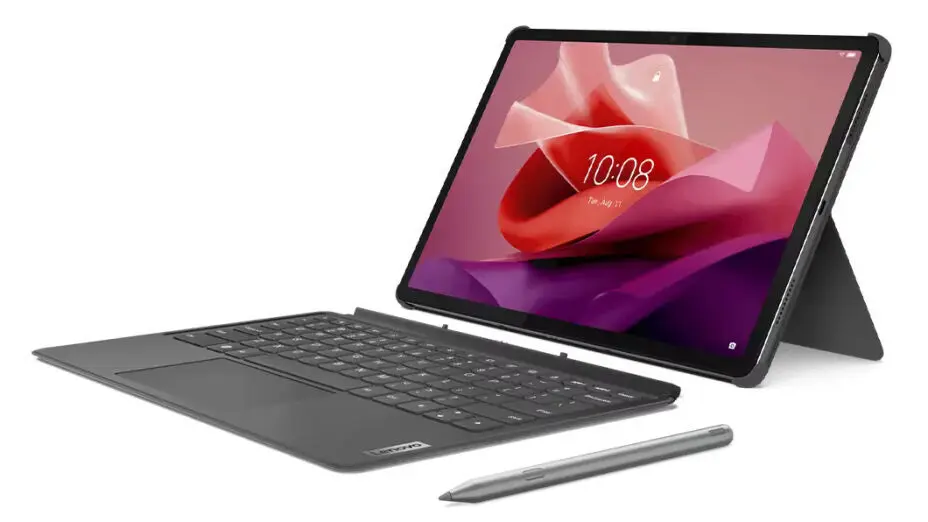
💡 Why It Stands Out: For those on a budget, the Lenovo Tab Extreme provides a large OLED display and solid performance at a lower cost.
- Chipset: MediaTek Dimensity 9000
- Display: 14.5-inch OLED, 120Hz
- Software Support: Adobe Premiere Rush, CapCut, Kinemaster
- Battery Life: 12 hours
- Ideal for: Beginners or budget-conscious creators who still want a good editing experience.
- Price: Starts at $899
👉 Verdict: If you don’t need Apple or Windows software and want a large OLED display for cheap, this is a great alternative.
5. Best Hybrid Laptop-Tablet for Power Users: Galaxy Tab S9 Ultra WiFi Gray
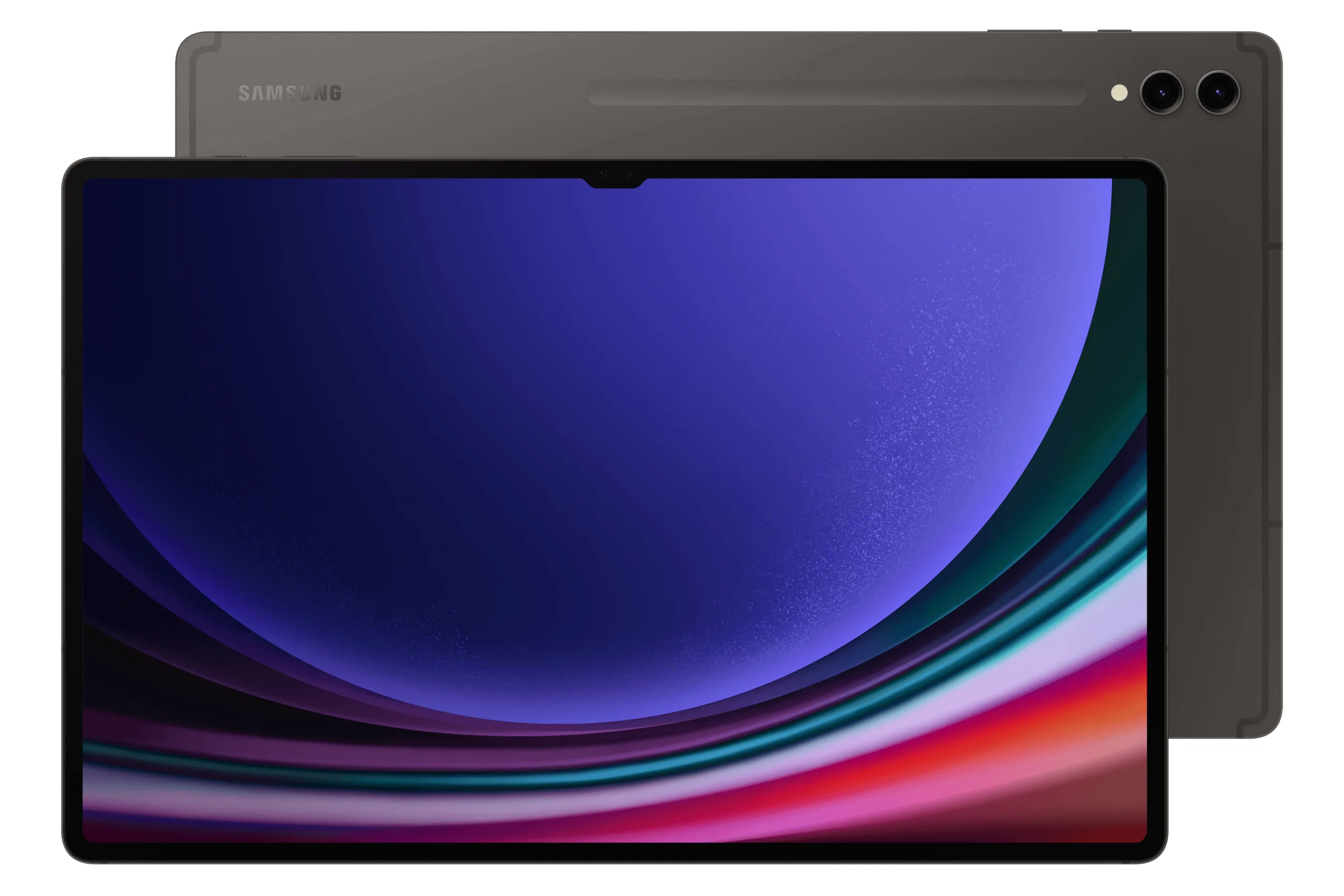
💡 Why It Stands Out: The Samsung Galaxy Tab S9 Ultra offers a stunning display, powerful performance, and top-tier features, making it perfect for those who want a premium experience in a tablet. With its ultra-clear AMOLED screen and high refresh rate, it’s ideal for streaming, gaming, or creative work.
- Chipset: Qualcomm Snapdragon 8 Gen 2
- Display: 14.6-inch Dynamic AMOLED 2X, 120Hz
- Software Support: Adobe Photoshop, Lightroom, Microsoft Office, Samsung DeX
- Battery Life: 12+ hours
- Storage Options: 512GB, 1TB (expandable)
Ideal For: professionals, content creators, and anyone looking for a high-performance tablet that can handle demanding tasks like graphic design, video editing, and gaming.
Price: Starts at $1,099
👉 Verdict: The Galaxy Tab S9 Ultra is a powerhouse, delivering premium features for those who want the best in tablet performance. If you're looking for a device that can do it all—work, play, and create—this one stands out as a top choice.
Which Tablet Is Best for You?
| Tablet | Best For | Chipset | Display | Software Support | Price |
|---|---|---|---|---|---|
| Apple iPad Pro M4 | Best Overall | Apple M4 | 11-13” Liquid Retina XDR | Final Cut Pro, LumaFusion, DaVinci Resolve | $1,299 |
| Samsung Galaxy Tab S10 Ultra | Best for Android Users | Snapdragon 8 Gen 3 | 14.6” AMOLED | Adobe Rush, Kinemaster, LumaFusion | $1,199 |
| Microsoft Surface Pro 10 | Best for Windows Editors | Intel Core Ultra 7 | 13” PixelSense Flow | Adobe Premiere Pro, DaVinci Resolve | $1,399 |
| Lenovo Tab P12 | Best Budget Option | MediaTek Dimensity 9000 | 14.5” OLED | Adobe Rush, CapCut, Kinemaster | $899 |
| Galaxy Tab S9 Ultra WiFi Gray | Best Hybrid Power User | Qualcomm Snapdragon 8 Gen 2 | 14.6” Dynamic AMOLED 2X | Photoshop, Lightroom, Office, Samsung DeX | $1,099 |
How to Choose the Best Tablet for Video Editing in 2025
Whether you're looking for the best budget tablet or a high-end powerhouse, it's important to know what to look for before making your purchase. Here are key factors to consider when choosing the perfect tablet for video editing:
1. Performance & Processor
A powerful chipset is crucial for smooth video editing. For top performance, look for devices with the Apple M4 chip, Snapdragon 8 Gen 3, or Intel Core Ultra 7. Tablets with dedicated GPUs, like the ASUS ROG Flow Z13, give you extra power for GPU-accelerated tasks.
2. Display Quality
For video editing, the quality of the display makes a huge difference. Opt for OLED, Mini-LED, or XDR displays to ensure accurate colors. A 120Hz refresh rate helps with smooth playback, while HDR support enhances your visual experience. Apple’s Liquid Retina XDR and Samsung’s AMOLED screens are some of the best for this.
3. Software Compatibility
Make sure the tablet supports the software you use. Apple’s iPads work seamlessly with Final Cut Pro and LumaFusion. Windows tablets like the Surface Pro 10 can handle Adobe Premiere Pro and DaVinci Resolve. For Android lovers, tablets such as the Samsung Galaxy Tab S10 Ultra support apps like Kinemaster and Adobe Premiere Rush.
4. Battery Life
High-performance tablets often drain faster, but most can handle 8-12 hours of editing on a single charge. Check the battery life before purchasing, especially for pro-level editing tablets that may need frequent charging.
5. Price & Value
Top-tier tablets like the iPad Pro M4 and Surface Pro 10 come with a high price tag, but they offer professional-grade performance. Budget-friendly options like the Lenovo Tab P12 give you decent power at a more affordable price.
Which One Should You Buy?
- Want the best? Go for the iPad Pro M4—it offers top-notch performance and a premium editing experience.
- Prefer Android? The Samsung Galaxy Tab S10 Ultra is your best bet, offering a large display and pen precision.
- Need Windows? The Surface Pro 10 runs all your favorite editing programs and doubles as a full laptop replacement.
- On a budget? The Lenovo Tab P12 offers great value with solid performance at a lower price.
- Need raw power? The Galaxy Tab S9 Ultra WiFi Gray is perfect for professionals needing top-tier graphics and performance.
Ready to upgrade your video editing setup? Check out the latest
deals on these tablets and grab the one that fits your needs to
take your creative workflow to the next level! 🎬🚀
FAQ
❓ Which tablet is best for professional video editing?
❓ Can I use Adobe Premiere Pro on a tablet?
❓ What is the best budget tablet for video editing?








 Continue with Google
Reviews