


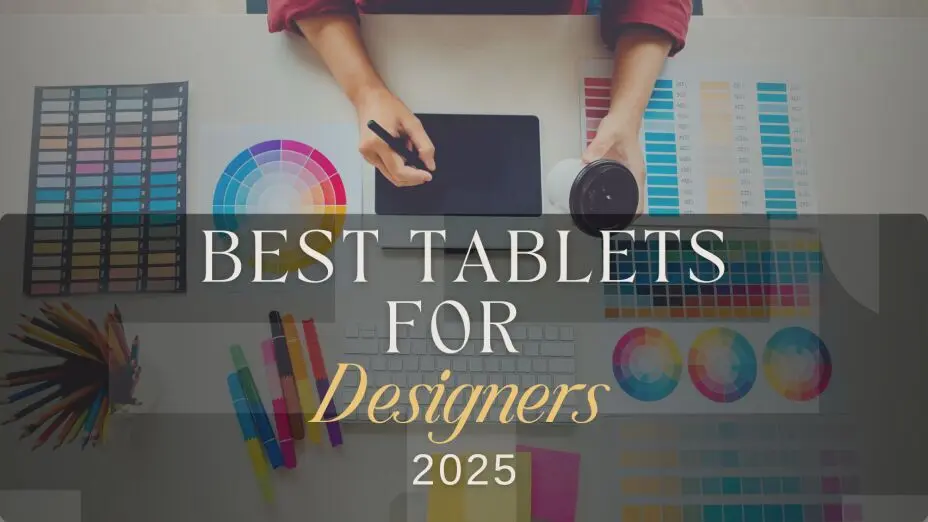
Top 5 Best Tablets for Designers 2025 – Top Creative Picks
"Which Tablet Is Best for Architects, AutoCAD & Designers in 2025?"
If you are an architect or architecture student in
2025, the best all-round tablet is the Microsoft
Surface Pro 10 for full AutoCAD/Revit
workflows, while the iPad Pro 13" (M4) is the
best choice for sketching, PDF markups and AutoCAD Web. For
students, the iPad Air 13" (M3) balances price
and performance.
Designers,
illustrators, and digital artists in 2025 will have access to
some of the most advanced tablets ever, making it the best time
to explore the top tablets for digital artists in 2025. With
stunning OLED and mini-LED
displays, ultra-responsive styluses, and AI-powered software
integrations, this year’s models offer unparalleled precision and
performance. Whether you're a professional graphic designer, an
architect, or an aspiring artist, there’s a tablet tailored to
your needs.
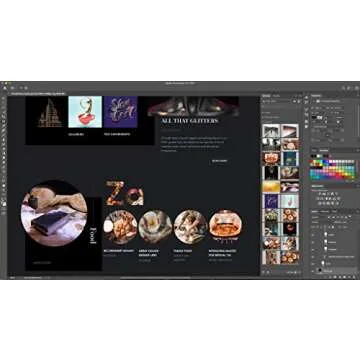
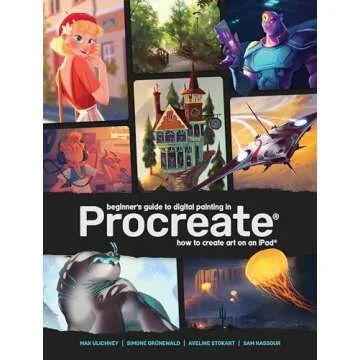
Tech giants like Apple, Microsoft, and Wacom continue to lead the market, but brands like Samsung, Huion, and XP-Pen are stepping up with competitive alternatives. According to market research, the global digital drawing tablet market is expected to grow by 7.8% annually, with increased demand for AI-enhanced styluses and ultra-responsive displays driving competition among manufacturers. AI-driven features, better pressure sensitivity, and seamless compatibility with creative software like Adobe Photoshop, Illustrator, Procreate, and Blender make 2025’s tablets stand out.
Quick picks 2025
- Best tablet for architects 2025: Apple iPad Pro 13-Inch (M4)
- Best tablets for creative professionals: Wacom Cintiq Pro 27 Creative Pen Display
- Best tablet for AutoCAD 2025: Microsoft Surface Pro 10 (full Windows AutoCAD)
- Best tablet for Architects and Designers: SAMSUNG Galaxy Tab S10 Ultra
- Best Tablets for Graphic Design and Video Editing: HUION KAMVAS Pro 16 2.5K QHD
- Best tablet for architecture students 2025: Apple iPad Air 13-inch
How We Chose the Best Tablets for Designers
- Display Quality: Resolution, color accuracy, and brightness are key for professional work.
- Stylus Performance: Pressure sensitivity, tilt support, and latency play a huge role in precision.
- Software Compatibility: Smooth performance with popular design apps.
- Processing Power: Ensures smooth multitasking, rendering, and high-resolution editing.
- Battery Life: Long-lasting power for all-day creativity.
- Value for Money: The best balance of performance and price.
Now, let’s dive into the top tablets for graphic designers in 2025!
1.Best Tablets for Architects 2025 (Also Great for Designers)
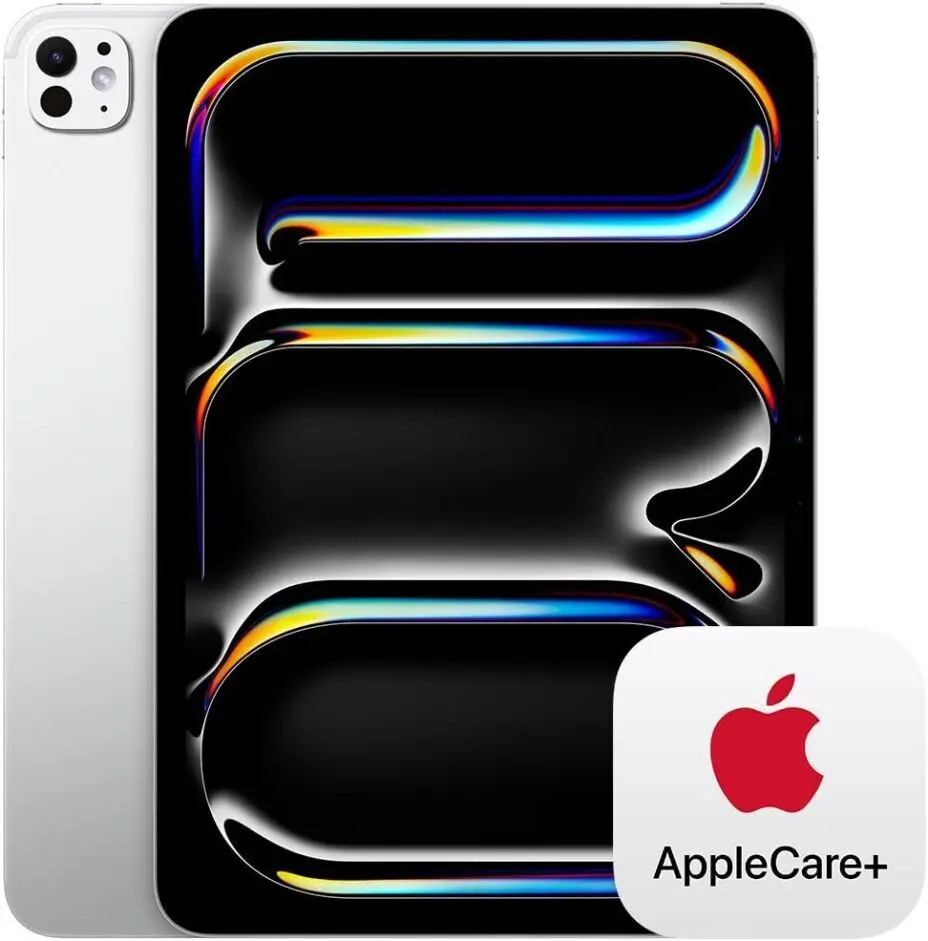
💰 Price: Starting at $1,199
📏 Screen Sizes: 13” Tandem OLED, 11” Tandem OLED
✍️ Stylus: Apple Pencil Pro (haptic feedback, squeeze gestures)
⚡ Performance: M4 chip, up to 16GB RAM
🔋 Battery Life: 10-12 hours
Why It’s a Game-Changer:
The iPad Pro M4 is Apple’s thinnest and most powerful tablet yet, featuring an ultra-slim design and an all-new Tandem OLED display for deeper blacks and vibrant colors. Powered by the blazing-fast M4 chip, this iPad delivers desktop-level performance for creative professionals. The Apple Pencil Pro introduces new squeeze gestures and haptic feedback, making drawing and note-taking more intuitive than ever.
Architecture & CAD notes
- Best suited for AutoCAD Web / AutoCAD mobile, PDF markups, and reviewing DWG files rather than full desktop AutoCAD or Revit.
- Excellent for redlining plans, sketching concepts, site notes, and client markups with Apple Pencil Pro.
- Works well with Shapr3D and other 3D sketching apps for quick massing and concept studies.
- With an external monitor and keyboard, it becomes a very strong portable review + presentation device, but you will still need a Windows machine for heavy BIM work.
Ideal For:
✅ Digital artists & designers using Procreate, Photoshop, and Illustrator
✅ Video editors working with DaVinci Resolve or LumaFusion
✅ Students & professionals who want a high-performance, lightweight tablet
✅ Apple ecosystem users who rely on seamless integration with Mac & iPhone
Drawbacks:
❌ Expensive compared to rivals like Samsung’s Galaxy Tab Ultra
❌ iPadOS still limited for full desktop workflows
❌ No major design changes beyond the display and chip upgrade
2. Best Tablets for Creative Professionals
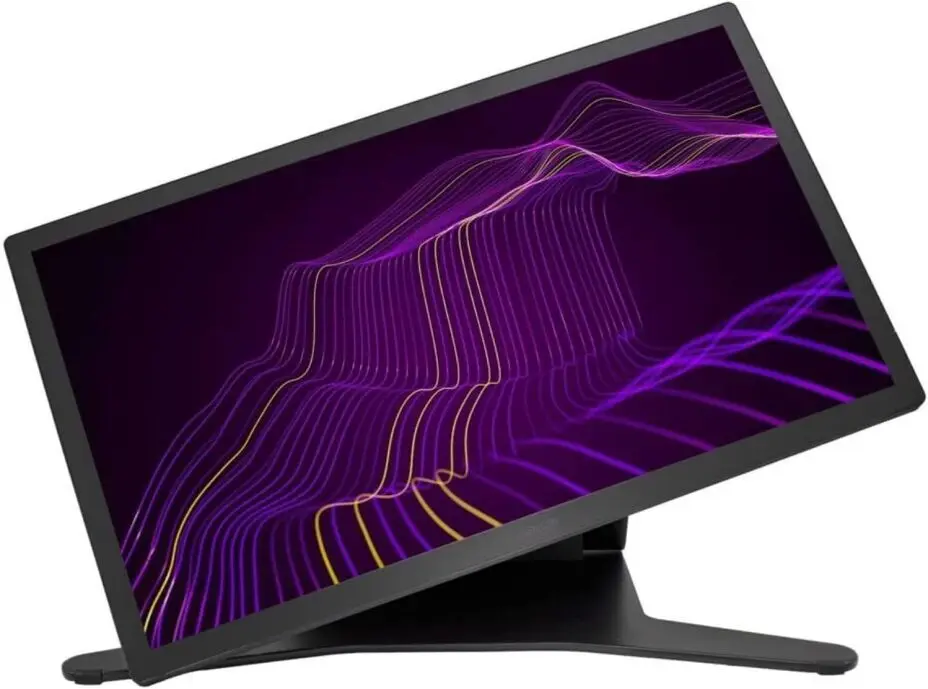
💰 Price: Around $3,500
📏 Screen Size: 27” 4K UHD
✍️ Stylus: Wacom Pro Pen 3 (8,192 pressure
levels)
⚡ Performance: High-end pen display (requires
external PC/Mac)
🔋 Battery Life: N/A (must be plugged in)
Why It’s Great for Designers:
The Wacom Cintiq Pro 27 is a dream for
professional illustrators and animators. Its stunning 4K
display offers 99% AdobeRGB coverage,
ensuring top-tier color accuracy. The Wacom Pro Pen
3 provides ultra-precise control with customizable
weight and balance settings.
Architecture & CAD notes
- Designed as a desk-based pen display that connects to a powerful PC or Mac running full AutoCAD, Revit, Rhino, SketchUp, and rendering tools.
- Ideal for precise detailing, façade studies, and high-end presentation drawings where color accuracy and pen control really matter.
- Not portable: it is best thought of as the main studio workstation for senior architects, visualization specialists, and design leads.
- A good fit if your office already has strong CAD/BIM hardware and you want to upgrade pen input and visual quality, not mobility.
Ideal For:
✅ Professional illustrators and animators
✅ Artists who need the best color accuracy
✅ Those with a powerful PC setup
Drawbacks:
❌ Expensive and requires an external computer
❌ Not portable
3. Best Tablet for AutoCAD 2025: Microsoft Surface Pro 10
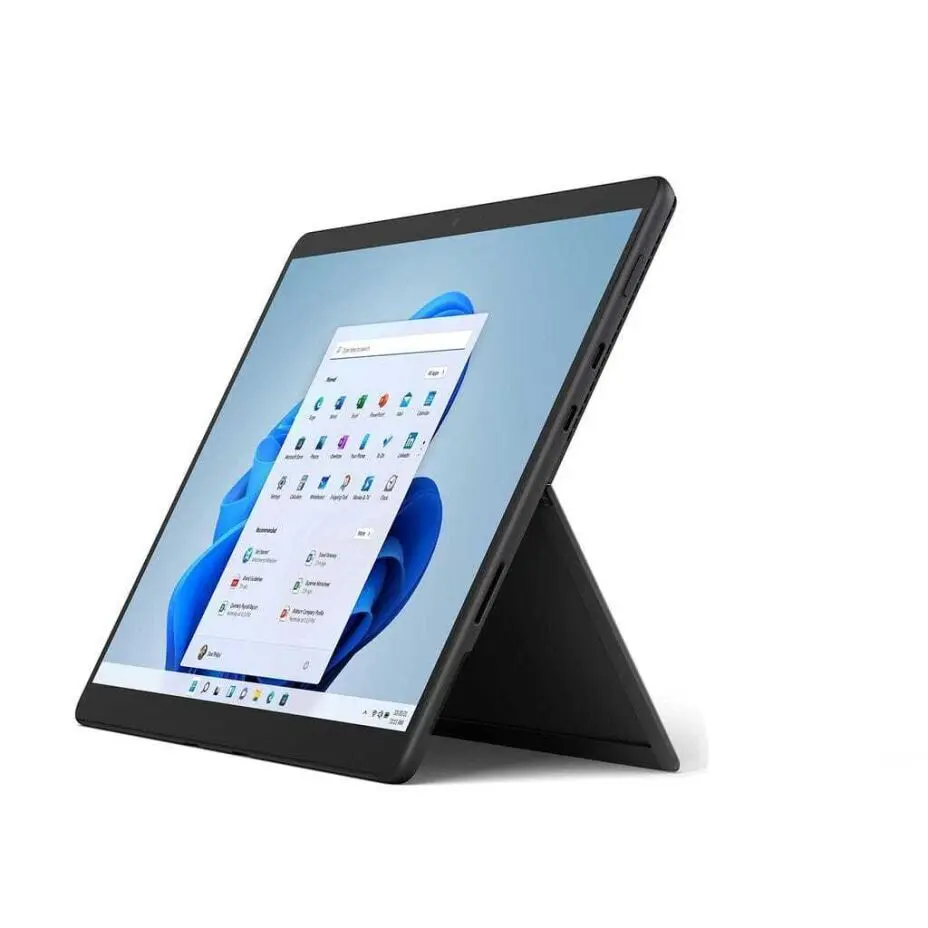
💰 Price: Starting at $1,299
📏 Screen Size: 13” PixelSense OLED
✍️ Stylus: Surface Slim Pen 2
⚡ Performance: Intel Core Ultra 9, 32GB
RAM
🔋 Battery Life: 15 hours
Why It’s Great for Designers:
The Surface Pro 10 is the best Windows-based
2-in-1 tablet, offering a vibrant OLED display
with ultra-low latency stylus input. Windows 11
allows full desktop software support, making it perfect for Adobe
Creative Cloud, Blender, and AutoCAD users.
Architecture & CAD notes
- Runs full Windows 11, so you can install desktop AutoCAD, Revit, Rhino, SketchUp and other CAD/BIM tools directly on the device.
- Choose higher-spec configurations (more RAM and storage) if you handle large BIM models or complex 3D files.
- The 13" display is sharp enough for plan work, sections, and details, especially when paired with a Surface Slim Pen 2 and keyboard.
- With USB-C/Thunderbolt and external display support, it can easily become your office workstation by day and portable site / meeting device by night.
Ideal For:
✅ Graphic designers who need full desktop apps
✅ Windows users who want a versatile device
✅ Architects using CAD software
Drawbacks:
❌ Stylus sold separately
❌ Less optimized for digital painting than Wacom
4. Best tablet for Architects and Designers
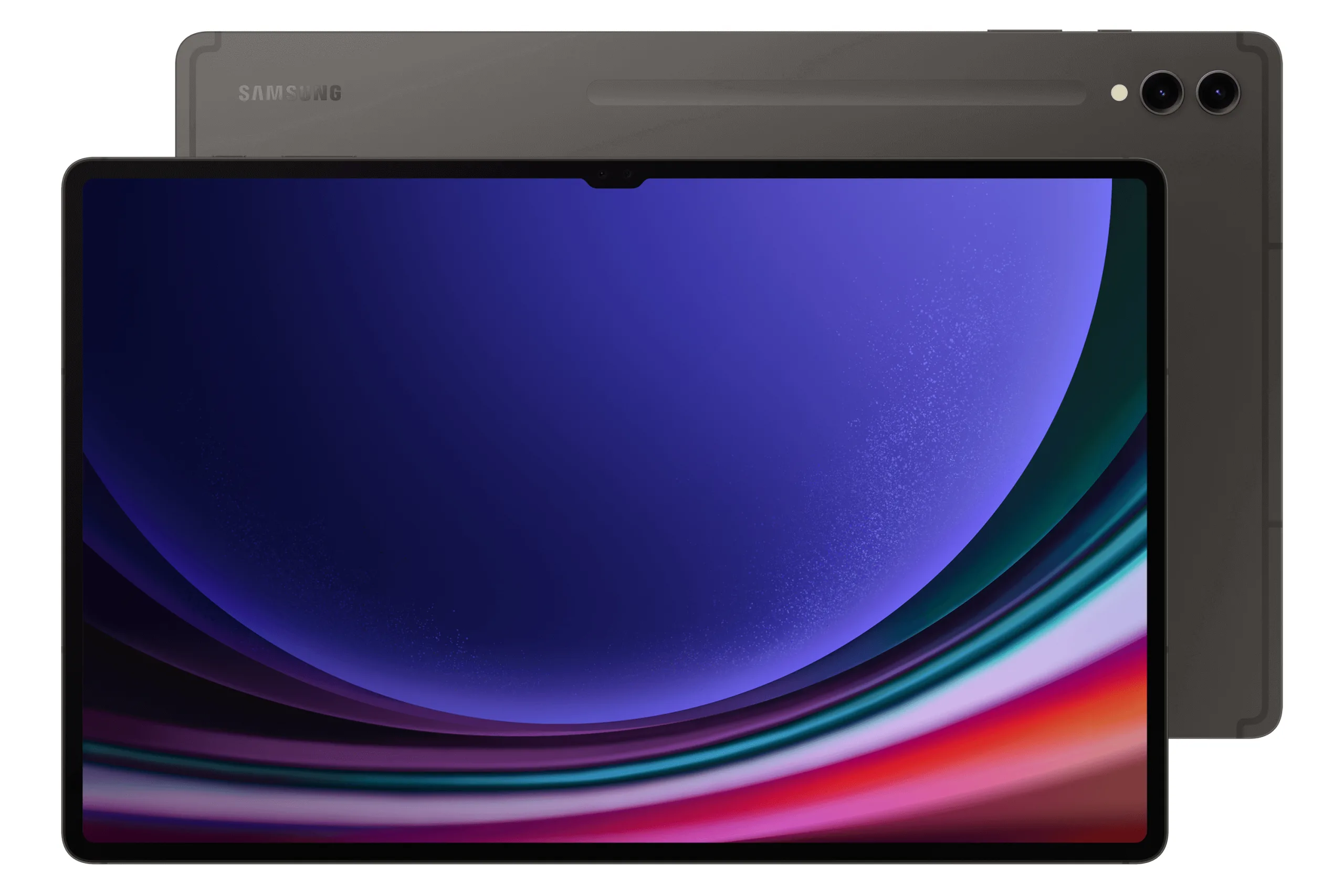
💰 Price: Starting at $1,199
📏 Screen Size: 14.6” AMOLED 3K
✍️ Stylus: S Pen (free with purchase)
⚡ Performance: Snapdragon 8 Gen 3, 16GB
RAM
🔋 Battery Life: 14 hours
Why It’s Great for Designers:
The Galaxy Tab S9 Ultra features a
massive 14.6” AMOLED display, giving artists a
large, vibrant canvas. The included S Pen has
low latency and high pressure sensitivity,
making it an excellent choice for digital painting. Samsung’s
One UI and Dex mode offer great multitasking.
Architecture & CAD notes
- Excellent for AutoCAD mobile, DWG viewers, PDF markup, and BIM viewing apps, but not for full desktop AutoCAD or Revit.
- The huge 14.6" AMOLED display is very comfortable for plan review, markups, and presentation boards, especially in meetings.
- DeX mode plus an external keyboard and monitor gives you a laptop-like setup for email, documentation, and light CAD-related tasks.
- A strong choice if you are in the Android ecosystem and need a large, vibrant screen for reviewing drawings and visual work, while using a separate Windows machine for heavy modeling.
Ideal For:
✅ Digital painters and concept artists
✅ Android users who need a powerful tablet
✅ Artists looking for a large screen
Drawbacks:
❌ Android lacks some desktop-class design apps
❌ Large size makes it less portable
5. Best Tablets for Graphic Design and Video Editing
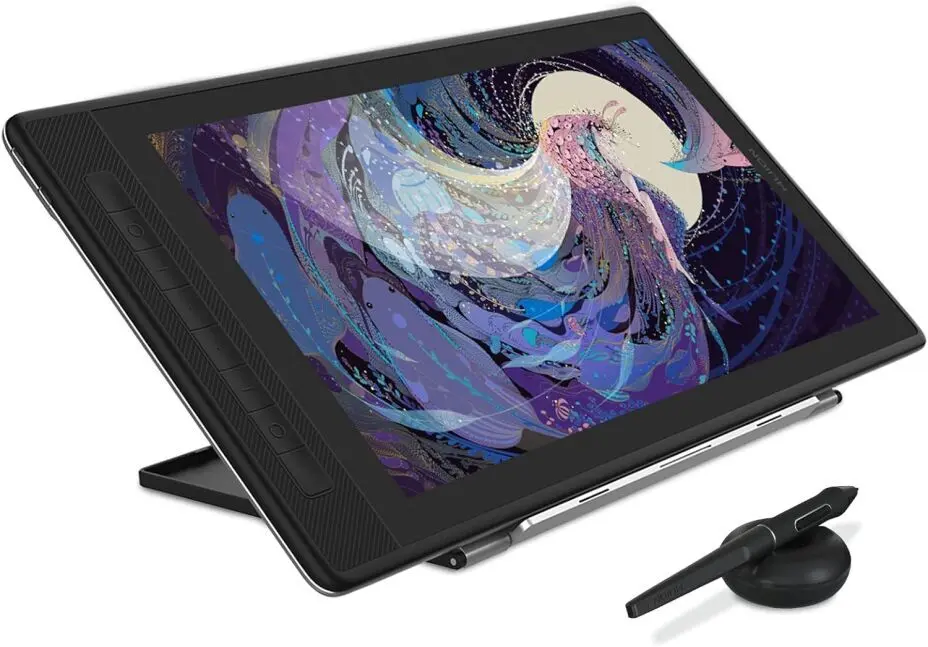
💰 Price: Around $400
📏 Screen Size: 15.6” 2.5K QHD
✍️ Stylus: Huion Pen PW517 (8,192 pressure
levels)
⚡ Performance: External pen display (needs
PC/Mac)
🔋 Battery Life: N/A (must be plugged in)
Why It’s Great for Designers:
For those on a budget, the Huion Kamvas Pro 16
(2.5K) offers amazing value with its
high-resolution display and responsive
stylus. It’s an excellent alternative to Wacom for those
who need professional quality without breaking the bank.
Architecture & CAD notes
- Works as an external pen display: it must be connected to a PC or laptop running AutoCAD, Revit, SketchUp, Rhino, etc.
- Great value for architecture students and junior designers who already have a Windows laptop but want better pen input for sketching, detailing, and presentation boards.
- The 15.6" 2.5K screen provides plenty of space for sections, elevations, and layout sheets at a lower price point than high-end Wacom options.
Ideal For:
✅ Budget-conscious designers and students
✅ Digital illustrators needing a large screen
✅ Beginners looking for an affordable option
Drawbacks:
❌ Needs an external computer
❌ Less premium build compared to Wacom
6. Best Tablets for Architecture Students 2025
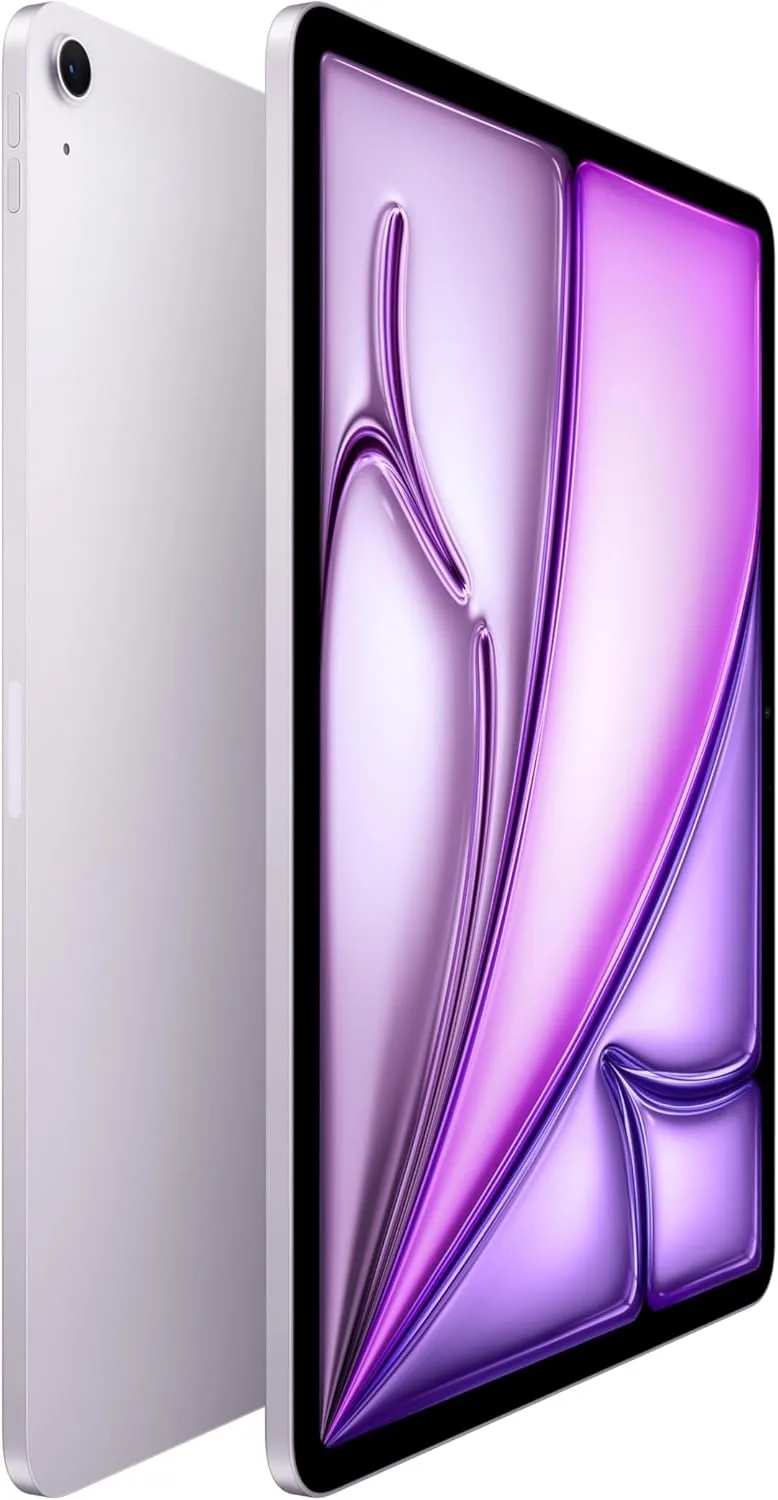
Large 13-inch Liquid Retina iPad Air with M3 delivers brisk performance, Apple Intelligence features, and Apple Pencil Pro support. Comes with 128GB storage, Wi-Fi 6E, Touch ID, 12MP front/rear cameras, and ~10-hour battery—an excellent mid-tier canvas for sketching, mark-ups, PDFs, and AutoCAD Mobile.
Key specs:
- 13" Liquid Retina (2732×2048, P3, fully laminated, anti-reflective, 600 nits)
- Apple M3, 8-core CPU / 9-core GPU, 16-core Neural Engine
- 128/256/512GB/1TB; Purple color option
- 12MP rear; 12MP landscape Center Stage front
- Wi-Fi 6E, Bluetooth 5.3; USB-C; Touch ID
- Up to 10 hours battery (36.59 Wh)
- Apple Intelligence supported; Apple Pencil Pro & Magic Keyboard compatible
Architecture & CAD notes
- Ideal for AutoCAD Web / AutoCAD mobile, PDF plan review, markups, and sketching with Apple Pencil Pro, especially in studio and on site.
- The 13" Liquid Retina display offers a comfortable canvas for plans, diagrams, and quick concept sketches at a friendlier price than the iPad Pro.
- Pairs well with note-taking, reference, and BIM viewing apps, so students can carry studio work, site photos, and crit notes in one device.
Why students choose this over a laptop
- Lighter and easier to carry between home, studio, campus, and site, with all-day battery life for crit days.
- Perfect as a second screen and digital sketchbook alongside a Windows or Mac laptop/PC for heavy Revit/AutoCAD work.
- A smart balance of price, performance, and portability for students who need serious tools but cannot justify a full iPad Pro + high-end laptop setup.
✅ Pros | ❌ Cons
- ✅ Big 13-inch laminated, anti-reflective display aids drawing and plan review.
- ✅ M3 speed + Apple Intelligence features; Pencil Pro support.
- ✅ Lighter/cheaper than iPad Pro; 128GB base.
- ❌ No ProMotion (60 Hz) or OLED; less fluid than iPad Pro.
- ❌ iPadOS limits some pro desktop workflows (e.g., full AutoCAD).
💬 Real Results & Reviews (Reddit):
- “13-inch Air is…great value for day-to-day and even intense workloads.” Reddit
- “If you’re used to 120 Hz you will notice…drop [from ProMotion].” Reddit
Which Tablet Is Best for You?
| Tablet | Best For | Price | Display | Stylus | OS |
|---|---|---|---|---|---|
| iPad Pro M4 | Digital Artists (Procreate) | $1,196.00 | Mini-LED/OLED | Apple Pencil Pro | iPadOS |
| Wacom Cintiq Pro 27 | Professional Illustrators | $3,499.95 | 4K UHD | Wacom Pro Pen 3 | Requires PC/Mac |
| Surface Pro 10 | Graphic Designers & CAD | $2,289.88 | OLED | Surface Slim Pen 2 | Windows 11 |
| Galaxy Tab S9 Ultra | Android Digital Art | $972.00 | AMOLED 3K | S Pen (included) | Android |
| Huion Kamvas Pro 16 | Budget-Friendly Drawing | $449.25 | 2.5K QHD | Huion PW517 | Requires PC/Mac |
| iPad Air 13" (M3) | Architecture Students, Sketching | $799 | Liquid Retina (13") | Apple Pencil Pro | iPadOS |
The Best Tablet for Your Needs
For more details on choosing the perfect tablet, check out our Ultimate Tablet Buying Guide for expert recommendations and in-depth comparisons.
- If you’re an Apple user, the iPad Pro M4 is unbeatable.
- If you need a professional-grade drawing tablet, go for the Wacom Cintiq Pro 27.
- For Windows designers, the Surface Pro 10 is the best hybrid device.
- Android artists will love the Galaxy Tab S9 Ultra.
- If you’re on a budget, the Huion Kamvas Pro 16 is a great choice.
- If you're an architecture student, the iPad Air 13" (M3) is the best choice for you.
No matter your needs, there’s a perfect tablet for you in 2025.
Which one are you considering? Let us know in the comments, and
don’t forget to subscribe for more expert reviews and buying
guides! Which one are you considering? Let us know in the
comments!
FAQ
❓ What is the best tablet for architects in 2025?
❓ Which tablet is best for AutoCAD in 2025?
❓ What is the best iPad for architects and architecture students?
❓ Can I run full AutoCAD and Revit on a tablet?














 Continue with Google
Reviews