


Apple Pencil vs. Logitech Crayon: Best iPad Stylus
"Which iPad Stylus Should You Choose: Apple Pencil or Logitech Crayon?"
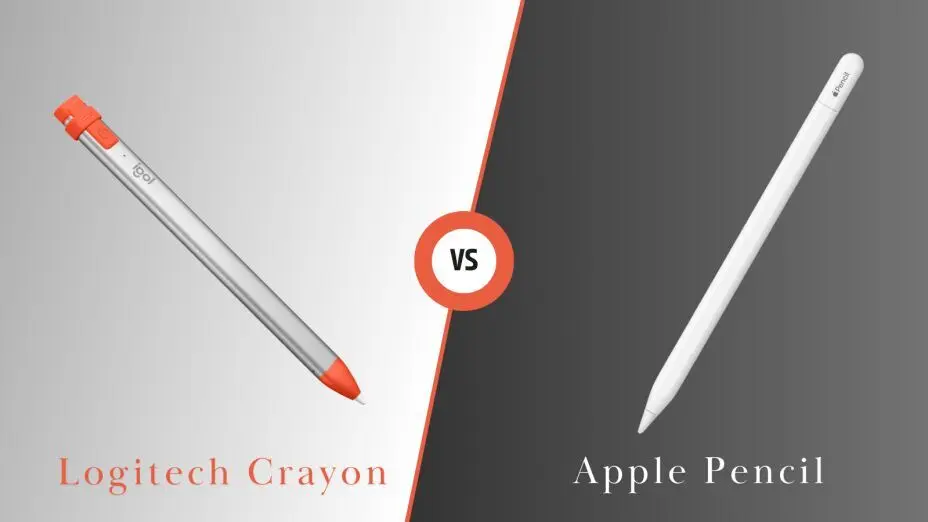
If you're trying to decide between the Apple
Pencil and the Logitech Crayon, you're
looking at two of the most popular
stylus
options for iPads. Both have their strengths, but they serve
slightly different needs depending on your preferences, budget,
and how you plan to use them. Let's break down the key
differences, pros, and cons of each to help you make the best
choice.
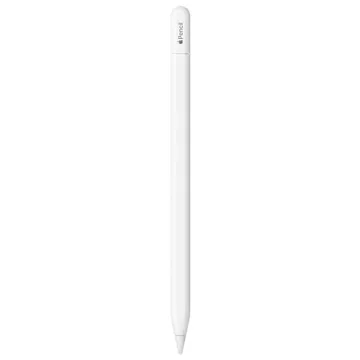
Apple Pencil (2nd Generation)
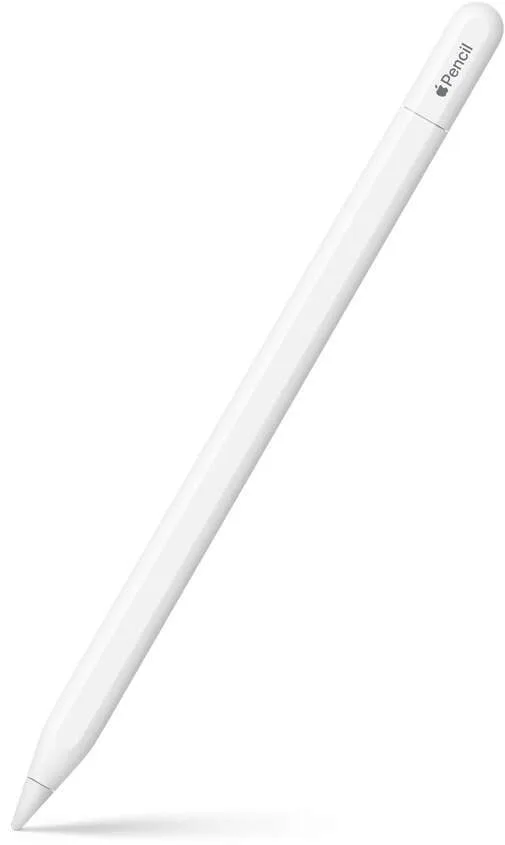
Key Features:
- Precision and Sensitivity: The Apple Pencil offers exceptional precision and pressure sensitivity, making it perfect for drawing, note-taking, and graphic design.
- Magnetic Attachment: It attaches magnetically to the side of compatible iPads, making it easy to store and charge.
- Wireless Charging: The second-gen Apple Pencil charges wirelessly when attached to your iPad, providing a clean, hassle-free charging experience.
- Tilt and Pressure Sensitivity: The pencil supports tilt for shading and has a high level of pressure sensitivity, making it ideal for artists and designers.
- Double-Tap Feature: Allows you to switch tools (like from brush to eraser) with a simple tap on the side of the pencil.
Ideal Users:
- Artists and designers: The high sensitivity and precision make it perfect for anyone doing detailed drawing, painting, or other creative tasks.
- Note-Takers and Professionals: The ergonomic design and smooth writing experience also make it ideal for anyone who takes lots of notes or uses their iPad for work.
Price Range:
- Higher-end: Typically priced around $129, it's a premium accessory but worth the investment if you need top-tier performance.
Pros:
- Superior drawing and writing experience.
- Seamless integration with iPads.
- Wireless charging and easy storage.
- Great for creatives and professionals.
Cons:
- Higher price point compared to the Crayon.
- Compatible only with newer iPad models (iPad Pro, iPad Air, and iPad Mini from 2019 onward).
Logitech Crayon
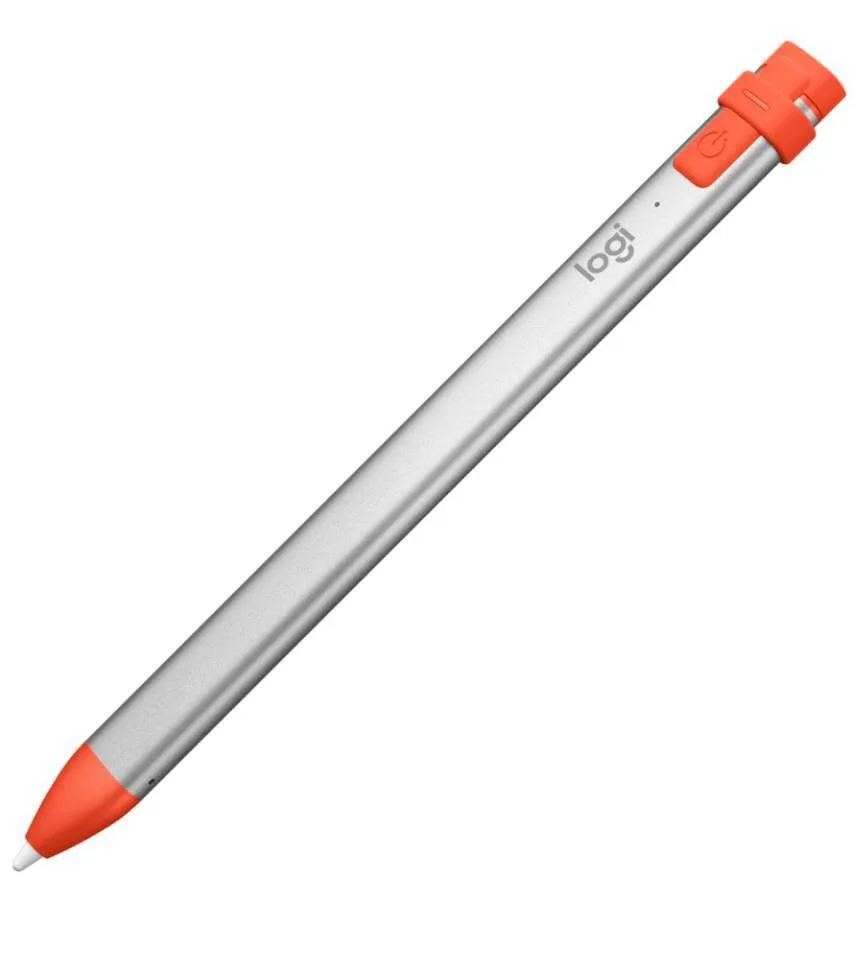
Key Features:
- Affordable Option: At a significantly lower price point (usually around $69), the Crayon offers a more budget-friendly alternative to the Apple Pencil.
- No Charging Required: The Crayon is powered by a built-in rechargeable battery that lasts up to 7 hours on a full charge. It charges via a lightning port, but there’s no need for wireless charging.
- Durable Design: The Crayon is built to withstand drops and rough handling, which makes it great for kids or casual use.
- Precision Tip: While it’s not as sensitive as the Apple Pencil, it still offers a solid drawing experience for everyday tasks like note-taking, sketching, or marking up documents.
- Palm Rejection: It includes palm rejection technology, so you can rest your hand on the screen while drawing or writing.
Ideal Users:
- Casual Users: Ideal for people who want to use the stylus for everyday tasks like writing notes, marking up PDFs, or even light sketching.
- Students and Educators: The Crayon’s more affordable price and rugged build make it great for students or in classroom settings.
- Kids: The Crayon is also designed with durability in mind, making it a solid choice for children who might be a bit rougher with their devices.
Price Range:
- Budget-Friendly: Priced around $69, making it a great choice if you're on a budget but still want reliable performance.
Pros:
- Affordable.
- Durable and tough design.
- No need for wireless charging.
- Palm rejection and tilt support.
- Great for note-taking, basic drawing, and general use.
Cons:
- Not as precise or pressure-sensitive as the Apple Pencil.
- Limited compatibility with newer iPad models (doesn’t work with iPad Pro 3rd gen and later or the latest iPad Air).
How to Choose the Best Stylus for You
Consider the following factors:
- Budget: If you're looking for a stylus on a budget, the Logitech Crayon is a great option that still delivers solid performance. However, if you're willing to invest in something premium and plan to use it extensively for creative work, the Apple Pencil is hard to beat.
- Use Case: The Apple Pencil is designed for precision and high-end performance, making it perfect for artists, designers, or anyone who needs top-tier pressure sensitivity. The Crayon, on the other hand, is ideal for casual use, note-taking, or simple sketching.
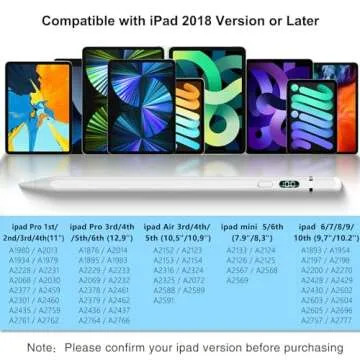
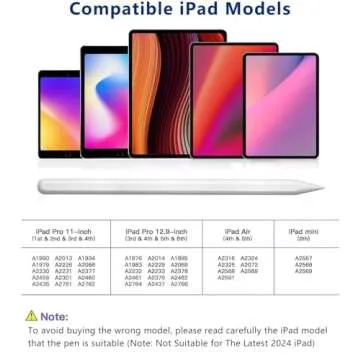
- Compatibility: Make sure the stylus you choose is compatible with your iPad model. The Apple Pencil works with newer iPads, while the Crayon has broader compatibility with most iPads, including the basic iPad, iPad Air, and iPad Mini.
- Durability: If you're worried about drops or rough handling, the Crayon’s durable build makes it a safer bet, especially for younger users.
Which One Is Right for You?

- Go with the Apple Pencil if: You’re looking for a high-end, precise, and premium stylus experience, especially for creative tasks like drawing and graphic design.
- Go with the Logitech Crayon if: You need a more affordable, durable, and straightforward stylus for everyday tasks like note-taking, light sketching, or annotating documents.
FAQs: Apple Pencil vs. Logitech Crayon
Q1: What’s the difference between the Apple Pencil and
Logitech Crayon?
A1: The Apple Pencil offers pressure
sensitivity, wireless charging, and a more precise drawing
experience, making it ideal for artists and professionals. The
Logitech Crayon is more affordable, durable, and designed for
casual users, students, and note-taking.
Q2: Does the Logitech Crayon work as well as the Apple
Pencil for drawing?
A2: The Logitech Crayon is great for basic
sketches and note-taking, but it lacks pressure sensitivity,
making it less ideal for professional-level digital art compared
to the Apple Pencil.
Q3: Which iPads are compatible with the Apple Pencil and
Logitech Crayon?
A3: The Apple Pencil (2nd Gen)
works with newer iPad Pros, iPad Air (4th/5th Gen), and iPad Mini
(6th Gen). The Logitech Crayon is compatible
with most iPads, including the standard iPad (6th Gen and later),
but doesn’t work with iPad Pro (3rd Gen and later). Always check
compatibility before purchasing.






 Continue with Google
Reviews