


Best Stylus Pens for Android Tablets 2025– Top Picks
"Which Stylus Pen is Best for Your Android Tablet in 2025?"
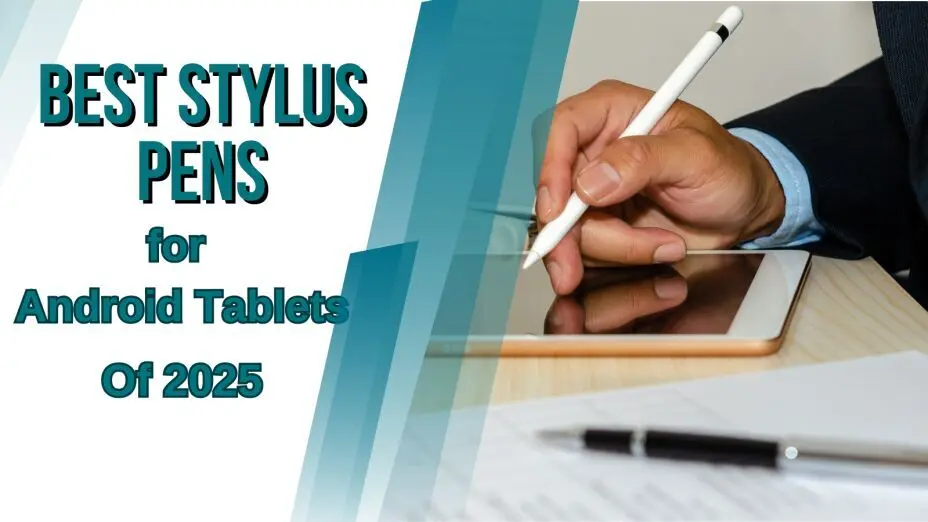
Stylus pens have come a long way, and in 2025, they're more precise, responsive, and packed with smart features. With Android tablets becoming more powerful, a high-quality stylus enhances productivity, creativity, and note-taking, making it an essential tool for students, professionals, and digital artists. Whether you're an artist, student, note-taker, or casual user, there's a perfect stylus for your Android tablet. But with so many options, how do you choose the best one?
We’ve tested and compared the top stylus pens for Android tablets this year, considering factors like pressure sensitivity, latency, palm rejection, and extra features like Bluetooth connectivity. Let’s dive in!
What’s New in Stylus Pens for 2025?
With stylus technology evolving rapidly, Android tablet users can now enjoy smoother, more intuitive interactions than ever before. These advancements improve usability by offering faster response times, enhanced pressure sensitivity, and smarter AI-driven precision—making digital note-taking, sketching, and productivity tasks seamless.
- Ultra-Low Latency: The best stylus pens now offer near-instant response times, making writing and drawing feel incredibly natural.
- AI-Enhanced Precision: Some premium models use AI to predict strokes, improving accuracy.
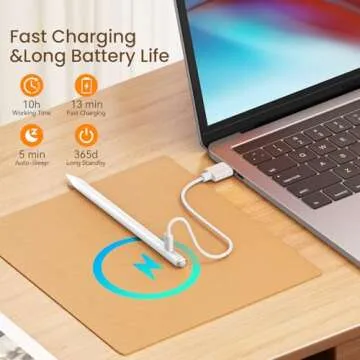
- Wireless Charging: Many high-end stylus pens now charge wirelessly, eliminating the need for cables.
- Multi-Device Compatibility: More styluses work across different Android brands like Samsung, Lenovo, and Xiaomi.
- Gesture Controls: Some pens include customizable gestures to improve productivity.
How to Select the Ideal Stylus for Your Android Tablet
1️⃣ Tablet Compatibility: Not all stylus pens
work with all tablets. Check if your tablet supports active
styluses.
2️⃣ Pressure Sensitivity: If you're an artist,
look for at least 4,096 levels for better
control.
3️⃣ Palm Rejection: Essential for a smooth
writing experience.
4️⃣ Bluetooth & Extra Features: Do you want
shortcut buttons or air gestures? These features can boost
productivity.
5️⃣ Charging & Battery Life: Wireless
charging is convenient, but USB-C charging is a solid
alternative.
Our Top Picks: Best Stylus Pens for Android Tablets in 2025
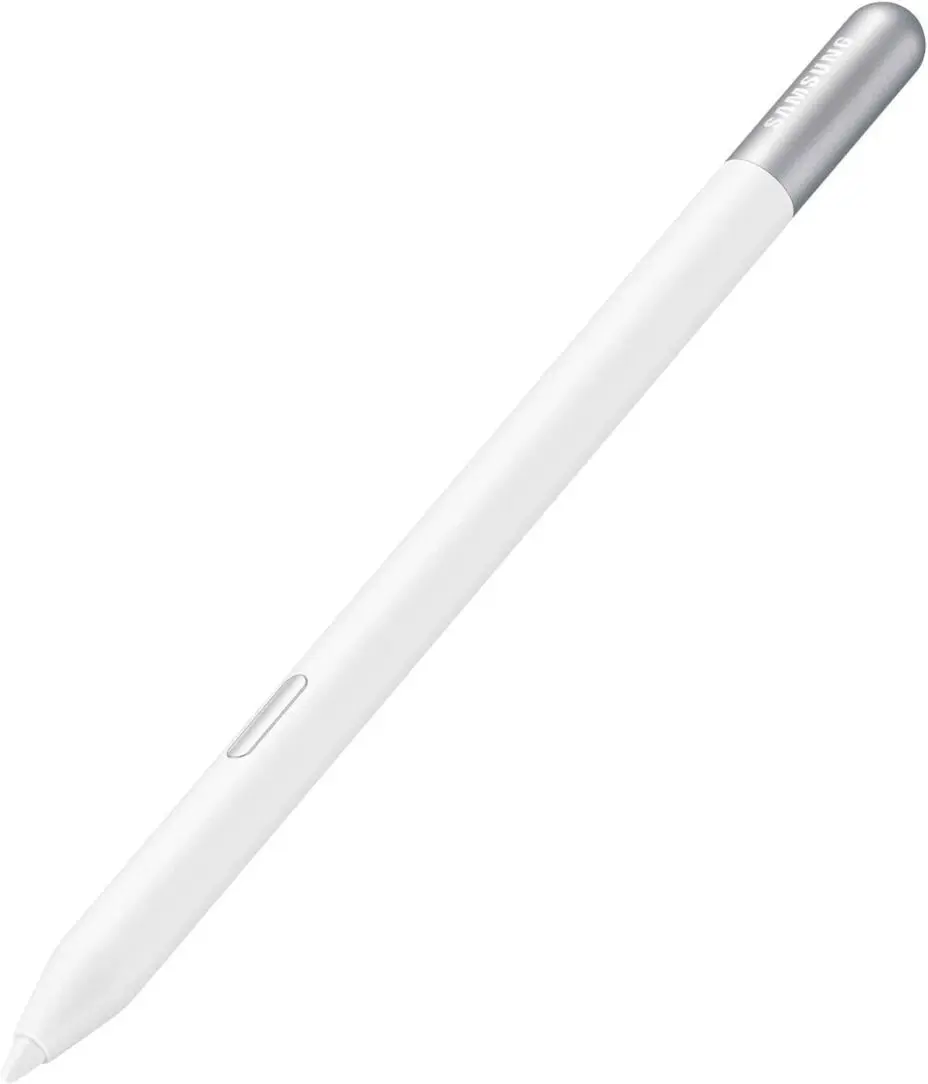
1. Samsung Galaxy S Pen Creator Edition
💰 Price: $91.22
⭐ Best For: Creatives, digital artists, and
Samsung tablet users
✅ Pros:
- Ultra-precise tip for detailed writing and drawing
- Bluetooth-enabled with Air Actions for remote control functions
- Seamless integration with Samsung devices
- Comfortable, ergonomic design for extended use
❌ Cons: - Limited compatibility outside the Samsung ecosystem
- No charging port (must charge via USB-C cable)
The Samsung Galaxy S Pen Creator Edition is the perfect tool for artists and professionals looking to take their digital creativity to the next level. With ultra-low latency and Bluetooth functionality, this pen provides a smooth and responsive drawing experience. It’s optimized for Samsung devices, making it ideal for Galaxy Tab users.
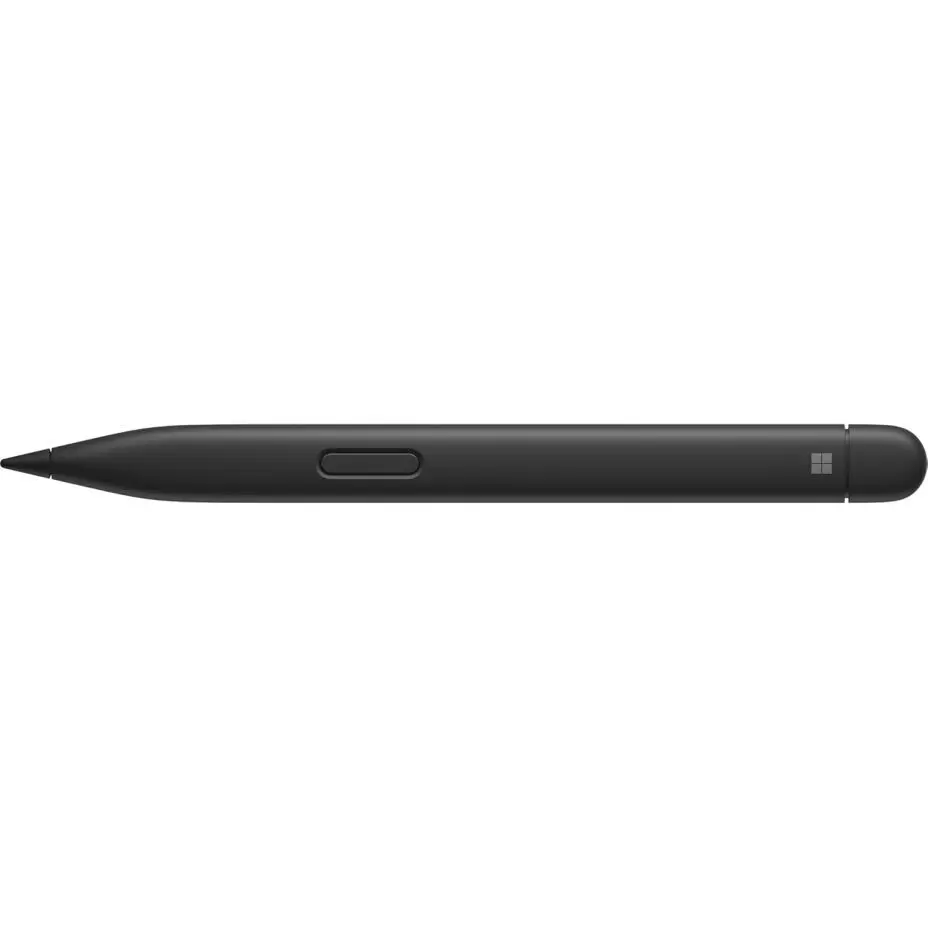
2. Microsoft Surface Slim Pen 2
💰 Price: $122.00
⭐ Best For: Surface device users, note-takers,
and creatives
✅ Pros:
- Smooth, low-latency writing experience
- Haptic feedback for more realistic writing sensations
- Rechargeable with USB-C charging
- Compatible with multiple Microsoft Surface devices
❌ Cons: - Limited to Surface devices for full functionality
- No Bluetooth support for non-Surface devices
The Microsoft Surface Slim Pen 2 is a must-have for Surface device owners. Its sleek design, precise tip, and haptic feedback combine for a premium writing and drawing experience. Whether you’re sketching or taking notes, it delivers great performance and feels natural in hand.
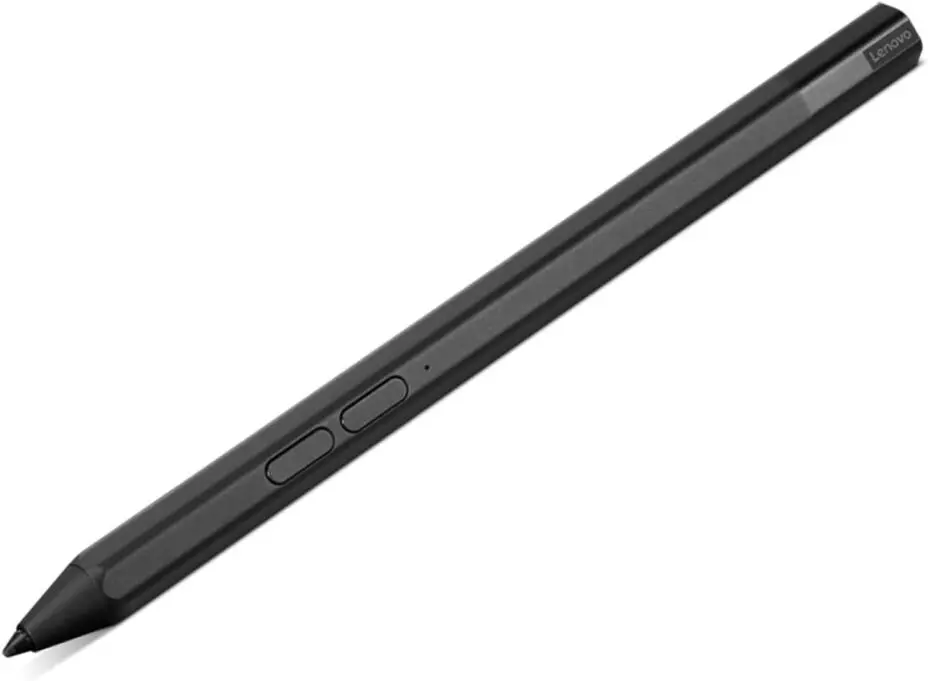
3. Lenovo Precision Pen 2
💰 Price: $72.23
⭐ Best For: Lenovo tablet and laptop users,
digital artists
✅ Pros:
- High-pressure sensitivity for detailed artwork
- Rechargeable and long-lasting battery
- Compatible with Lenovo Yoga and ThinkPad devices
- Ergonomic design for comfortable use
❌ Cons: - Limited to Lenovo devices for full functionality
- Doesn’t support Bluetooth features
For Lenovo tablet and laptop owners, the Lenovo Precision Pen 3 offers excellent precision with high-pressure sensitivity, making it great for digital art and note-taking. It’s the ideal pen for Lenovo users looking for a reliable, high-quality stylus to complement their device.
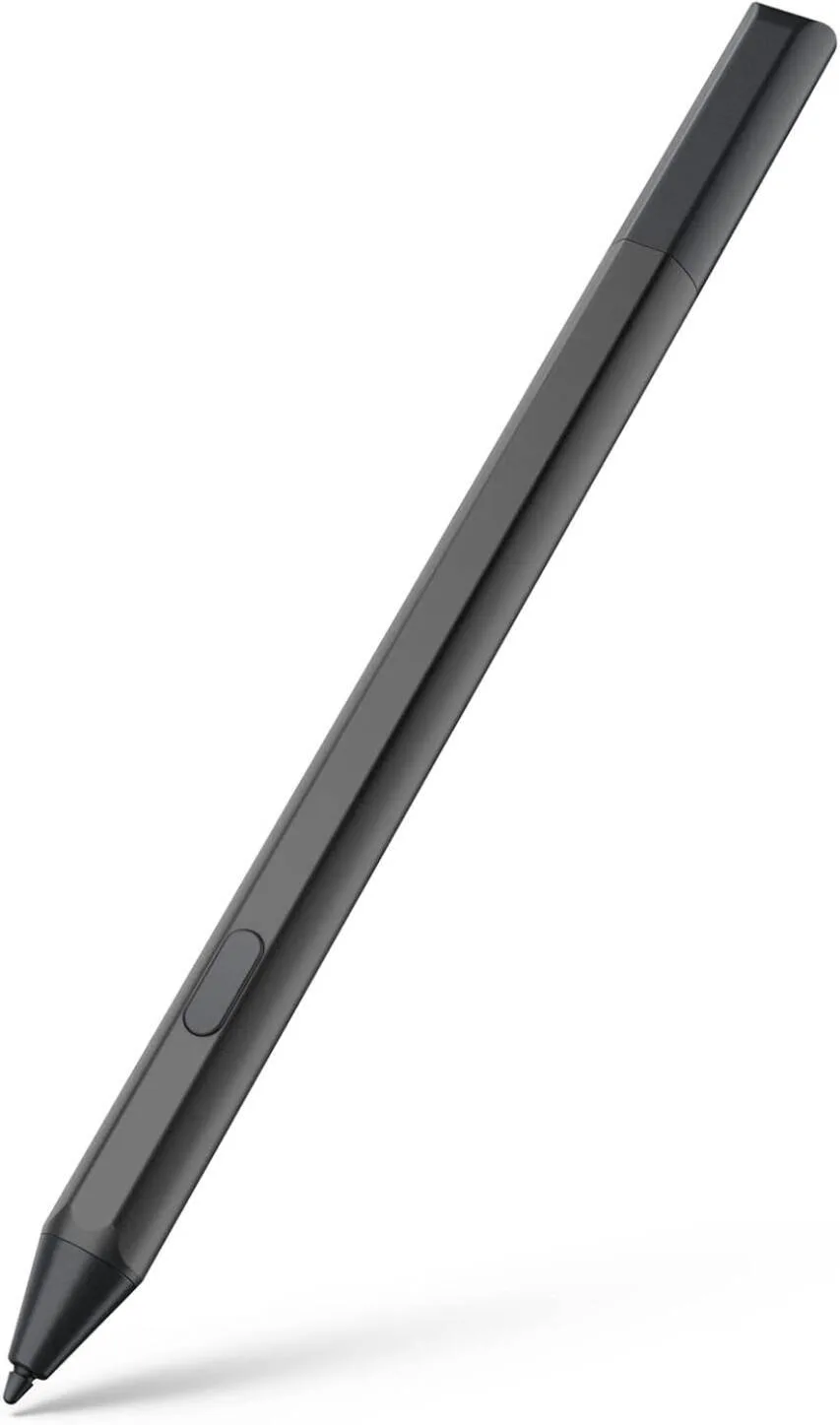
4. Amazon Fire Max 11 Stylus
💰 Price: $28.99
⭐ Best For: Budget-conscious users, casual
note-takers
✅ Pros:
- Affordable and functional
- Responsive on Fire HD tablets
- Lightweight and comfortable grip
❌ Cons: - Limited features compared to higher-end styluses
- Best for basic tasks (writing, browsing, etc.)
The Amazon Fire HD 10 Stylus is the go-to choice for users seeking a basic, affordable stylus for their Fire tablet. It’s perfect for light note-taking, browsing, and general use, offering a great balance of performance and cost for budget-conscious buyers.
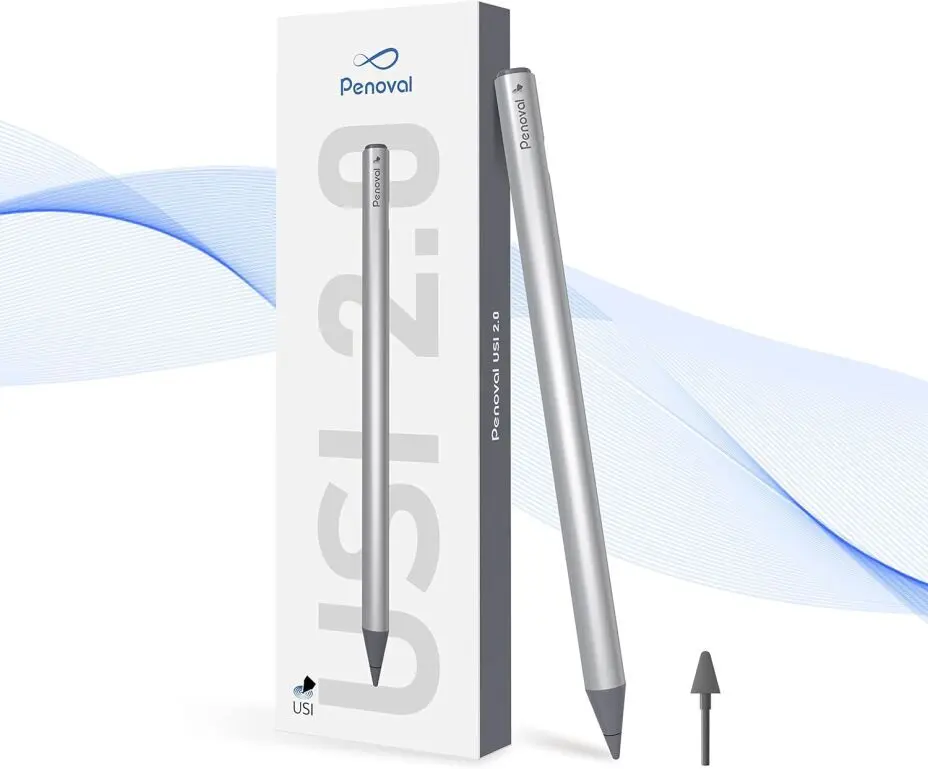
5. Penoval USI 2.0 Stylus for Chromebooks
💰 Price: $59.90
⭐ Best For: Chromebook users and students
✅ Pros:
- Supports USI 2.0 for improved accuracy
- Great for note-taking and sketching
- Compatible with most USI-enabled Chromebooks
❌ Cons: - Limited features compared to premium styluses
- Not compatible with non-USI devices
For Chromebook users, the Penoval USI 2.0 Stylus offers excellent value with its responsive writing and sketching capabilities. It’s designed to work perfectly with USI-enabled Chromebooks, making it a great option for students and professionals alike.
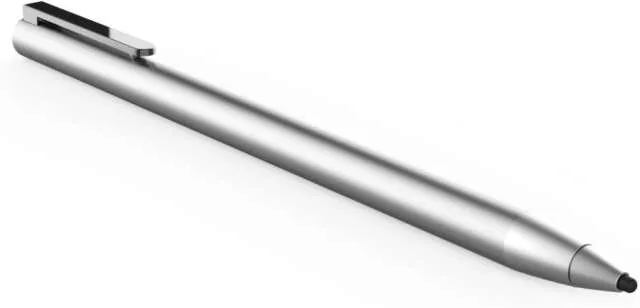
6. Adonit Dash 4 Stylus
💰 Price: $50.00
⭐ Best For: iPad and Android tablet users
✅ Pros:
- Fine point for detailed writing
- Quick charging with micro-USB port
- Compatible with a wide range of devices
❌ Cons: - No pressure sensitivity
- Lacks Bluetooth functionality
The Adonit Dash 3 is an affordable and efficient stylus, perfect for iPad and Android tablet users. Its fine point allows for accurate writing, and it offers excellent value for those looking for a basic stylus without breaking the bank.
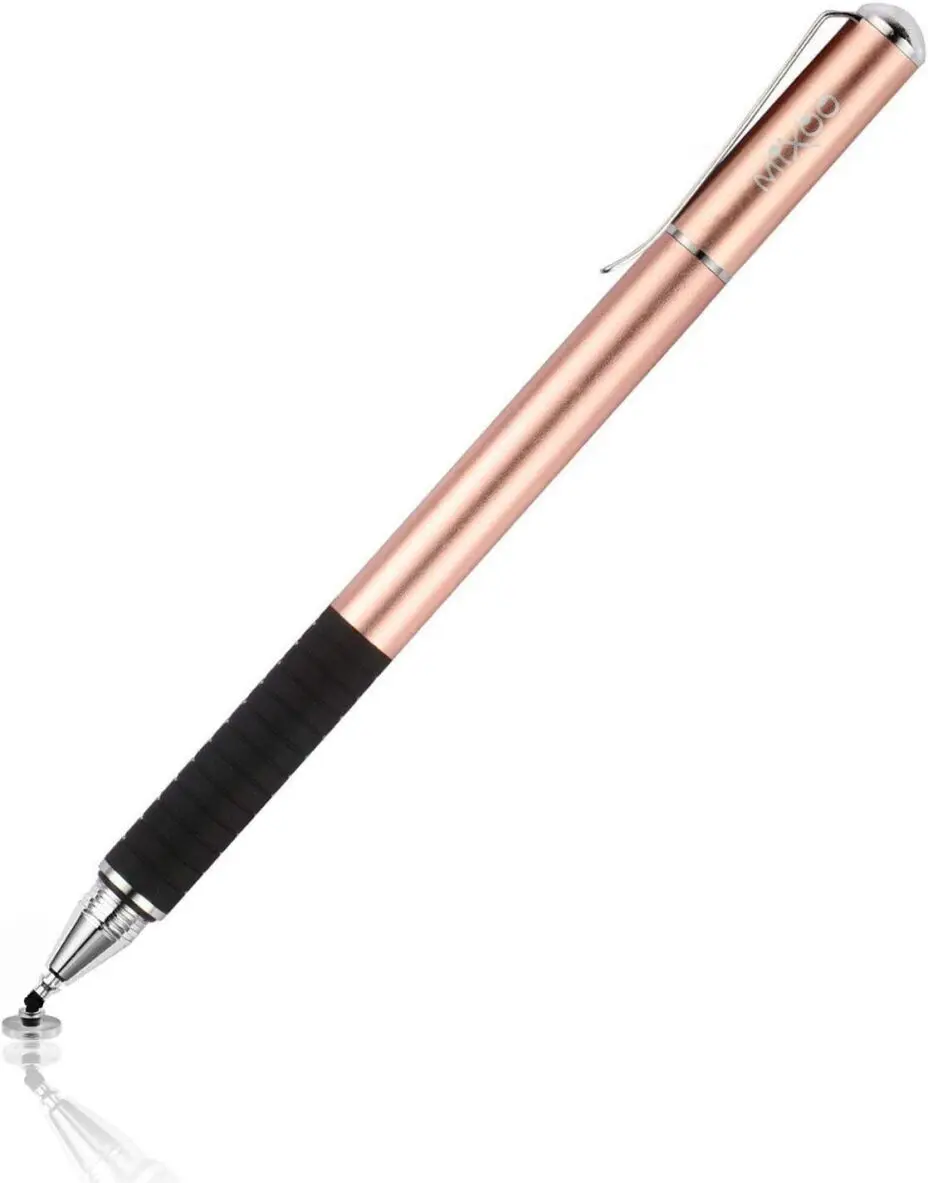
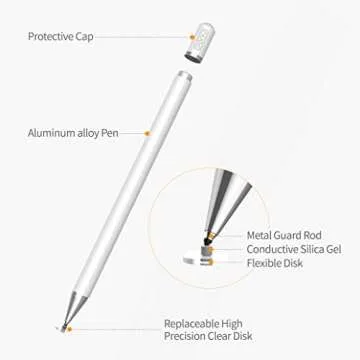
7. Mixoo Capacitive Stylus Pen
Price: $12.00
⭐ Best For: Students, artists, and everyday
users
✅ Pros:
- 2-in-1 design with both disc and fiber tips for versatile use
- High sensitivity and precision for smooth writing and drawing
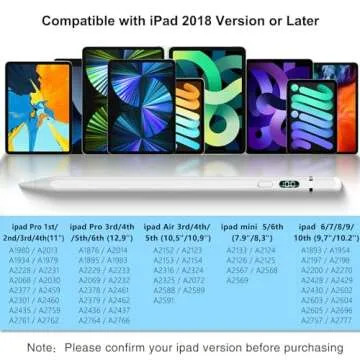
- Universal compatibility with iPad, iPhone, tablets, and other touch screens
-
Rose Gold finish for a stylish, sleek
look
❌ Cons: - No Bluetooth or advanced features like pressure sensitivity
- Shorter battery life compared to premium stylus pens
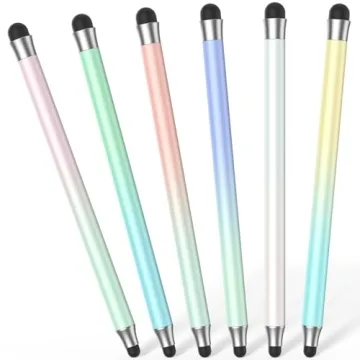
The Mixoo Capacitive Stylus Pen combines functionality and style, perfect for everyday users looking for a reliable, easy-to-use stylus for all types of touch screens. Whether you're taking notes, sketching, or navigating apps, this pen offers smooth, precise control at an affordable price. The 2-in-1 design ensures versatility, making it a great companion for both creative tasks and routine use.
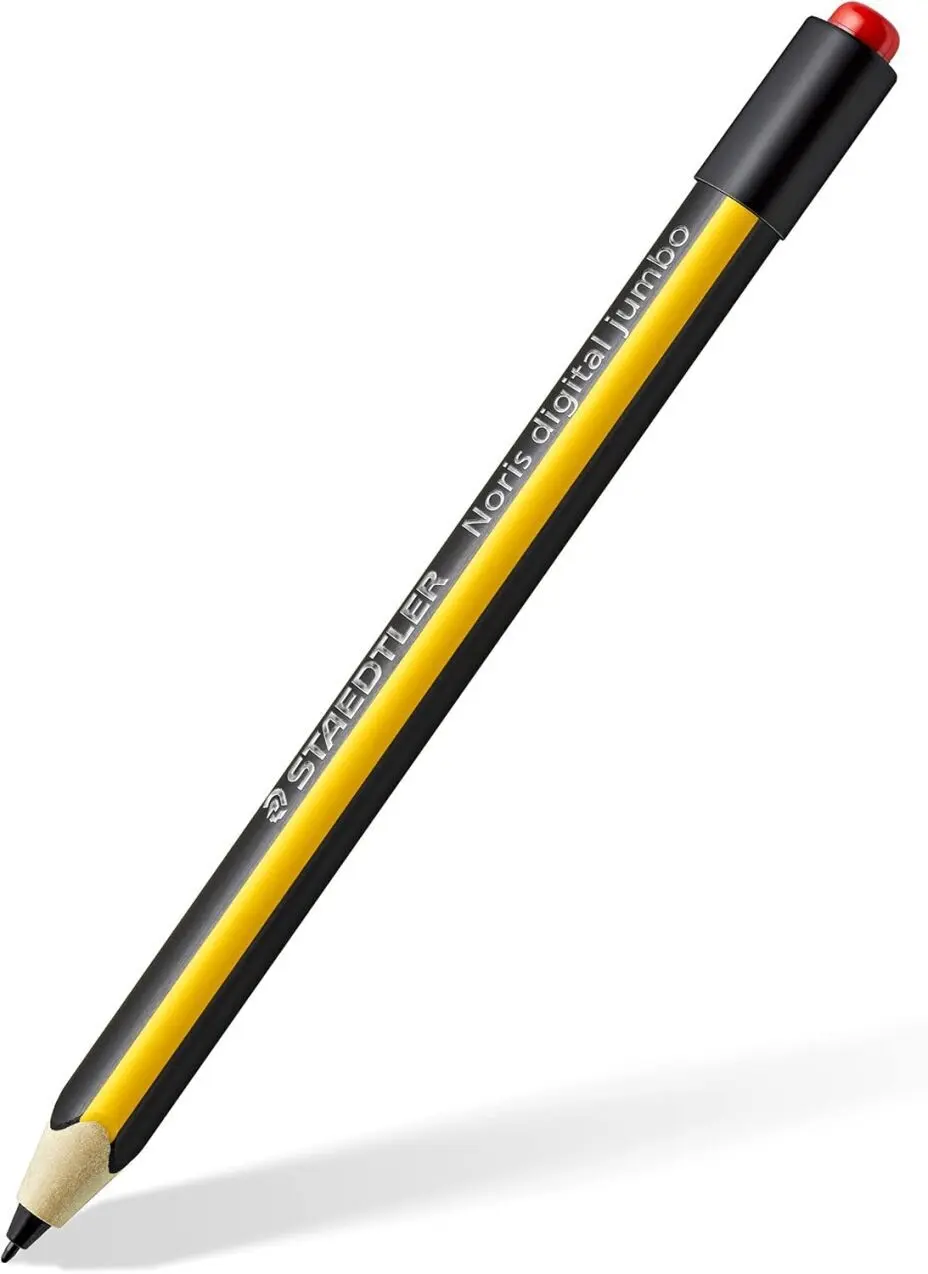
8. STAEDTLER Noris Digital Stylus
💰 Price: $39.00
⭐ Best For: Students and professionals who
prefer a traditional pencil feel
✅ Pros:
- Comfortable, ergonomic design
- Compatible with most touchscreen devices
- High precision and accuracy
❌ Cons: - No Bluetooth or advanced features
- Lacks pressure sensitivity
The STAEDTLER Noris Digital Stylus is designed for users who love the traditional pencil feel while embracing digital technology. It’s perfect for note-taking and simple sketches, offering precision and comfort in a familiar form.
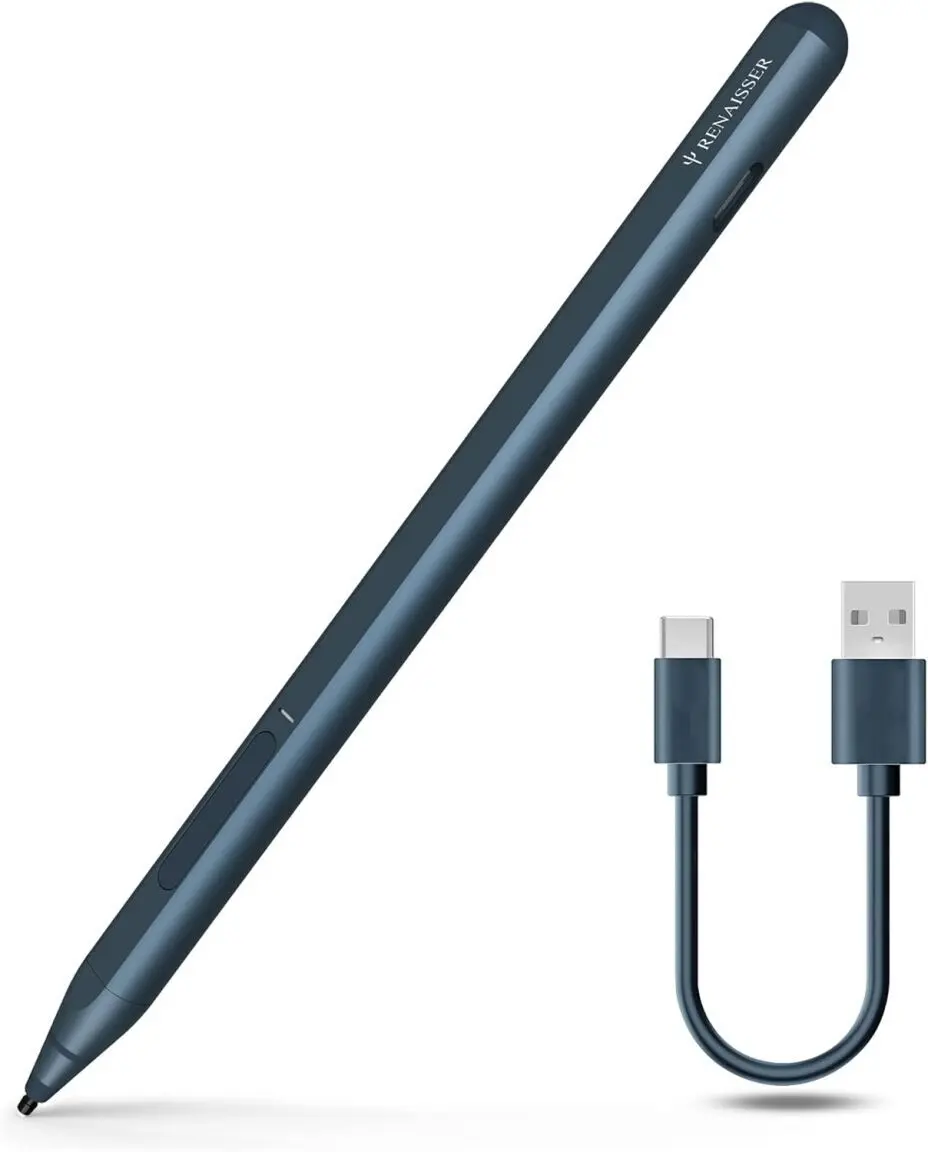
9. RENAISSER Raphael 520C Stylus
💰 Price: $59.00
⭐ Best For: Digital artists and designers
looking for a high-performance stylus
✅ Pros:
- High pressure sensitivity for realistic drawing
- Excellent accuracy and response time
- Compatible with various Android and Chromebook devices
❌ Cons: - Higher price point
- Limited to certain devices for full functionality
The RENAISSER Raphael 520C Stylus is a top-tier option for digital artists and professionals. With its high pressure sensitivity and superior performance, it provides a smooth, responsive experience for intricate artwork and design projects.
Comparison Chart: Top Stylus Pens for Digital Artists and Tablet Users in 2025
| Stylus Name | Best For | Price | Pressure Sensitivity | Bluetooth | Palm Rejection | Charging Type |
|---|---|---|---|---|---|---|
| Samsung Galaxy S Pen Creator Edition | Samsung tablet users, Creatives | $91.22 | High | ✅ | ✅ | USB-C |
| Microsoft Surface Slim Pen 2 | Surface device users, Note-takers | $122.00 | High | ❌ | ✅ | USB-C |
| Lenovo Precision Pen 2 | Lenovo tablet and laptop users | $72.23 | High | ❌ | ✅ | Rechargeable |
| Amazon Fire Max 11 Stylus | Budget-conscious users, Casual note-takers | $28.99 | None | ❌ | ❌ | No charging required |
| Penoval USI 2.0 Stylus for Chromebooks | Chromebook users, Students | $59.90 | Moderate | ❌ | ❌ | Rechargeable |
| Adonit Dash 4 Stylus | iPad and Android tablet users | $50.00 | None | ❌ | ❌ | Micro-USB |
| Mixoo Capacitive Stylus Pen | tudents, artists, and everyday users | $12.00 | None | ❌ | ❌ | No charging required |
| STAEDTLER Noris Digital Stylus | Students, professionals preferring traditional pencil feel | $39.00 | Moderate | ❌ | ❌ | No charging required |
| RENAISSER Raphael 520C Stylus | Digital artists and designers | $59.00 | High | ❌ | ✅ | USB-C |
❓FAQ: Common Questions About Stylus Pens for Digital Artists and Tablet Users
Q1: Can I use any stylus with my tablet?
A1: Not all stylus pens are compatible with
every tablet. Be sure to check if the stylus is designed for your
specific device, as some pens require specific hardware support
like Bluetooth or active touch technology.
Q2: What’s the best stylus for drawing?
A2: For artists, the Samsung Galaxy S
Pen Creator Edition and RENAISSER Raphael
520C are top choices due to their high pressure
sensitivity and smooth response for detailed artwork.
Q3: Do I need Bluetooth in a stylus?
A3: Bluetooth is not essential for basic
writing or drawing but adds useful features like gesture
controls, remote actions, and advanced functions, which can be
beneficial for some users.
Which Stylus Should You Buy?
Best Overall for Samsung Users: Samsung Galaxy S Pen Creator
Edition
Best for Surface Devices: Microsoft Surface Slim Pen
2
Best for Lenovo Users: Lenovo Precision Pen
3
Best Budget Option: Amazon Fire HD 10
Stylus
Best for Chromebooks: Penoval USI 2.0
Stylus
Best for Multi-device Use: Mixoo Capacitive Stylus
Pen
Best for Traditional Feel: STAEDTLER Noris Digital
Stylus
Best for Digital Artists: RENAISSER Raphael 520C
Stylus
Choosing the best stylus depends on your device, budget, and the tasks you'll be using it for. Whether you're a professional artist or a student looking for a simple note-taking tool, there's something in this list for everyone.
💡 Which stylus are you considering? Have you used any of these before? Let us know in the comments and help others make the right choice!







 Continue with Google
Reviews